Transfer Any Design To Your Room
See a room design you love? Upload that inspiration photo along with your room, and AI will transfer the style, color scheme, and aesthetic to your space — while keeping your room's structure intact. Results in 30 seconds.
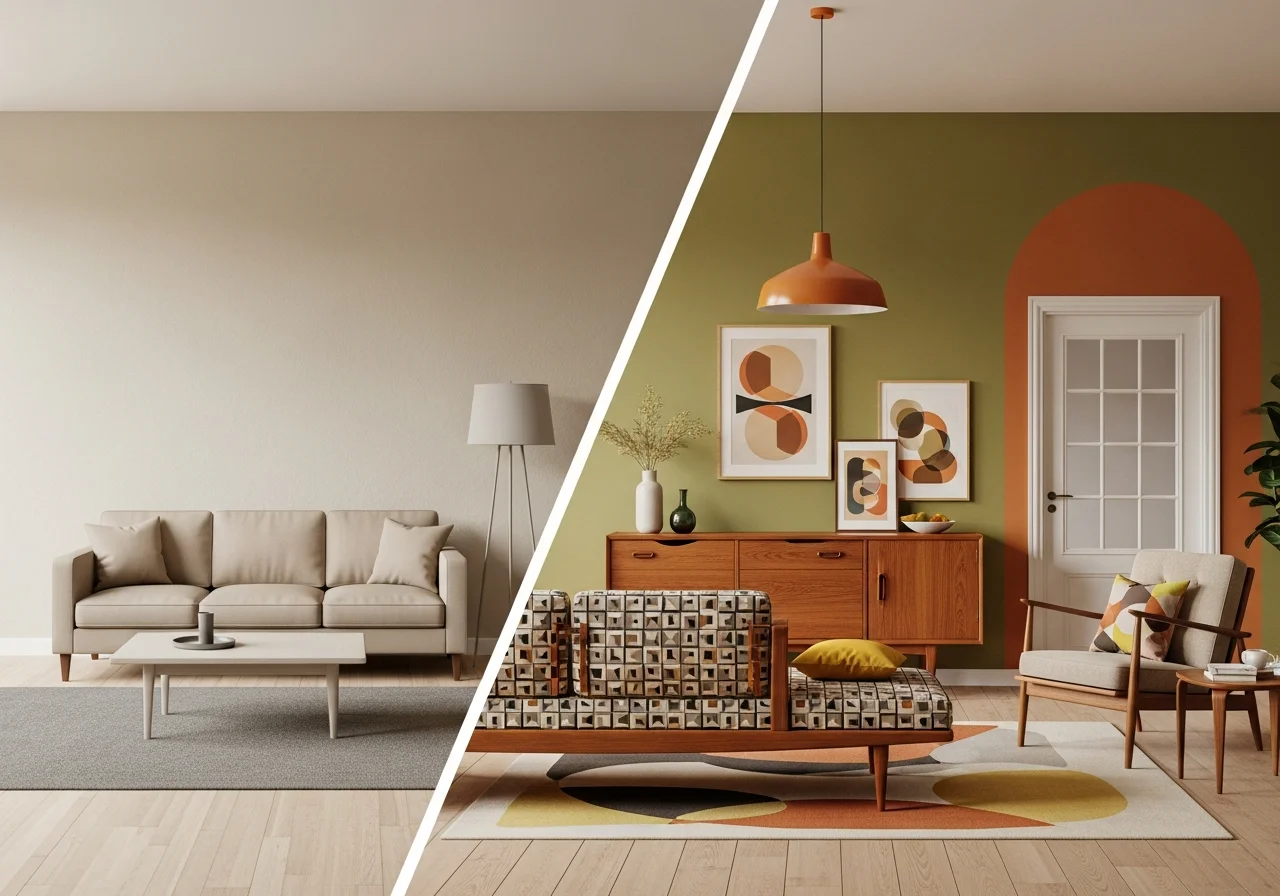
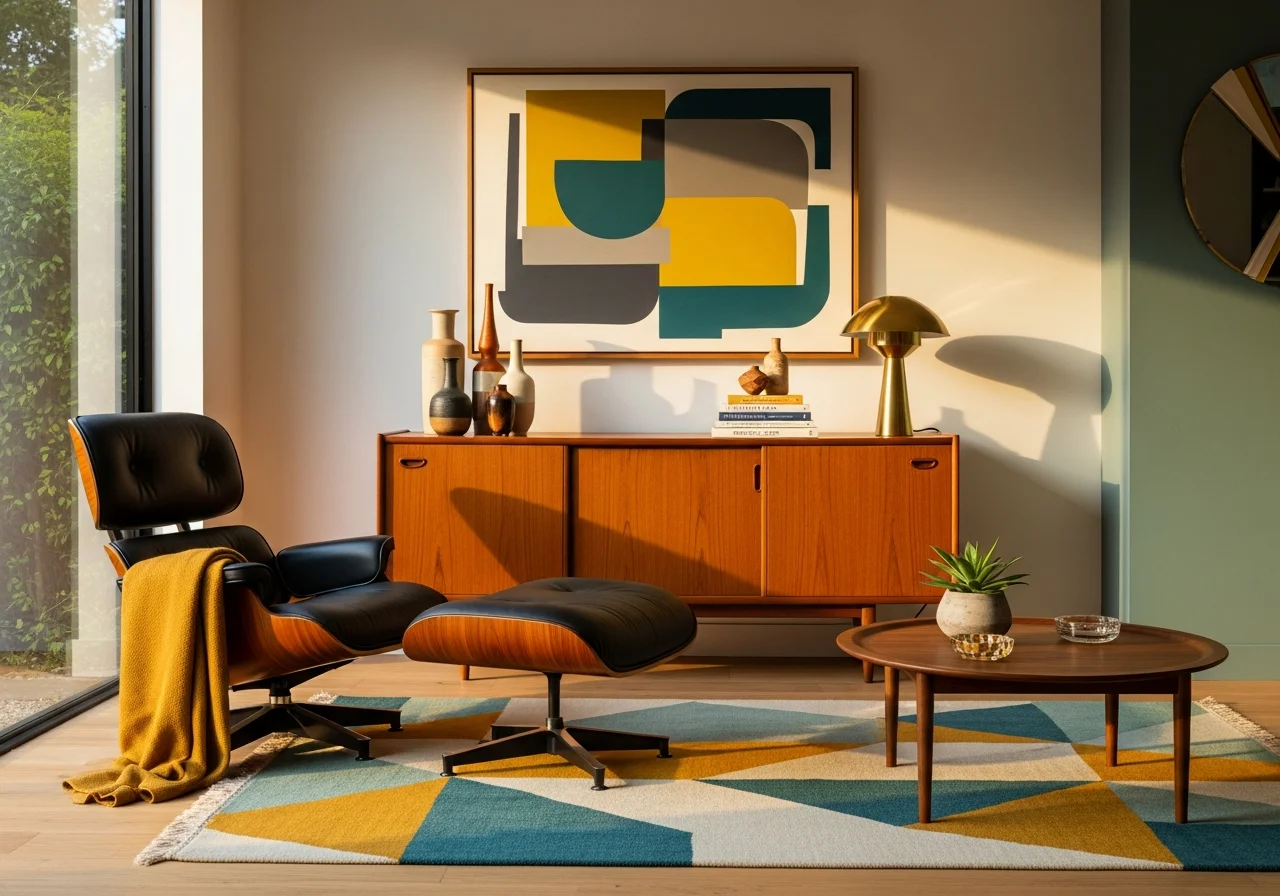
Design Transfer in 3 Simple Steps
Copy any design style to your room without hiring a designer
Upload Both Photos
Upload an inspiration photo showing the style you love, plus a photo of your room that you want to transform.
Adjust Transfer Level
Choose how strongly the inspiration style should be applied — from subtle palette shifts to complete aesthetic transformations.
See Your Styled Room
AI transfers the design style to your space while preserving your room's structure. Compare results and share with anyone.
Popular Design Styles to Transfer
Explore trending aesthetics — each can be transferred to your actual room
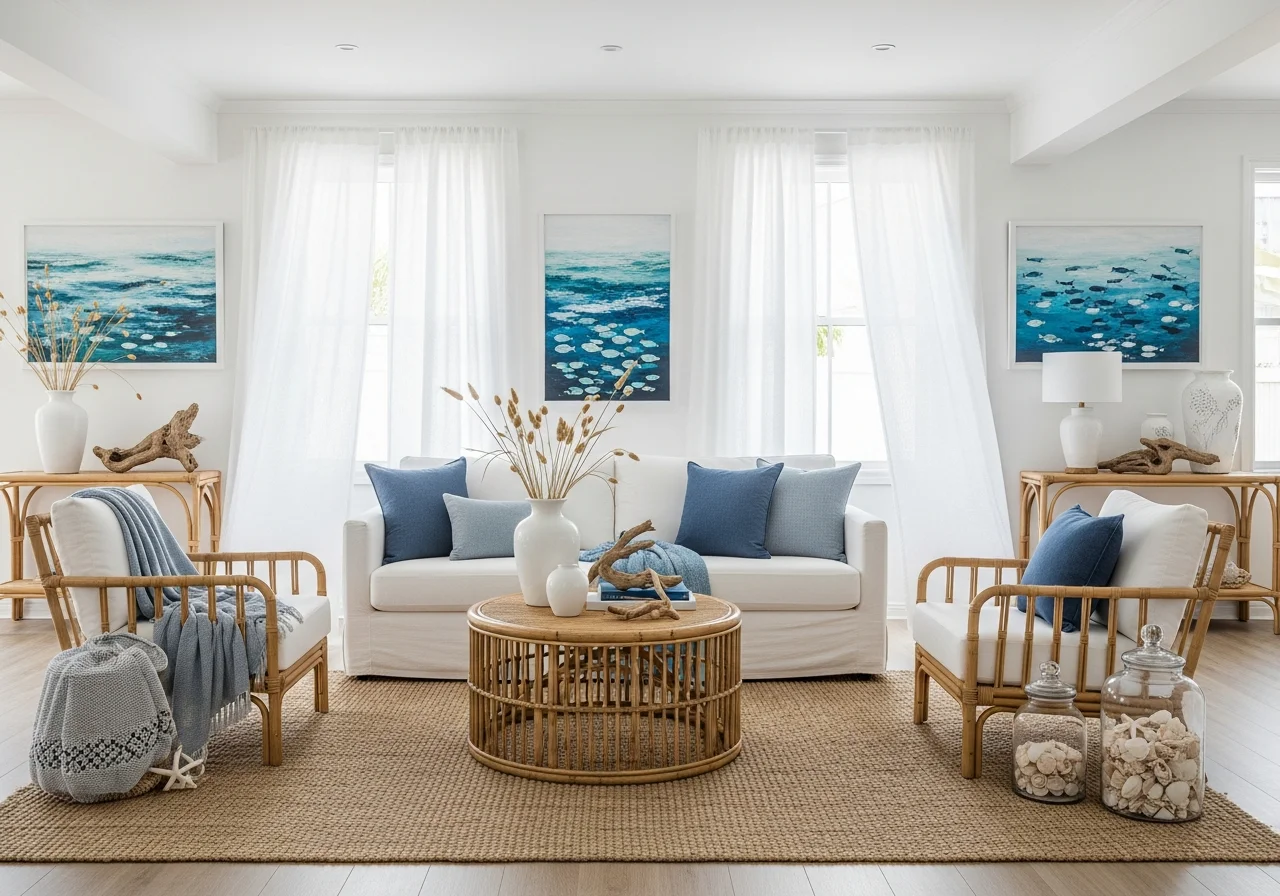
Coastal Retreat
Apply breezy blues, sandy neutrals, and natural materials from seaside interiors to your home
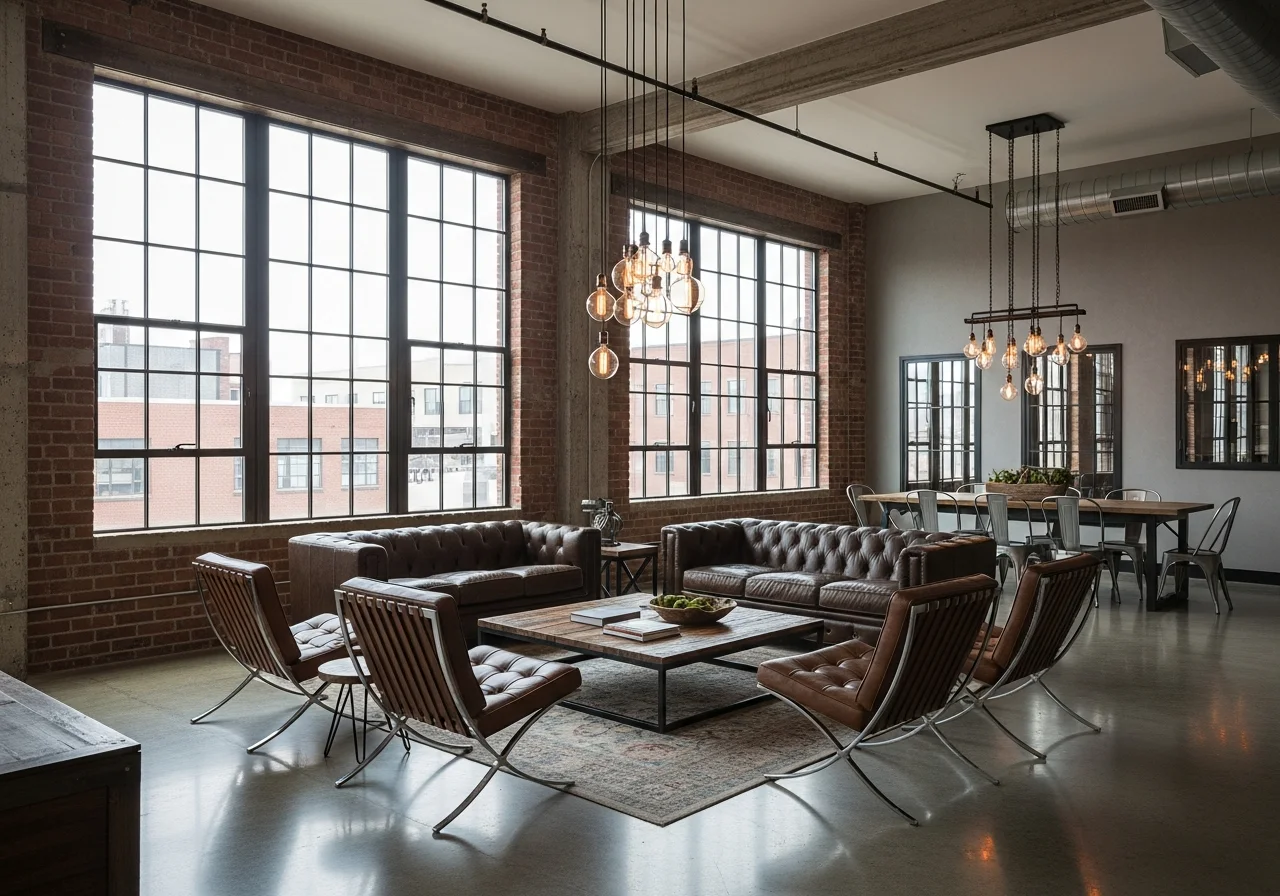
Industrial Loft
Bring exposed brick, metal accents, and raw textures from urban loft photos into any room
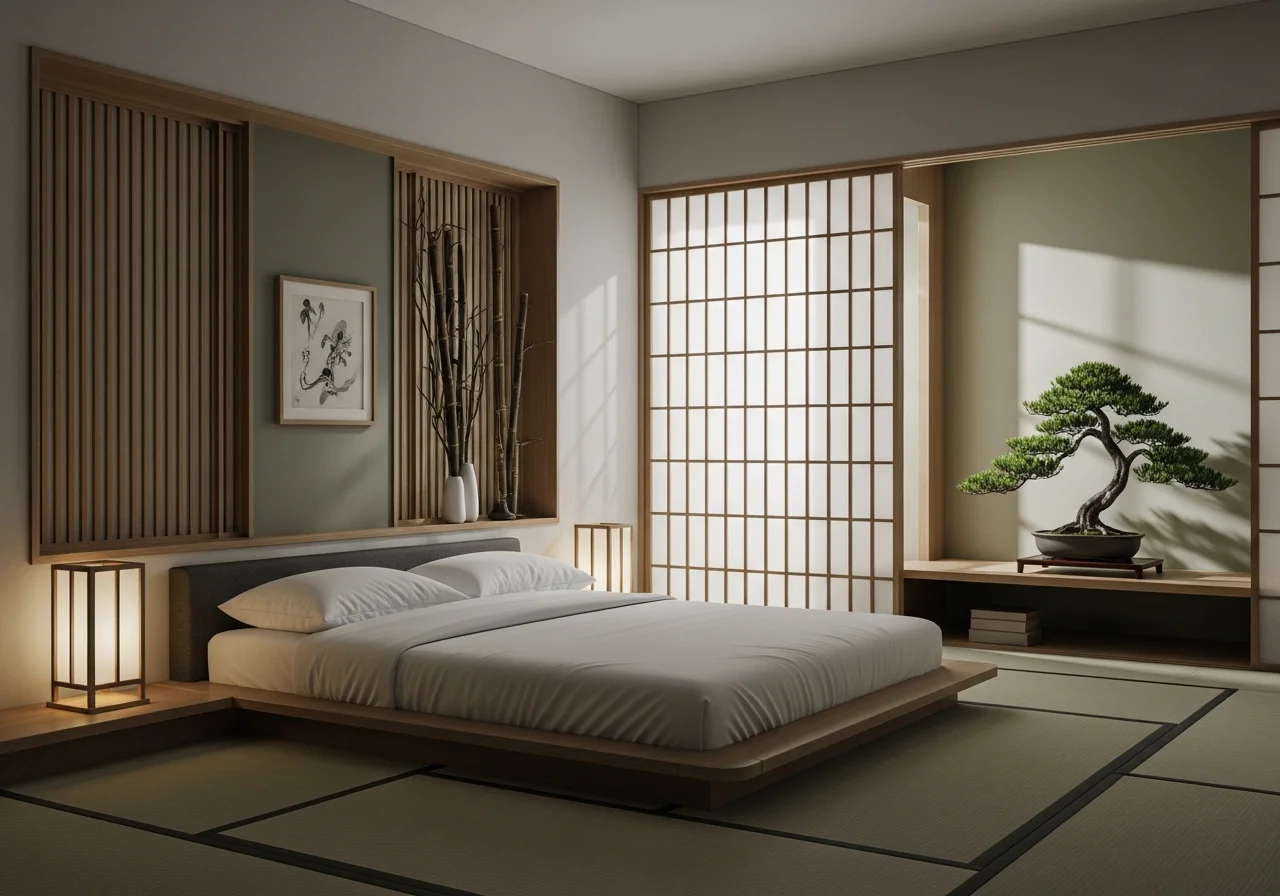
Japanese Zen
Transfer minimalist harmony, natural wood tones, and serene spatial flow from Japanese-inspired interiors
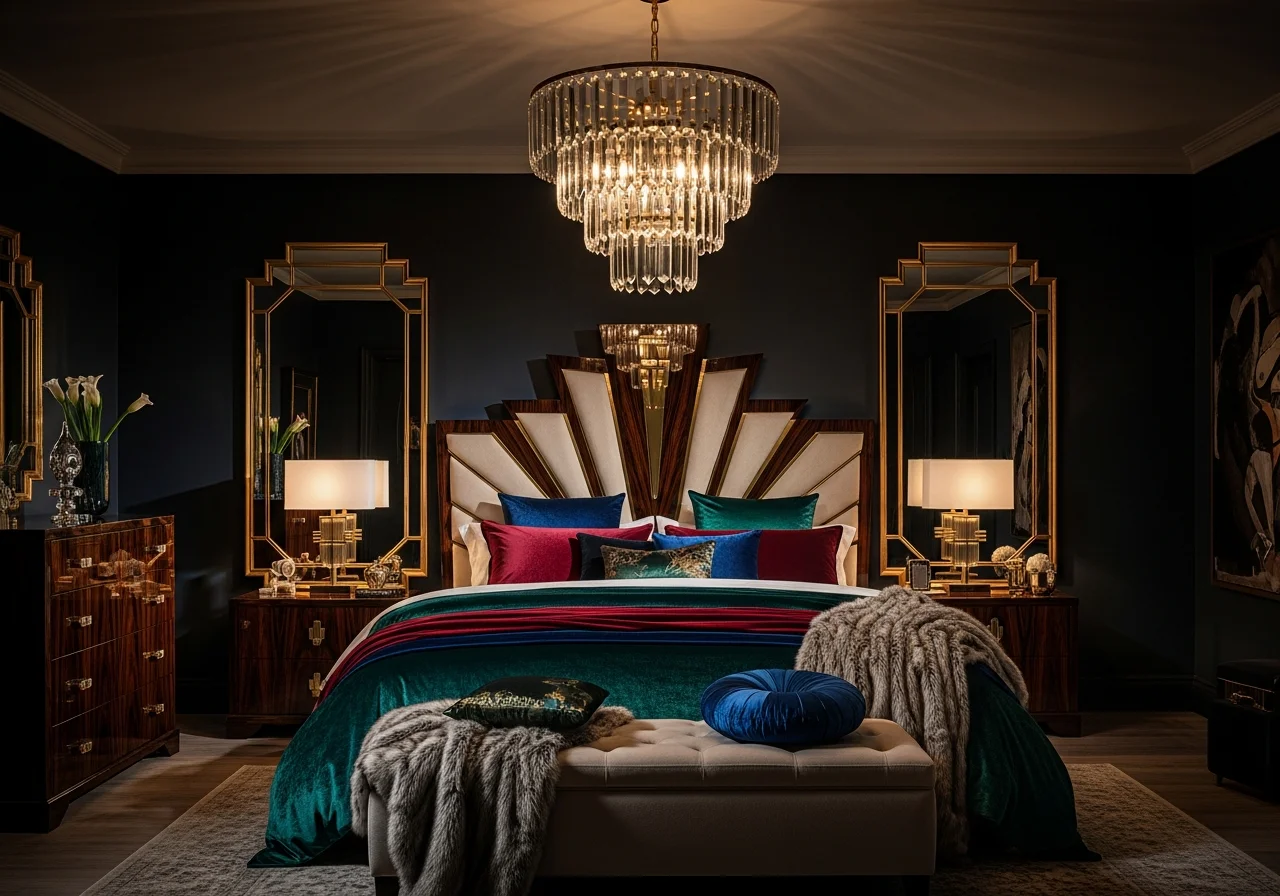
Art Deco Glamour
Adopt bold geometric patterns, rich jewel tones, and luxurious metallic accents from Art Deco design
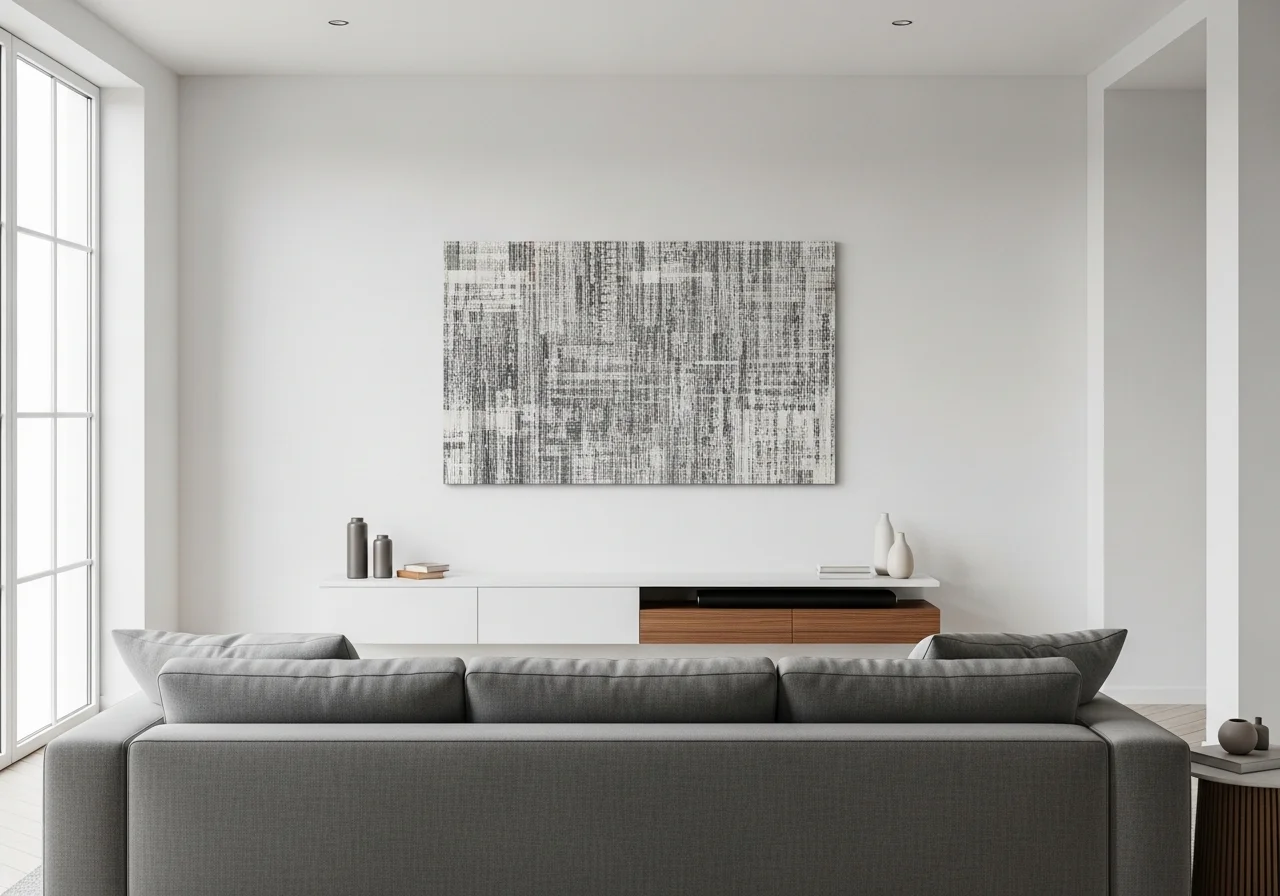
Modern Minimalist
Transfer clean lines, neutral tones, and open layouts from contemporary magazine spreads to your space
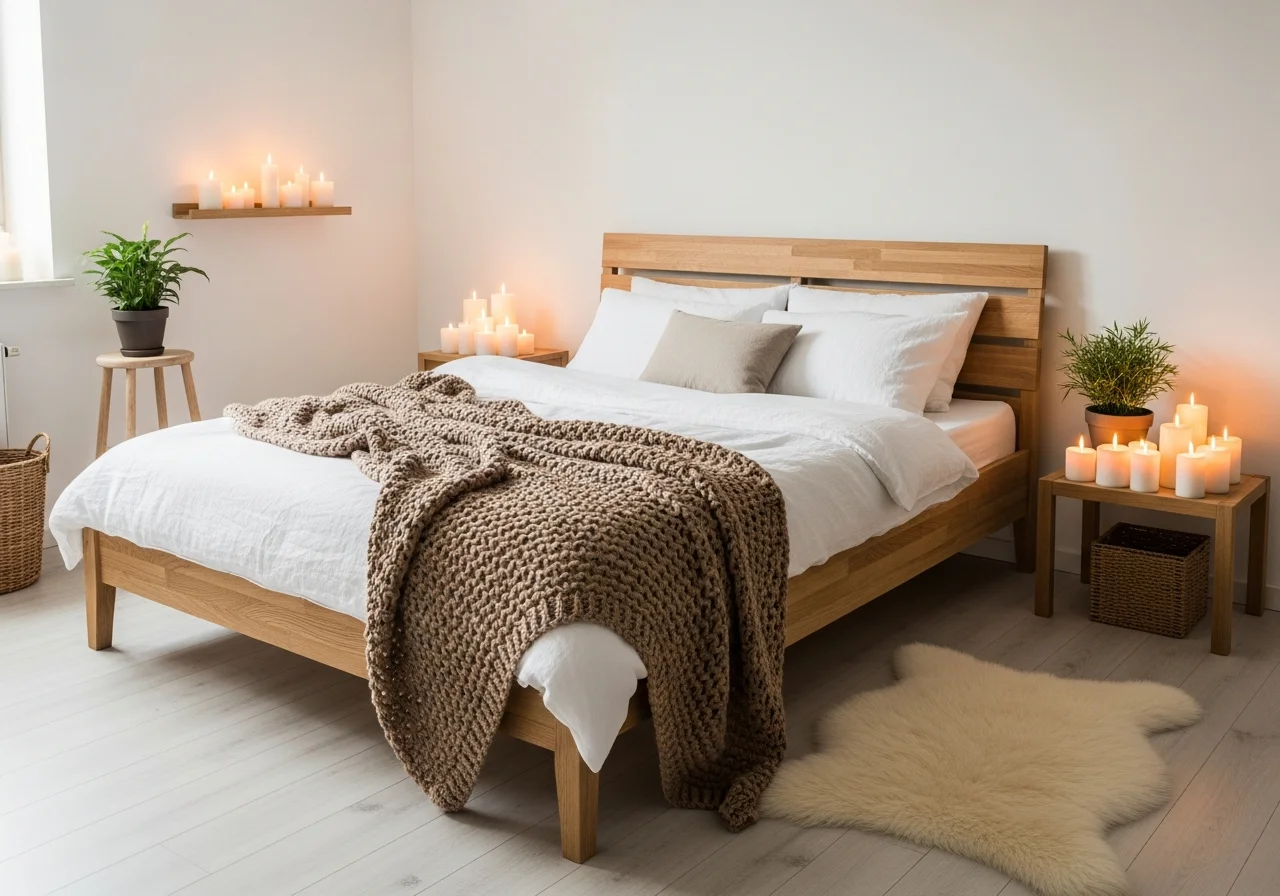
Scandinavian Hygge
Capture the cozy warmth of Nordic interiors — light woods, soft textiles, and muted palettes
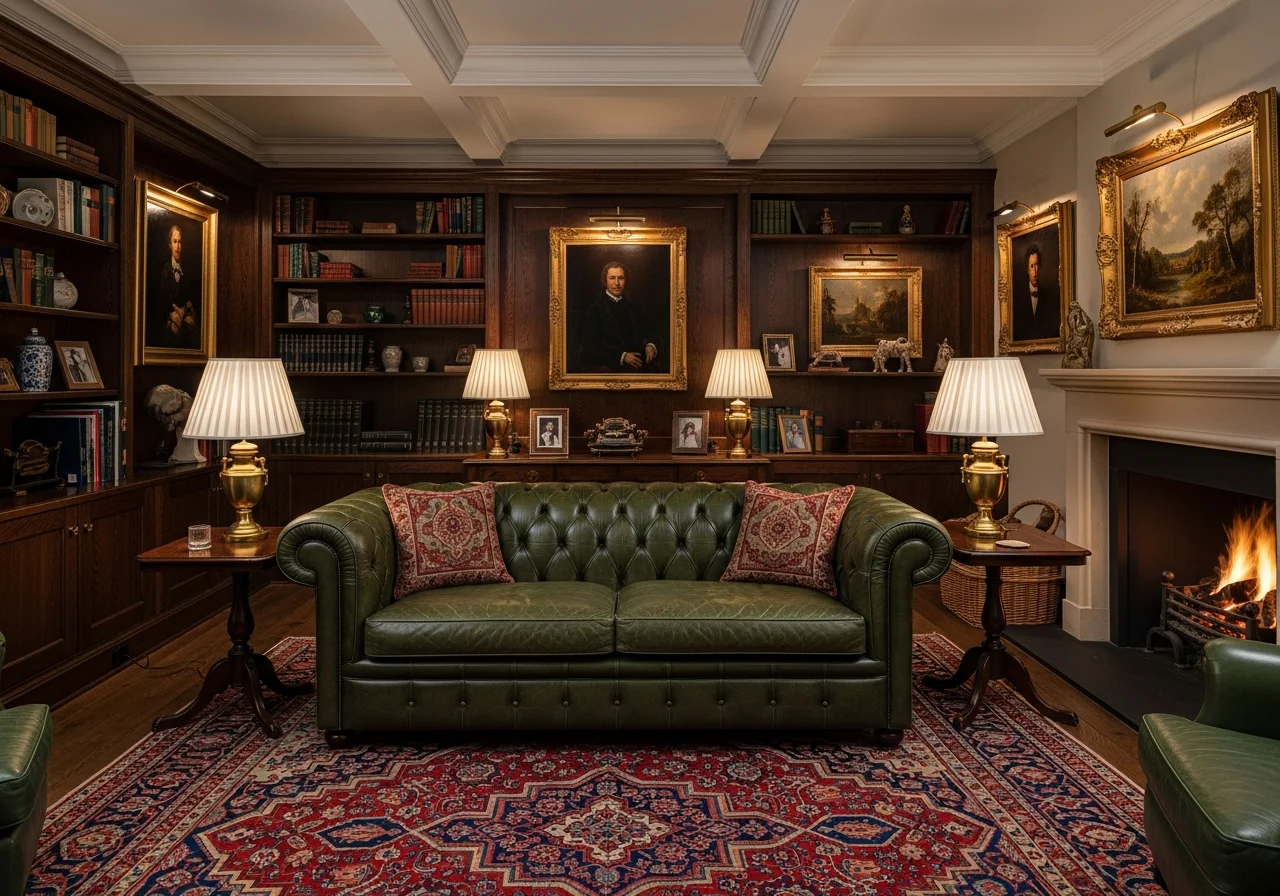
Traditional Elegance
Adopt classic moldings, rich fabrics, and timeless palettes from heritage home photography

Farmhouse Charm
Bring shiplap walls, vintage accents, and warm neutrals from country-inspired Pinterest boards
Trusted by Homeowners, Designers, and Agents
"I found a stunning Scandinavian living room on Pinterest and transferred that exact style to my space. The AI kept my layout but transformed the entire feel — my friends thought I hired a designer."
Amanda K.
Homeowner · Austin, TX
Transferred 6 styles in one evening
"Design transfer cut my presentation prep in half. I pull inspiration photos from Architectural Digest and show clients exactly how that aesthetic looks in their actual rooms. Close rate jumped to 80%."
Carlos M.
Interior Designer · Miami, FL
Uses for 30+ client projects/year
"I transferred a modern farmhouse style onto a dated 1990s listing. The AI renders looked so realistic that the sellers approved a full renovation. Sold above asking within 10 days."
Jennifer L.
Real Estate Agent · Seattle, WA
Styled 20+ listings virtually
"We saved our dream hotel lobby photo and transferred that boutique aesthetic to our living room. The color palette, furniture style, and overall vibe came through perfectly. Incredible tool."
David H.
Homeowner · Nashville, TN
Completed full living room redesign
"Instead of describing a vision to clients, I show them. I transfer three different styles onto their empty rooms and let them pick. Staging consultations went from 2 hours to 30 minutes."
Rachel S.
Home Stager · Boston, MA
Stages 15+ homes per quarter
"Clients bring me magazine clippings and say 'I want this.' Now I upload both photos and show them a realistic transfer instantly. No more guessing games — signed four contracts last month."
Michael T.
General Contractor · Denver, CO
Increased close rate from 35% to 70%
"I photographed my favorite restaurant's interior and transferred that moody, industrial vibe to my home office. The AI nailed the color scheme and lighting mood. I feel like I work in a designer space now."
Sophie W.
Homeowner · San Francisco, CA
Transformed 3 rooms in one weekend
"Managing rental turnovers is easier with design transfer. I show landlords trending styles on their actual units — they approve upgrades faster when they can see the end result upfront."
Brian P.
Property Manager · Chicago, IL
Refreshed 12 rental units in 2026
Why Homeowners Choose HanoDecor Design Transfer
Trusted by 3 million homeowners, designers, and real estate professionals worldwide
Any Inspiration Source
Upload photos from Pinterest, magazines, Instagram, hotels, restaurants — any design you love.
AI Style Analysis
Deep learning extracts color palettes, textures, materials, and design patterns from your inspiration.
Adjustable Transfer
Control how strongly the style is applied — subtle influence, balanced blend, or full transformation.
Structure Preserved
Your room's architecture, dimensions, and layout stay intact while the aesthetic transforms.
Multiple Styles
Try different inspiration photos on the same room — compare Scandinavian vs. Industrial vs. Coastal.
Export & Share
Download high-res before-and-after renders to share with designers, contractors, or family.
3M+
Styles Transferred
50+
Design Styles
150+
Countries
4.8
User Rating
Built for Everyone Who Designs
Whether you're recreating a Pinterest board or presenting style options to clients, AI design transfer saves time and delivers stunning results
Homeowners
Recreate Any Room You Love
- Save a photo from Houzz, Pinterest, or Instagram and transfer its style to your actual room
- Experiment with multiple inspiration sources before committing to a design direction
- Share AI-generated style transfers with family to align on the perfect aesthetic
Interior Designers
Speed Up Client Presentations
- Transfer magazine-quality styles onto client rooms for instant mood board realism
- Reduce revision rounds by showing exact style transfers on actual spaces upfront
- Export high-resolution renders for professional design decks and client approvals
Real Estate Professionals
Virtual Style Staging for Listings
- Transfer trending design aesthetics onto dated listing photos for buyer appeal
- Show potential buyers how a space could look in multiple popular styles — NAR reports staged homes sell 73% faster
- Create compelling before-and-after listing content with zero physical staging costs
Contractors & Renovators
Win More Design Projects
- Present realistic style previews during estimate visits to close deals faster
- Eliminate miscommunication by showing clients exactly what their renovation will look like
- Use AI-generated renders for portfolio marketing and project proposals
Design Style Articles and Guides
Expert articles to help you discover styles, understand trends, and plan your room transformation
Design Transfer Tips from Style Professionals
Practical advice to help you find the right inspiration and achieve the best style transfers
Use high-quality inspiration photos for the best results
Well-lit, high-resolution photos produce the most accurate style transfers. Magazine spreads and professional photography from Architectural Digest, Elle Decor, and design portfolios work best. Avoid blurry or heavily filtered images.
Start with subtle transfer levels before going full transformation
Begin at a moderate transfer level to see how the inspiration style blends with your room's existing features. You can always increase the intensity. This approach often reveals unexpected combinations that look even better than a full style swap.
Match inspiration photos to your room type for natural results
Transfer a living room style to your living room, a bedroom style to your bedroom. While cross-room transfers work, matching room types produces the most cohesive and realistic results because the AI can better map furniture and spatial elements.
Try multiple inspiration sources to discover your true style
Don't settle on the first transfer. Upload 3-5 different inspiration photos to see how various aesthetics look in your actual space. Many homeowners discover they prefer an unexpected style once they see it applied to their own room.
Related Visualization Tools
Explore other AI-powered tools for your home renovation
Overall Design Quality Rating
Rate your experience:
Design Transfer FAQs
Answers to common questions about style transfer, inspiration photos, and design accuracy
Transfer Your Dream Design Today
Upload an inspiration photo and your room — AI transfers the style in seconds. Completely free to try.
Free Trial 7 days, cancel anytime. Design results in 30 seconds
Need help? Support center · View pricing