AI Furniture Removal Clear Any Room
Upload a photo and watch AI digitally remove furniture, clutter, and objects — leaving clean empty spaces. Perfect for real estate photography, renovation planning, and starting fresh with room design. Results in under 30 seconds.
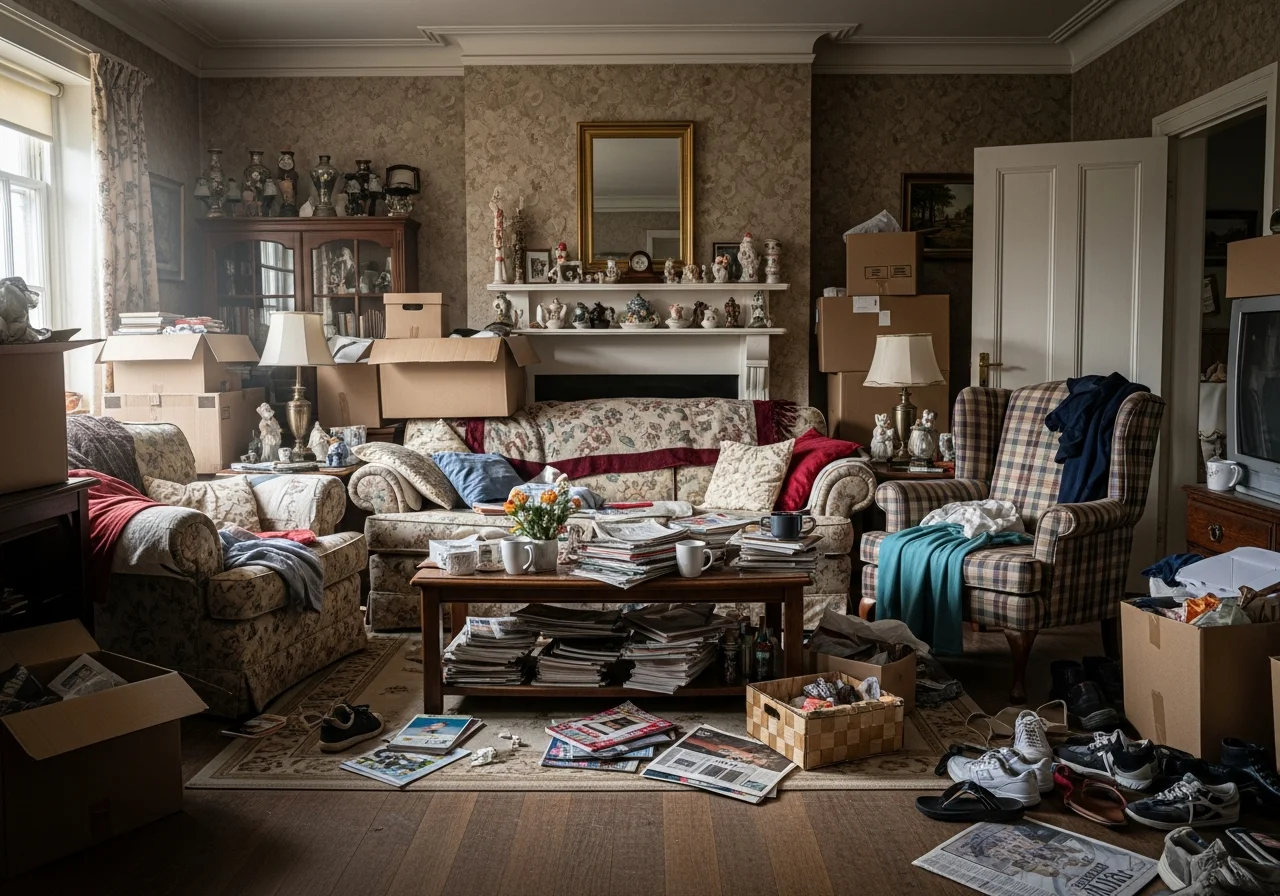
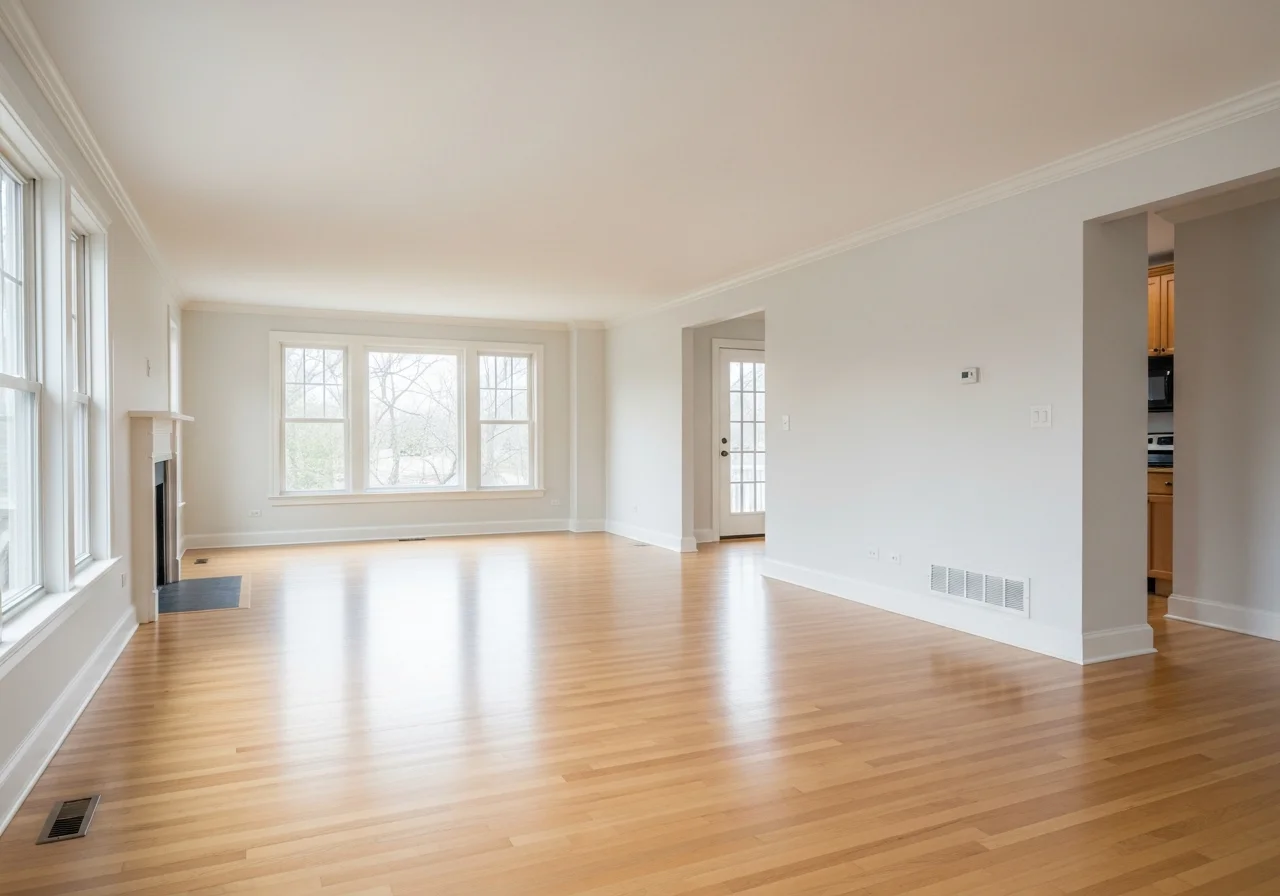
Remove Furniture in 3 Simple Steps
Digitally clear any room — no Photoshop skills required
Upload Your Room Photo
Snap a photo of any furnished room — works with any lighting condition, any angle.
Select What to Remove
Choose to remove all furniture at once, or selectively pick specific items to erase from the scene.
Download Cleared Room
AI removes objects and reconstructs backgrounds seamlessly. Download high-res images and share instantly.
Clear Any Room Type with AI
Remove furniture from any space — each cleared room is ready for redesign or listing photos
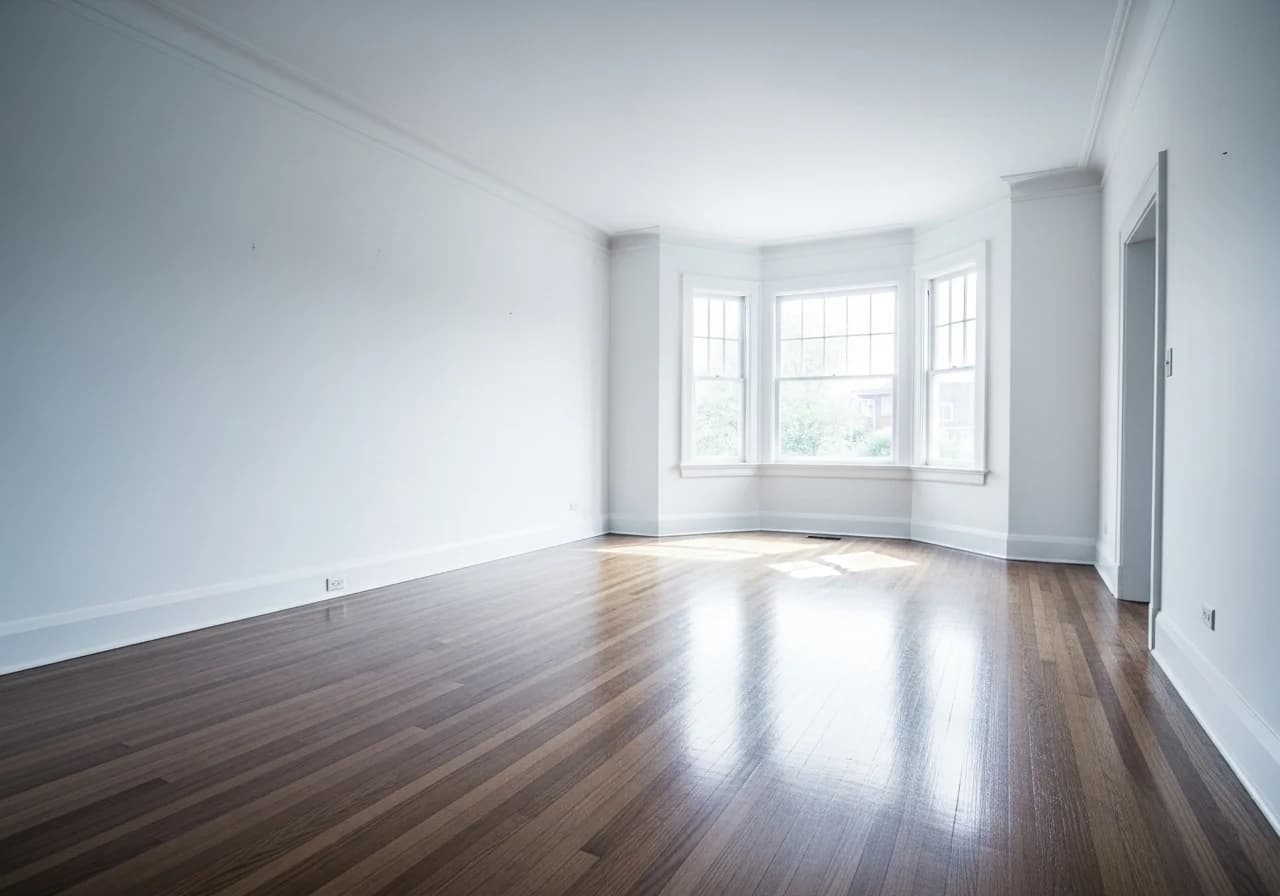
Empty Living Room
Remove sofas, tables, and decor to reveal clean open floor plans for staging
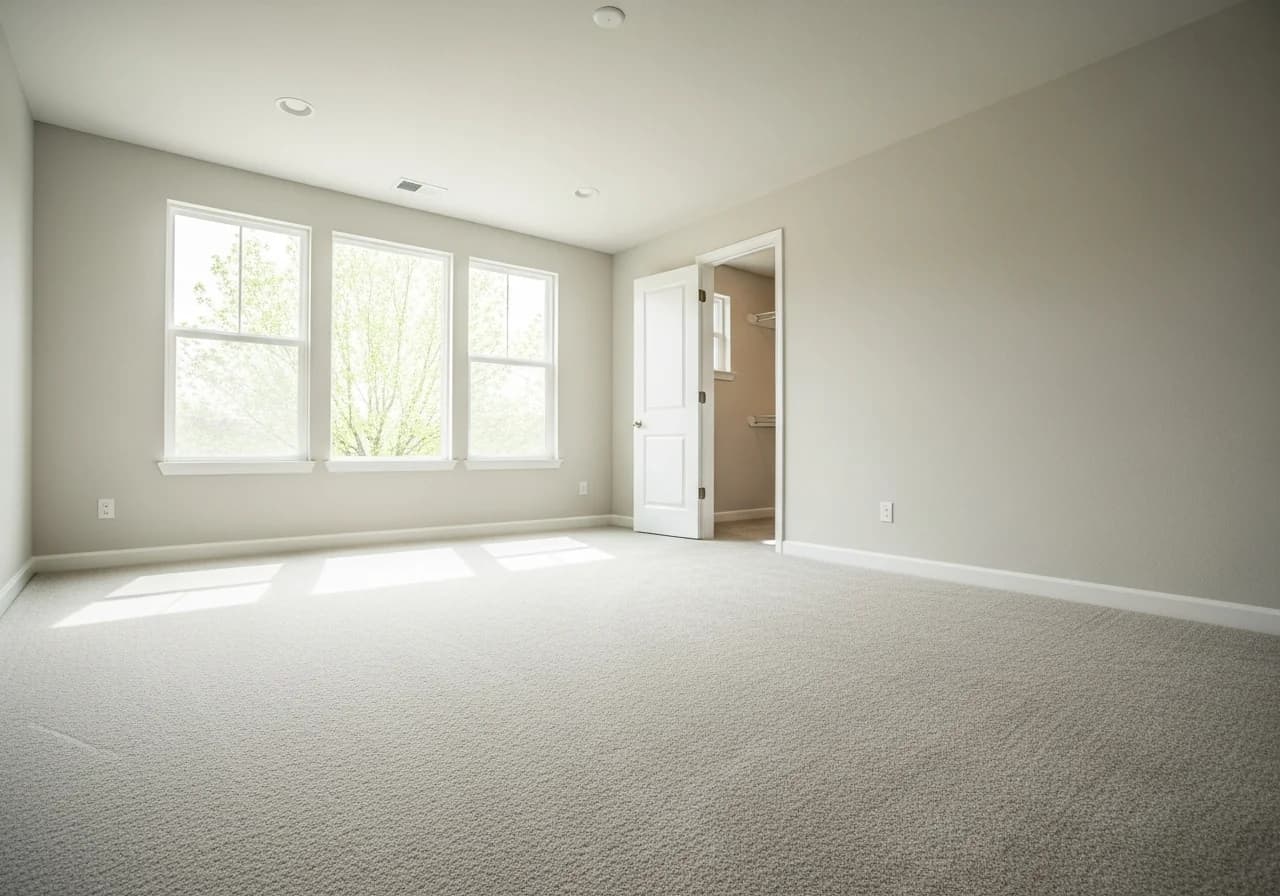
Cleared Bedroom
Strip beds, dressers, and nightstands for a blank canvas ready for redesign
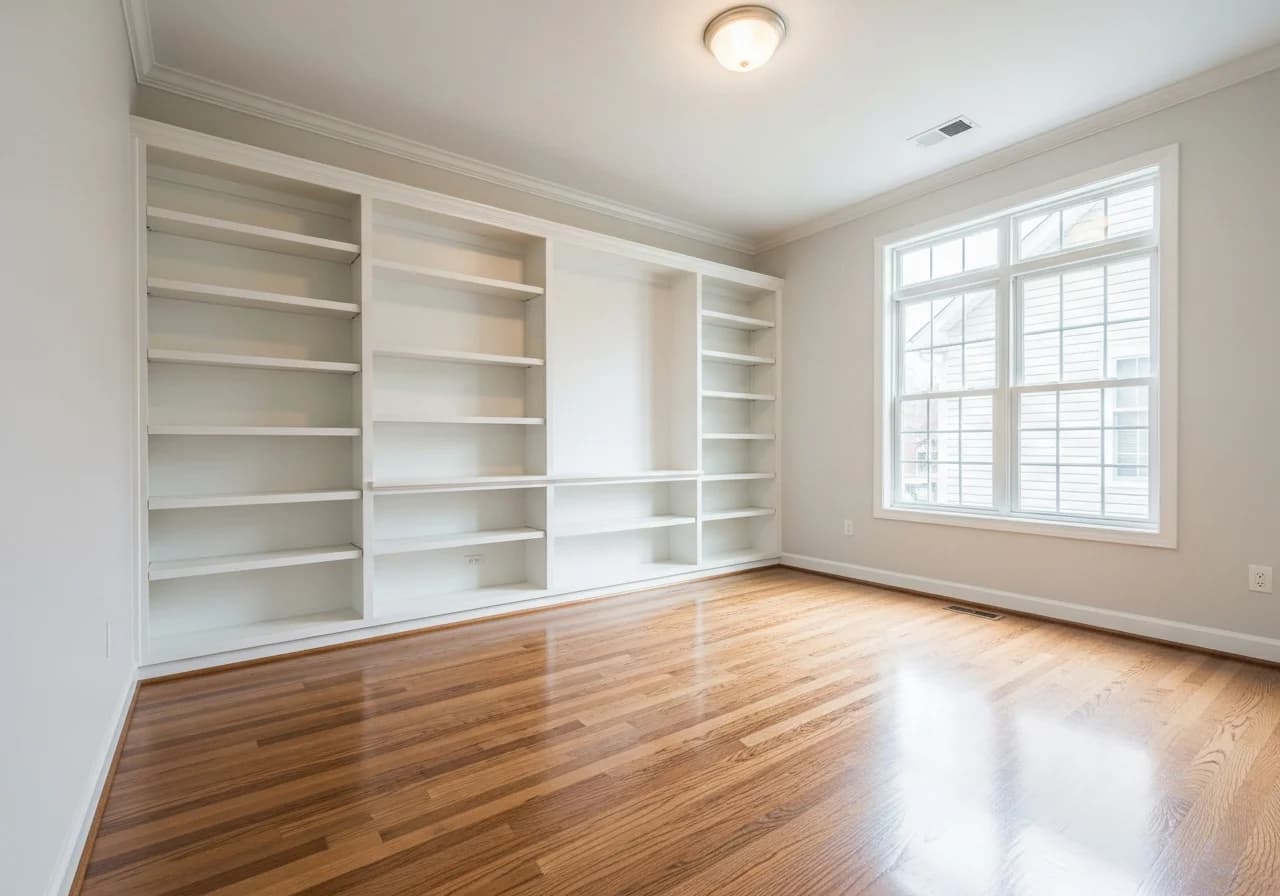
Empty Home Office
Clear desks, chairs, and electronics for a fresh workspace layout planning
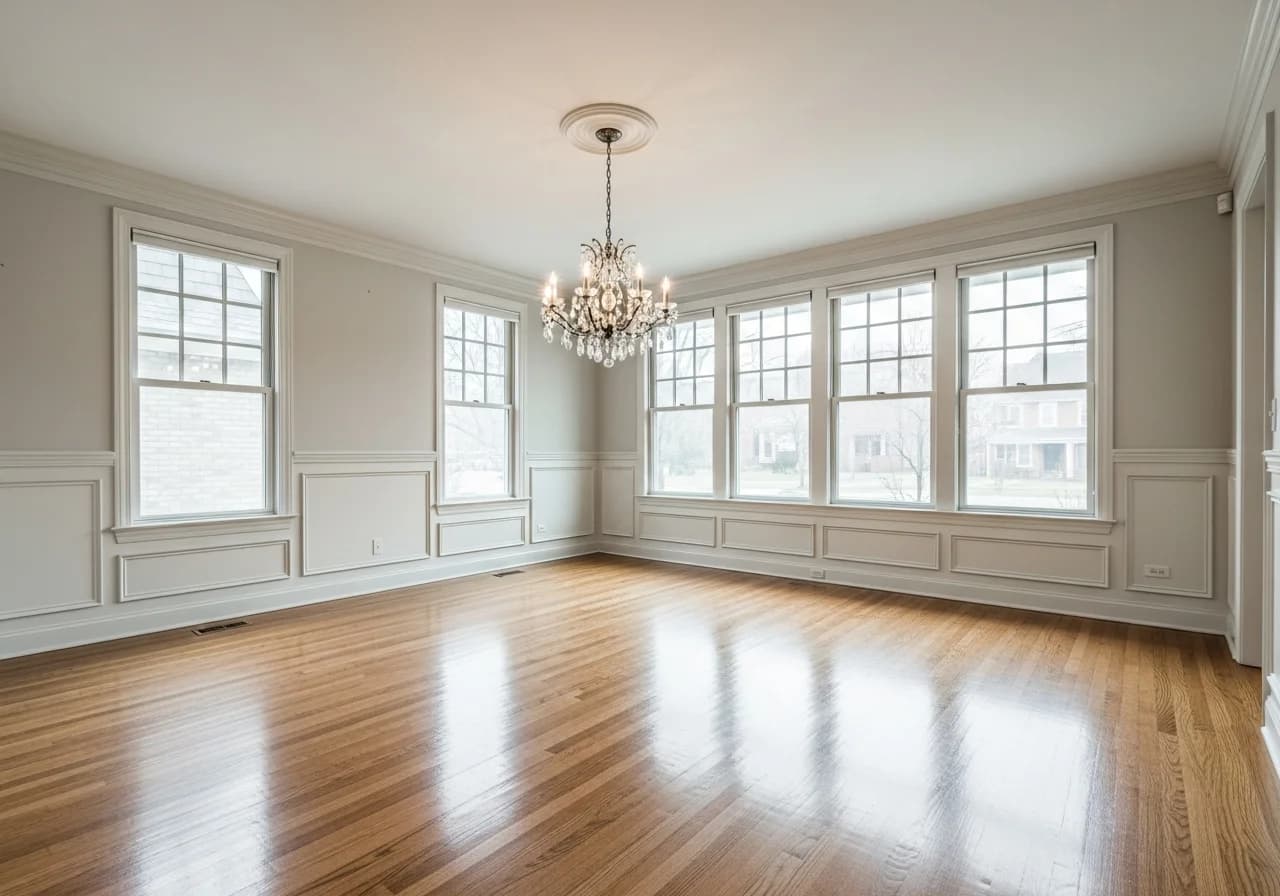
Open Dining Room
Remove dining sets and buffets to showcase room dimensions and natural light
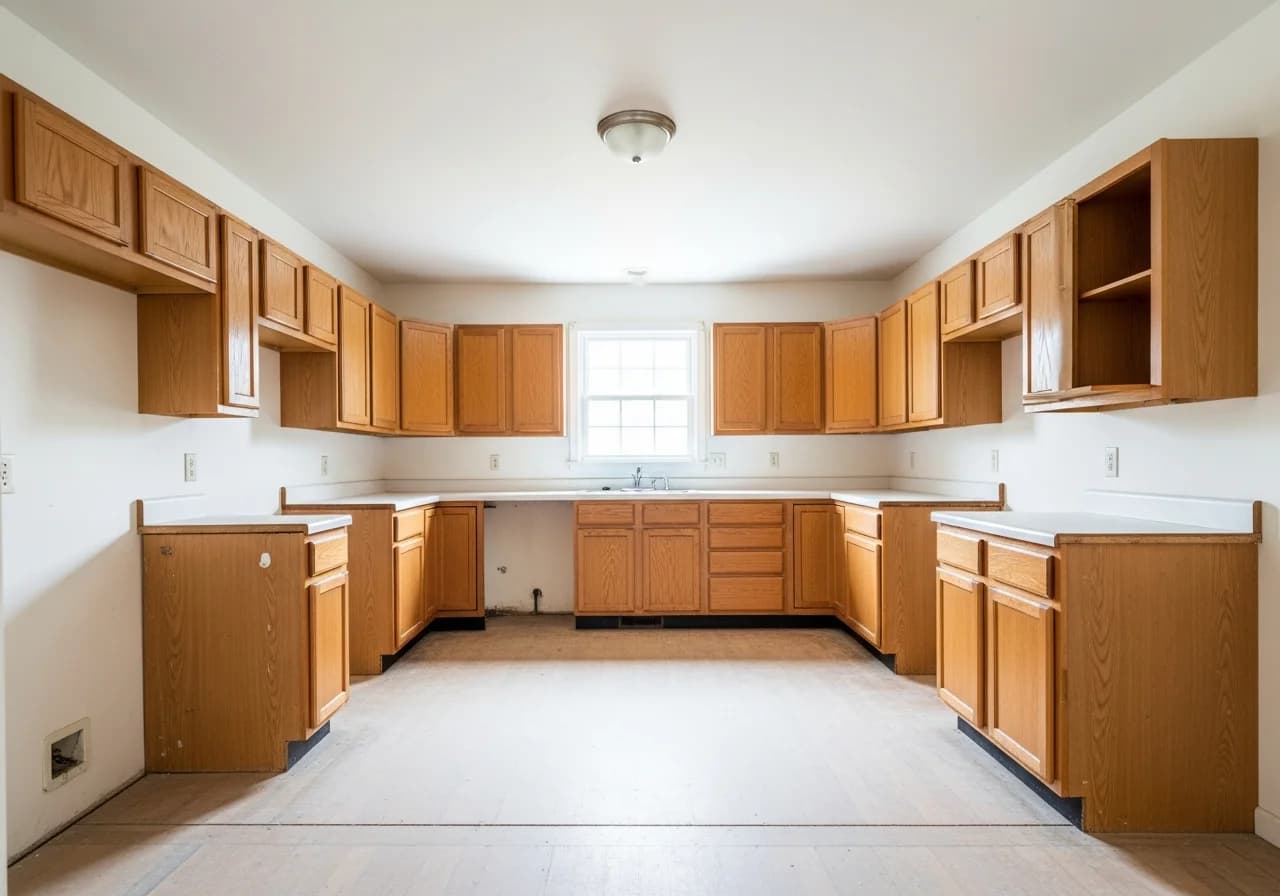
Bare Kitchen
Remove countertop clutter, portable appliances, and kitchen island accessories
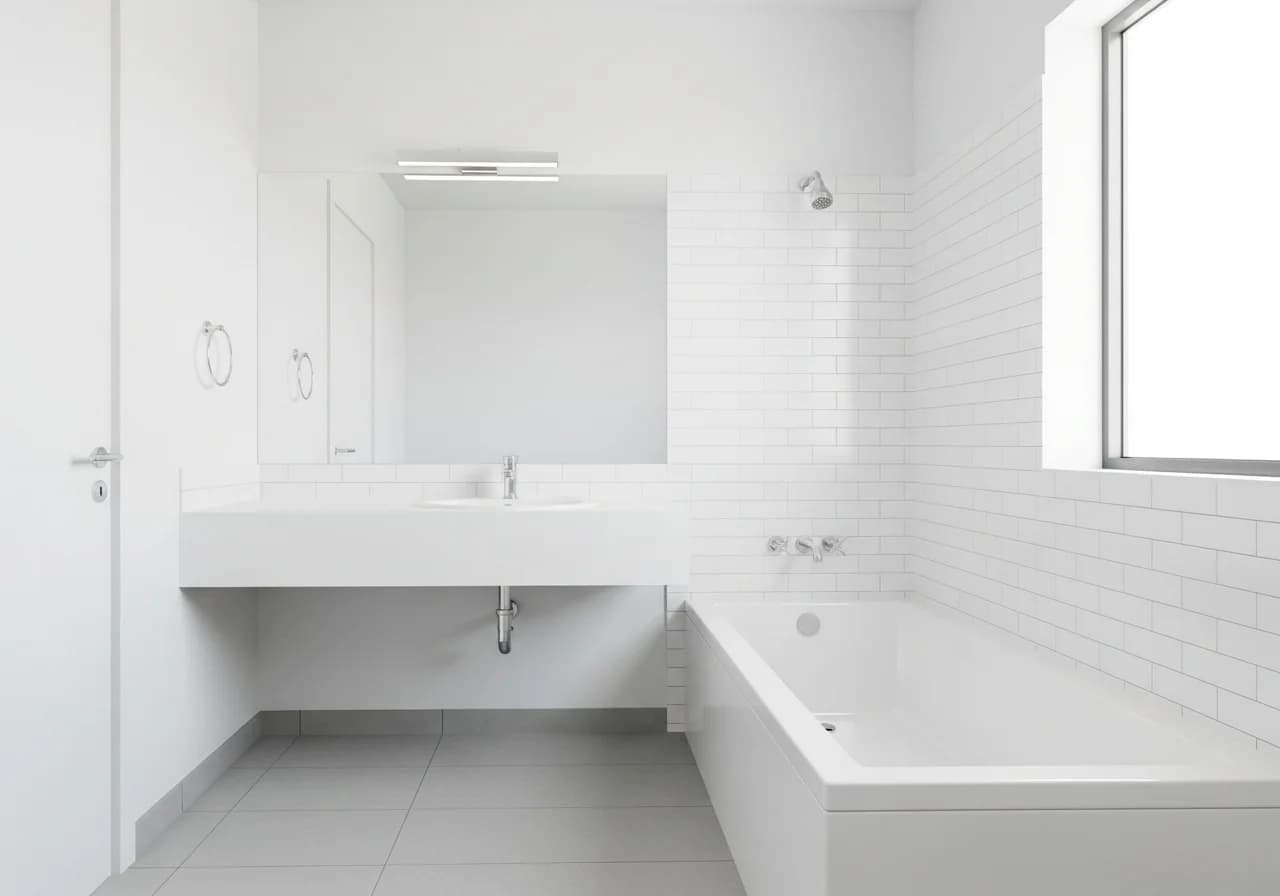
Clean Bathroom
Clear toiletries, towels, and personal items for pristine real estate photos
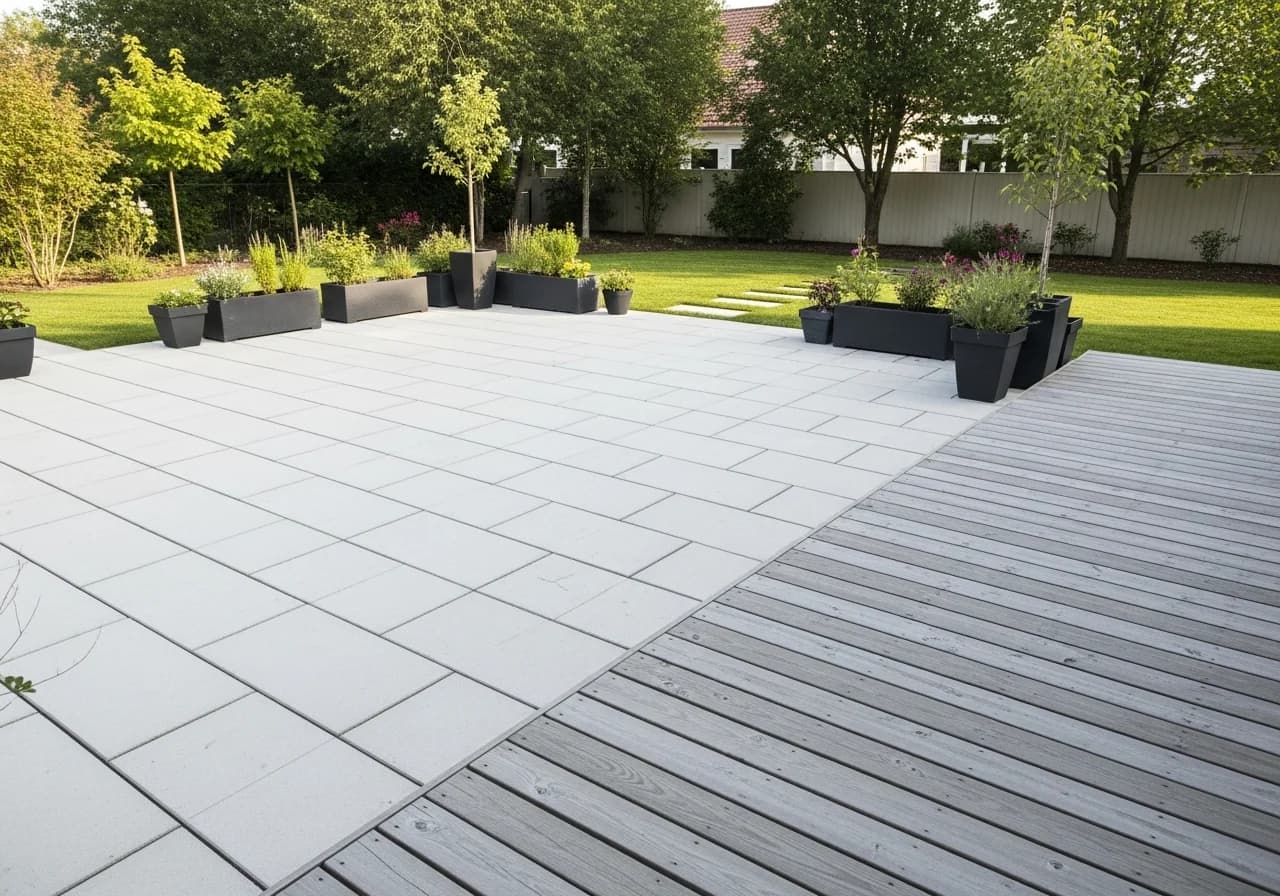
Vacant Outdoor Space
Remove patio furniture and planters to visualize landscape renovation potential
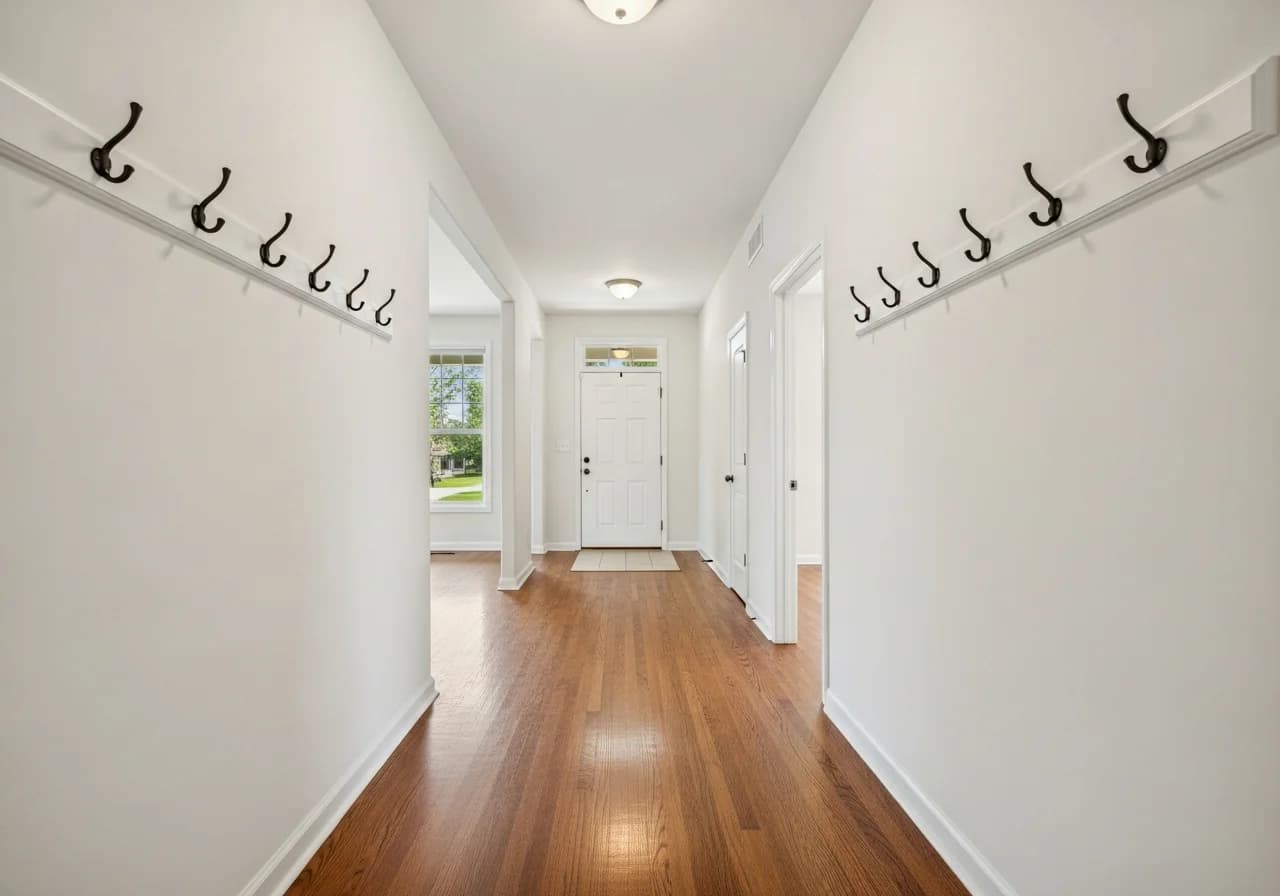
Cleared Entryway
Strip coat racks, shoe storage, and decor for a welcoming first impression
Trusted by Agents, Designers, and Homeowners
"I removed all the seller's dated furniture from listing photos in minutes. Buyers could finally see the beautiful hardwood floors and room proportions. Three offers came in the first weekend."
Amanda K.
Real Estate Agent · Austin, TX
Sold 12 homes using cleared photos
"We wanted to completely redo our living room but couldn't visualize it with all the old furniture in the way. HanoDecor cleared everything out digitally and we could finally plan our new layout."
David H.
Homeowner · Seattle, WA
Redesigned 3 rooms from scratch
"Clients always struggle to imagine their space without existing furniture. Now I remove everything digitally first, then overlay my design concepts. Approval rates jumped from 50% to 85%."
Christina M.
Interior Designer · Miami, FL
Designs 30+ rooms per year
"Scheduling vacant property shoots was my biggest bottleneck. Now I photograph occupied homes and digitally remove furniture. My turnaround time dropped from 5 days to same-day delivery."
Robert J.
Real Estate Photographer · Nashville, TN
Processes 50+ listings per month
"Tenants' furniture made it impossible to photograph units for new listings. The AI furniture removal gives me professional vacant shots without waiting for move-out day."
Stephanie L.
Property Manager · Denver, CO
Manages 45 rental units
"My wife and I disagreed on new furniture until we saw our rooms completely empty. It was like seeing the house for the first time again. We finally agreed on a minimalist Scandinavian layout."
Jason T.
Homeowner · Phoenix, AZ
Furnished entire home using cleared previews
"Instead of physically moving furniture out for staging, I remove it digitally and then virtually stage with modern pieces. Saves my clients thousands in physical staging costs."
Monica R.
Home Stager · Chicago, IL
Staged 25+ homes virtually in 2026
"Homeowners can't picture renovation results with furniture everywhere. I clear the room digitally, then show them the proposed changes. My proposal acceptance rate doubled."
Brian W.
Renovation Contractor · San Francisco, CA
Won 18 renovation contracts this quarter
Why Professionals Choose HanoDecor Furniture Removal
Trusted by 2 million real estate professionals, designers, and homeowners worldwide
One-Click Upload
Upload any room photo from smartphone, tablet, or desktop — any angle, any lighting.
AI Object Detection
Automatically identifies furniture, decor, and clutter — no manual selection required.
Smart Background Fill
Reconstructs walls, floors, baseboards, and windows hidden behind removed objects.
Selective Removal
Remove everything at once or pick specific items — keep what you want, erase what you don't.
Photo-Realistic Results
AI preserves lighting, shadows, and perspective for naturally empty-looking rooms.
Export & Share
Download high-res before-and-after images for listings, presentations, or design boards.
2M+
Rooms Cleared
50+
Object Types
120+
Countries
4.8
User Rating
Built for Everyone Who Needs Clean Spaces
Whether you're listing a property, planning a renovation, or redesigning from scratch — AI furniture removal saves time and money
Real Estate Agents
Virtual Vacant Staging
- Remove seller's furniture to create virtually vacant listing photos
- Show buyers the true room dimensions without distracting personal items
- NAR reports virtually staged homes sell 73% faster than unstaged ones
Homeowners
Plan Your Renovation
- See your rooms completely empty before buying new furniture
- Visualize how much space you actually have for new layouts
- Share cleared room photos with interior designers for accurate planning
Interior Designers
Start with a Blank Canvas
- Remove existing furniture to present fresh design concepts to clients
- Eliminate visual clutter so clients can focus on your proposed layout
- Export high-resolution cleared images for mood boards and presentations
Photographers
Perfect Real Estate Shots
- Digitally remove furniture from occupied properties for MLS listings
- Clean up cluttered rooms without scheduling a second photo session
- Deliver professional vacant-look photos without costly physical staging
Room Clearing & Staging Articles
Expert articles to help you prepare rooms for photography, renovation, and redesign
Furniture Removal Tips from Design Professionals
Practical advice to get the best results from AI furniture removal
Photograph rooms from corners for best AI results
Wide-angle corner shots give the AI more context for background reconstruction. NAR photography guidelines recommend 7-10 feet back from the main wall. This helps the AI accurately fill in floors and baseboards after furniture removal.
Use cleared rooms to plan furniture layouts before buying
Interior designers recommend seeing your space completely empty before purchasing new furniture. ASID reports that homeowners who plan with empty room photos spend 30% less on furniture by avoiding impulse purchases that don't fit the space.
Combine furniture removal with virtual staging for listings
Top-performing real estate agents remove existing furniture first, then virtually stage with modern pieces. NAR data shows this two-step approach increases buyer interest by 40% compared to showing the seller's original furnishings.
Clear rooms digitally before renovation consultations
Renovation contractors report that clients make faster decisions when shown empty room visualizations. NAHB research shows cleared room photos reduce the design consultation phase by 2-3 weeks on average.
Related Visualization Tools
Explore other AI-powered tools for your home renovation
Overall Design Quality Rating
Rate your experience:
AI Furniture Removal FAQs
Answers to common questions about AI object removal, background fill, and real estate photography
Clear Your Rooms with AI Today
Upload a photo, remove furniture and clutter instantly, and see your space with fresh eyes — completely free to try.
Free Trial 7 days, cancel anytime. Design results in 30 seconds
Need help? Support center · View pricing