Free Color Palette Generator
Create harmonious color palettes in seconds with AI. Upload a photo, enter a hex code, or describe your desired mood — then preview palettes directly on your room photos. Used by 5 million designers, homeowners, and professionals worldwide.
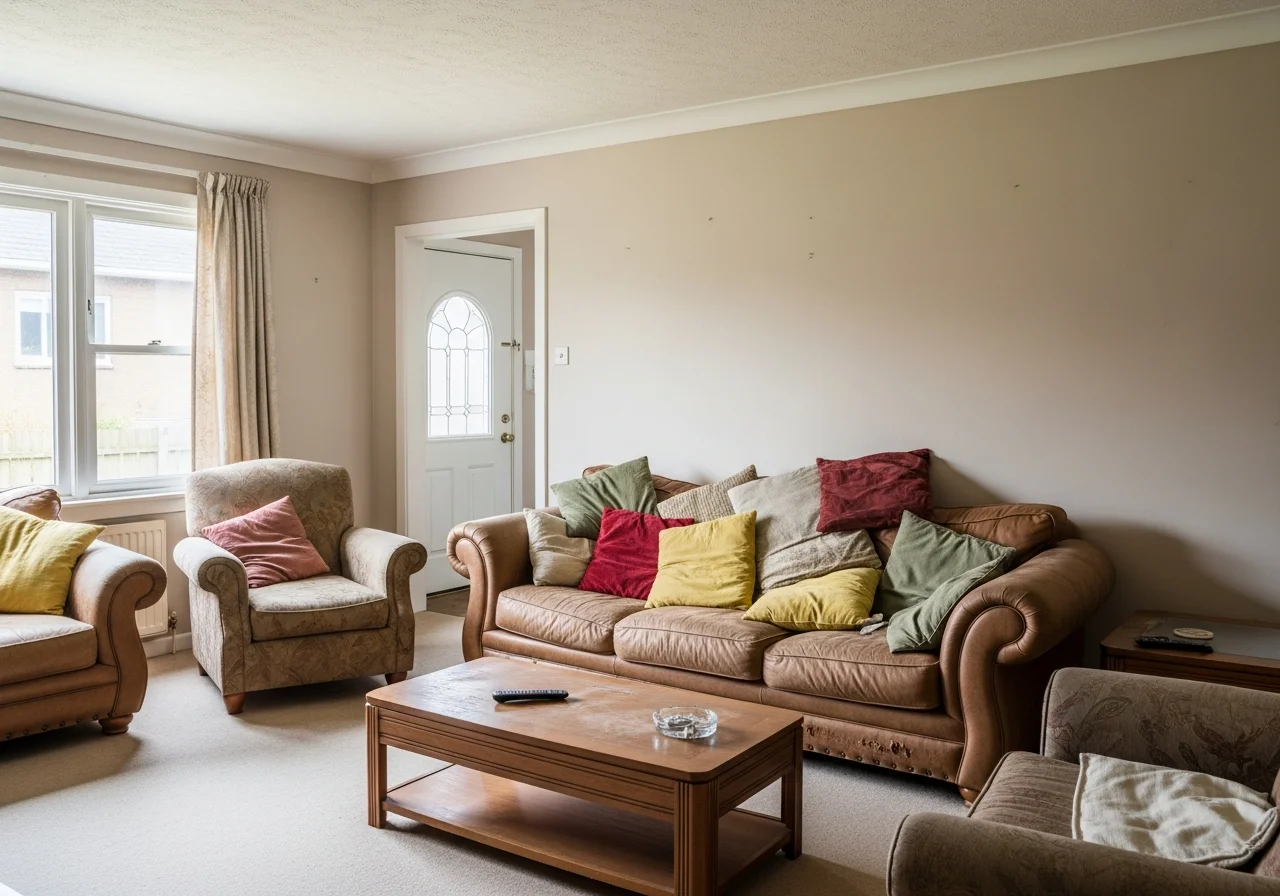
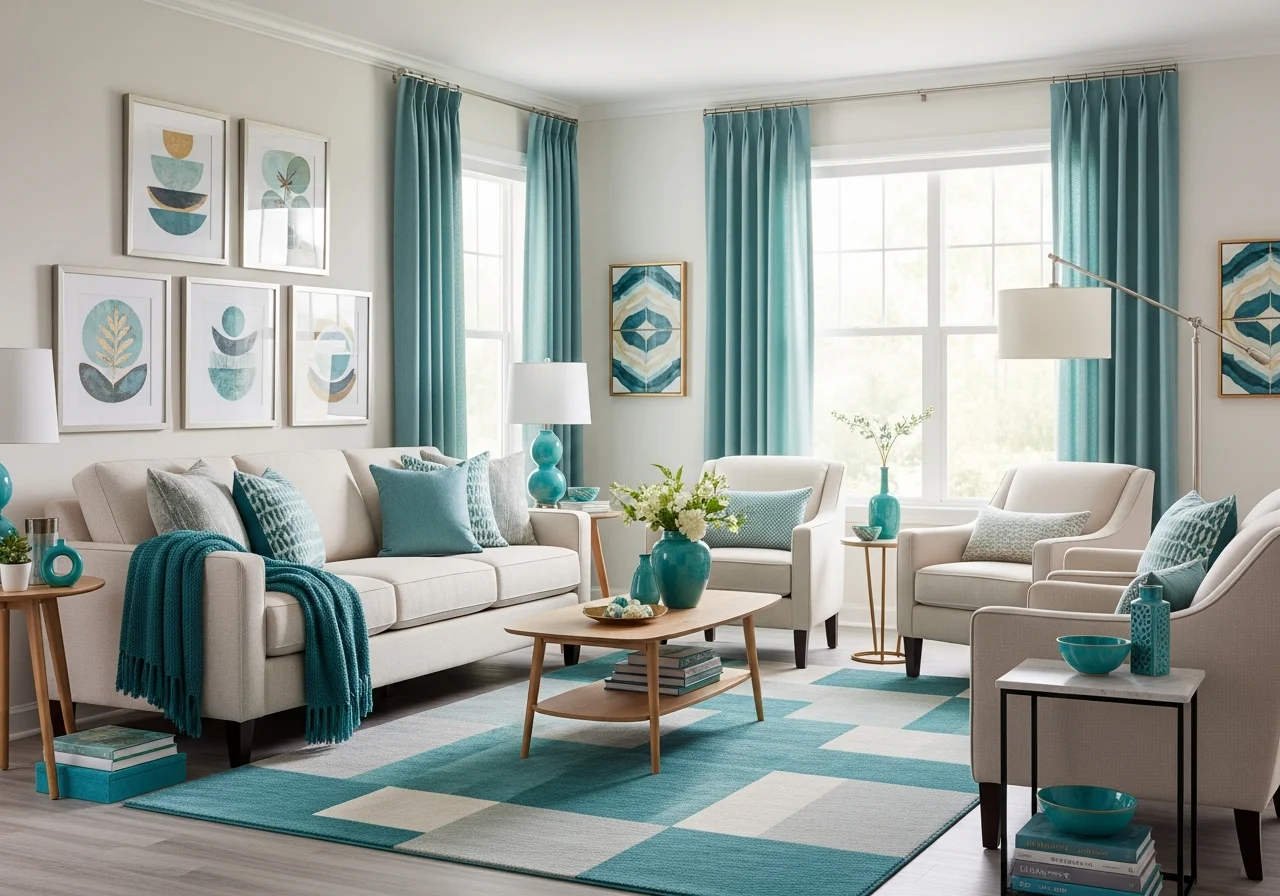
Generate Your Color Palette
Click Generate or press Spacethe button to create harmonious color palettes. Lock colors you like and regenerate the rest.
Generate Your Color Palette in 3 Steps
Create harmonious color schemes and visualize them in your space — no design experience needed
Choose Your Method
Upload a room photo for color extraction, enter a hex code to expand, or describe your mood and let AI generate palettes.
Customize Your Palette
Choose palette size (3-12 colors), select harmony rules — complementary, analogous, triadic — and fine-tune individual swatches.
Visualize & Export
Preview your palette on a room photo with AI visualization. Export as hex codes, RGB, or CSS variables and share with your team.
Popular Color Palette Styles
Explore trending color palettes for 2027 — each can be generated and previewed on your actual space
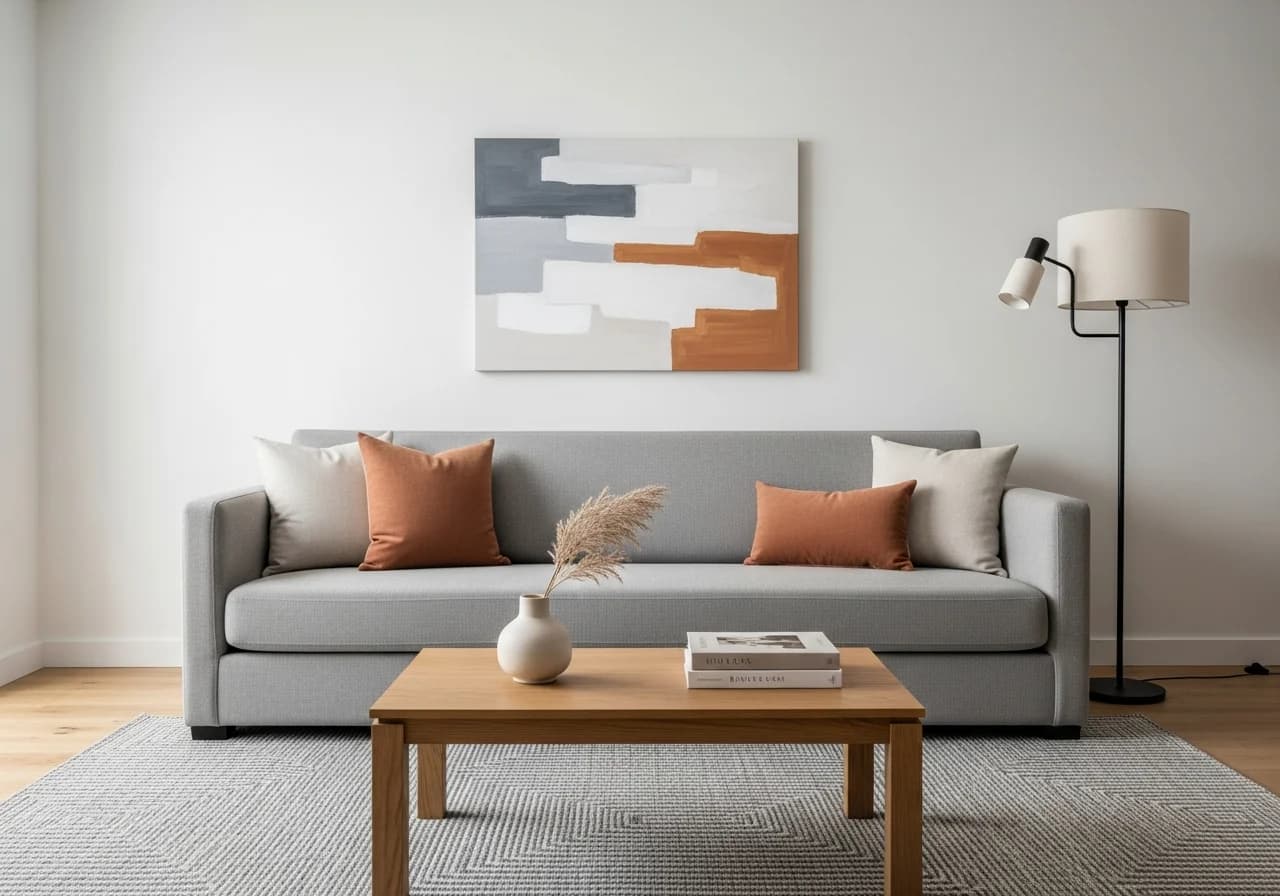
Modern Neutrals
Clean whites, warm grays, and soft beige — timeless and versatile for any room
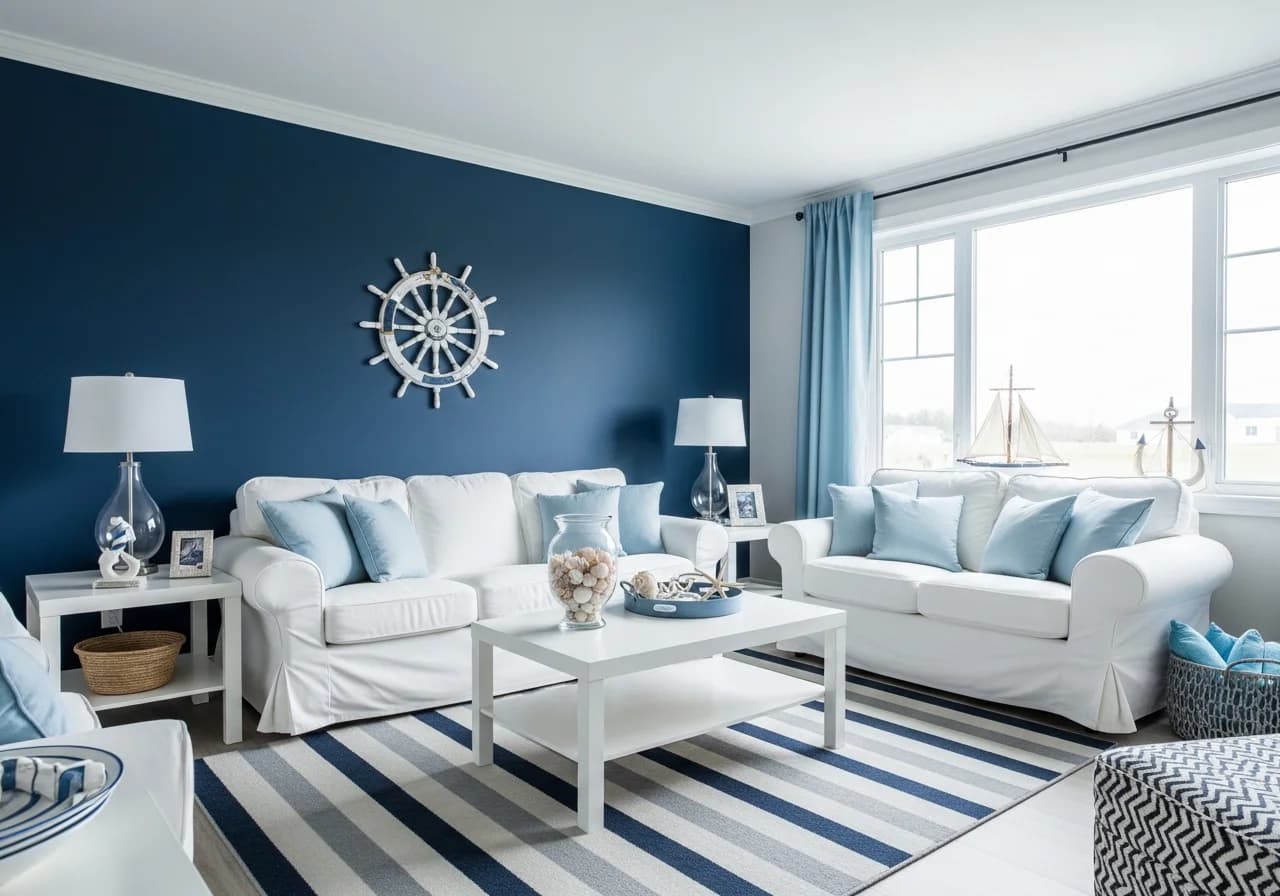
Coastal Blues
Navy, sky blue, and sandy cream — a relaxing seaside-inspired palette

Earth Tones
Terracotta, olive, warm brown — organic and grounding for natural interiors
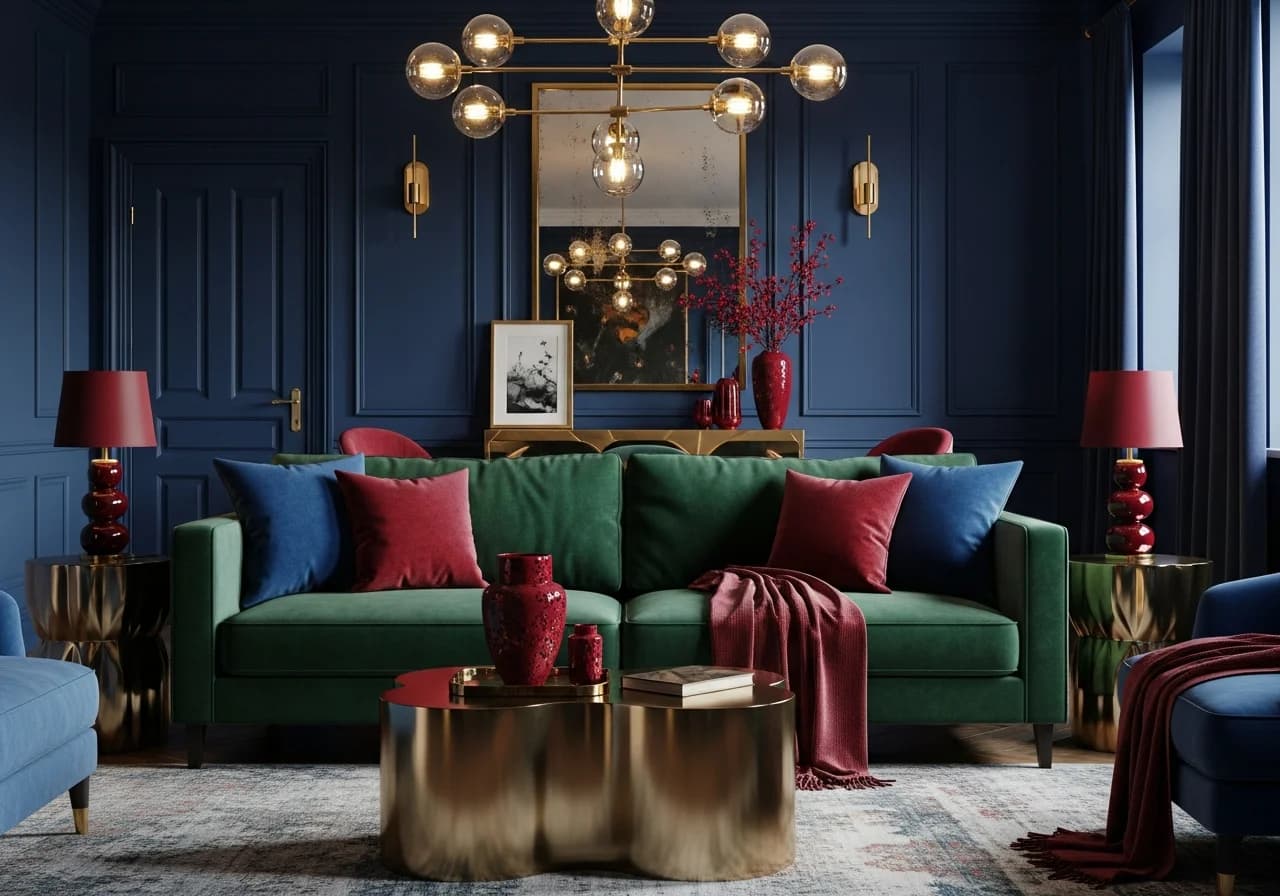
Jewel Tones
Emerald, sapphire, ruby, and gold — rich and luxurious for dramatic spaces
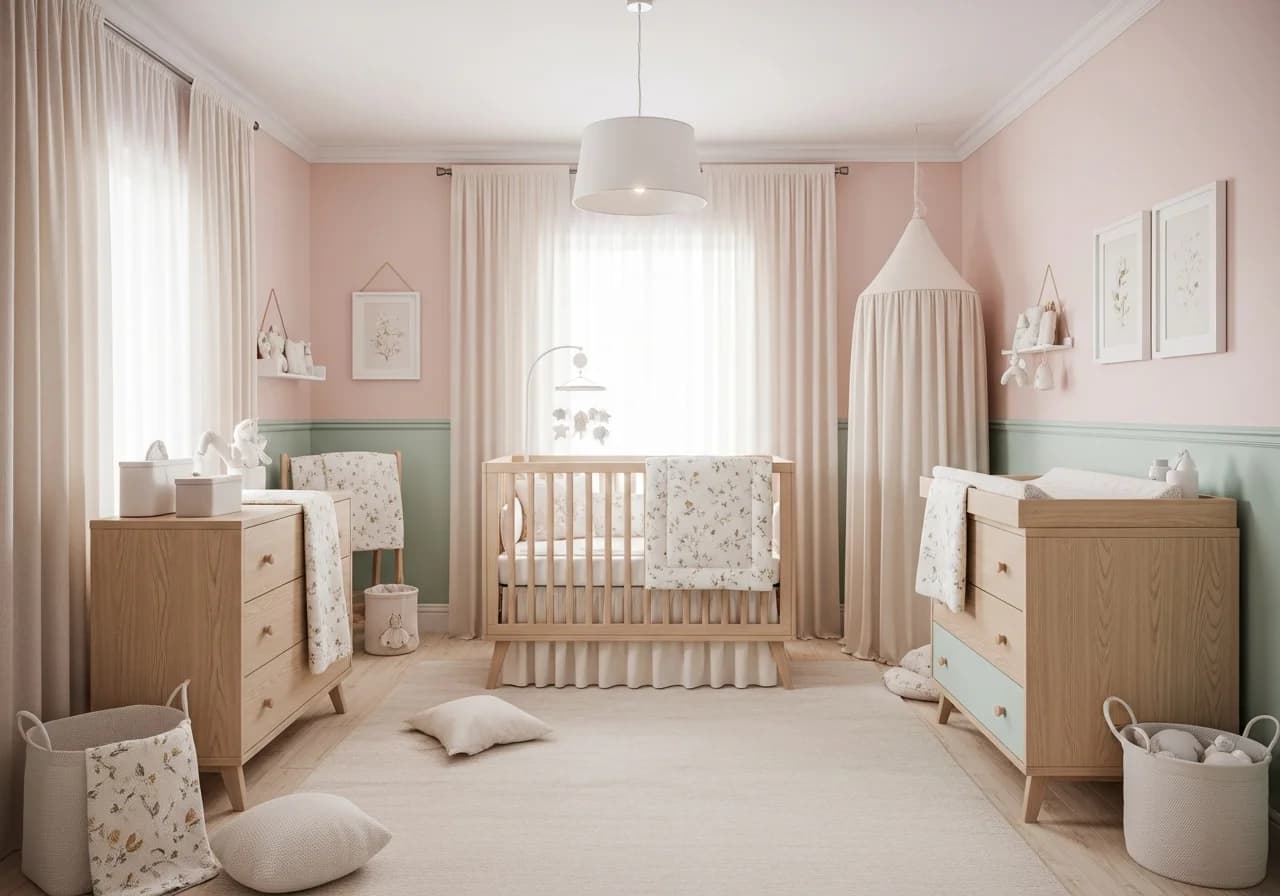
Pastels
Blush pink, mint green, lavender — soft and soothing for bedrooms and nurseries
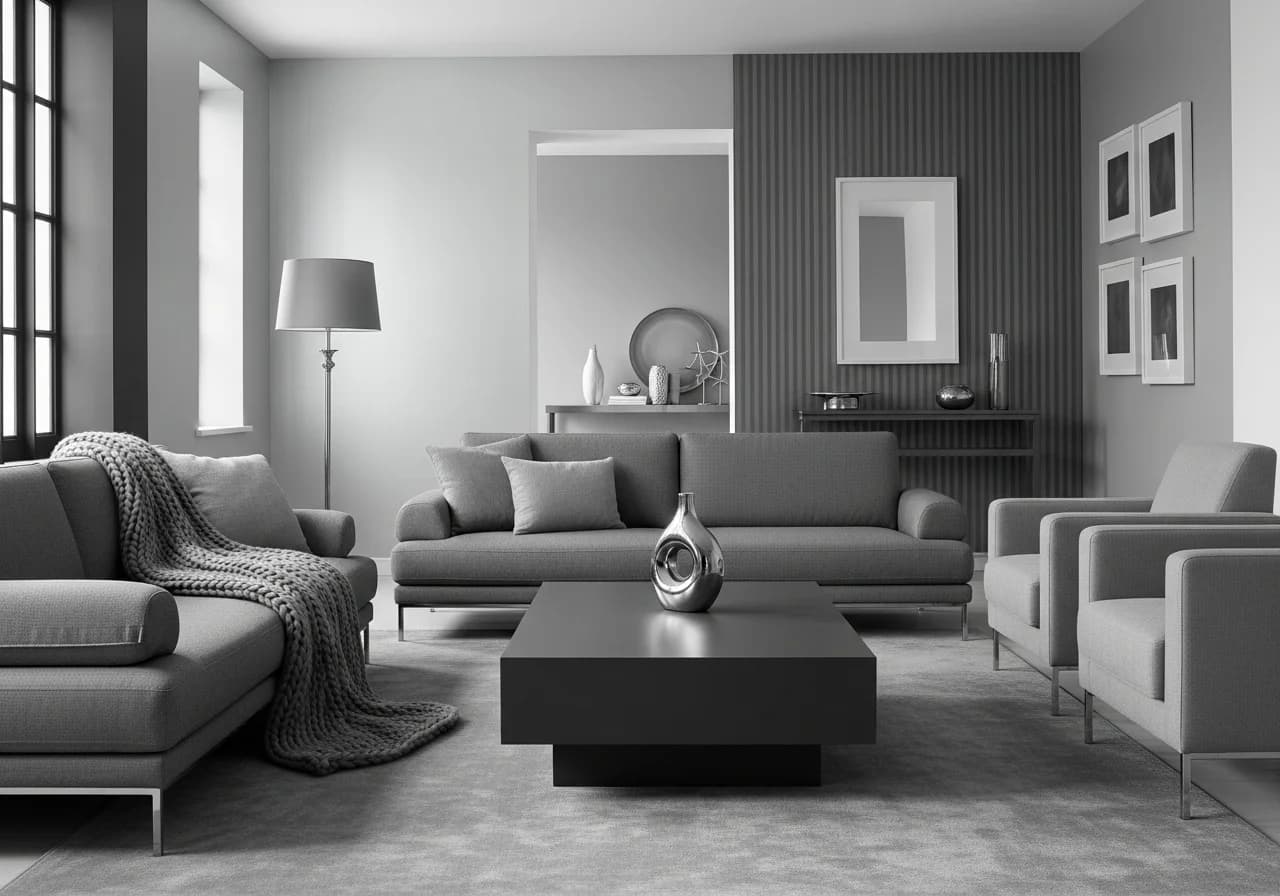
Monochromes
Graduated shades of a single hue — elegant and sophisticated simplicity
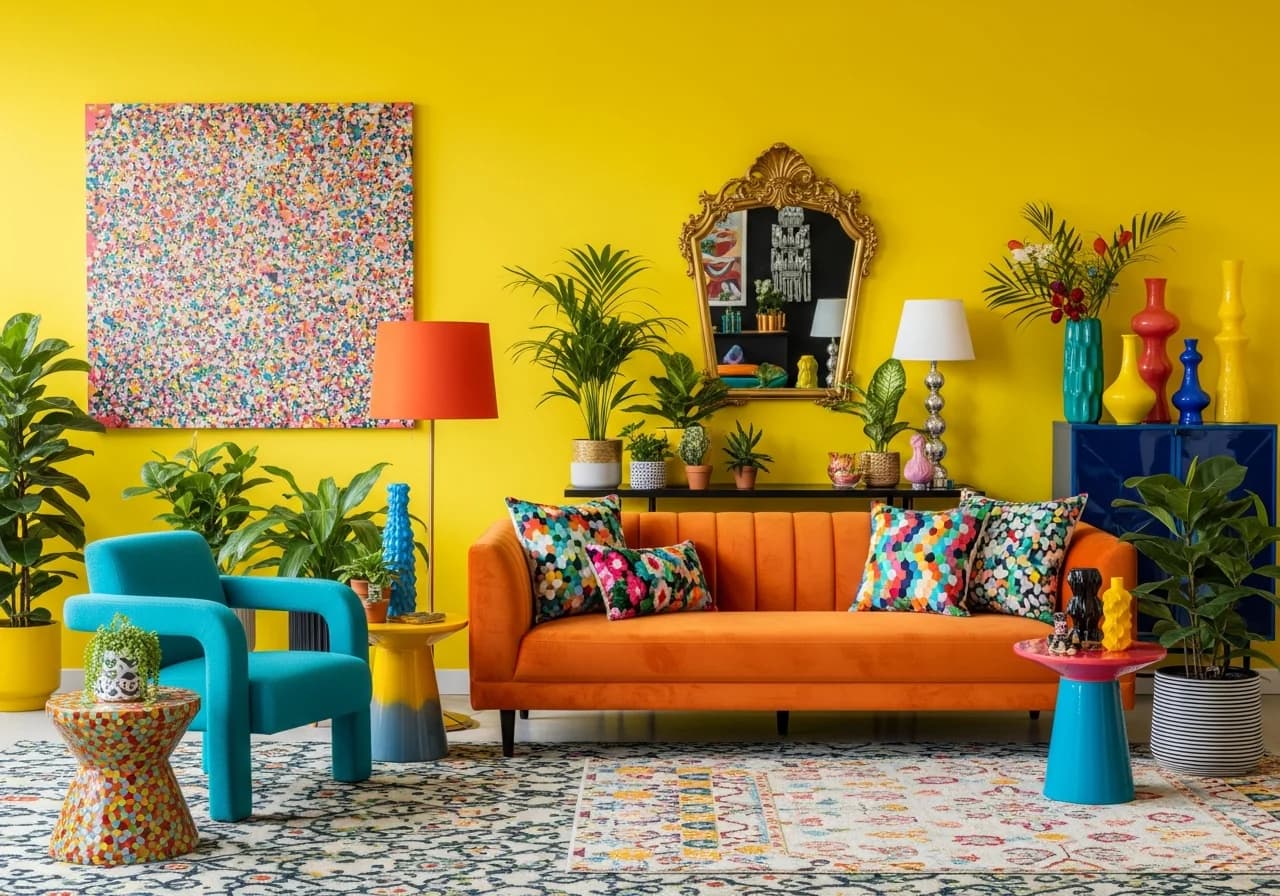
Bold & Vibrant
Bright yellows, teals, and oranges — energetic and expressive for creative spaces
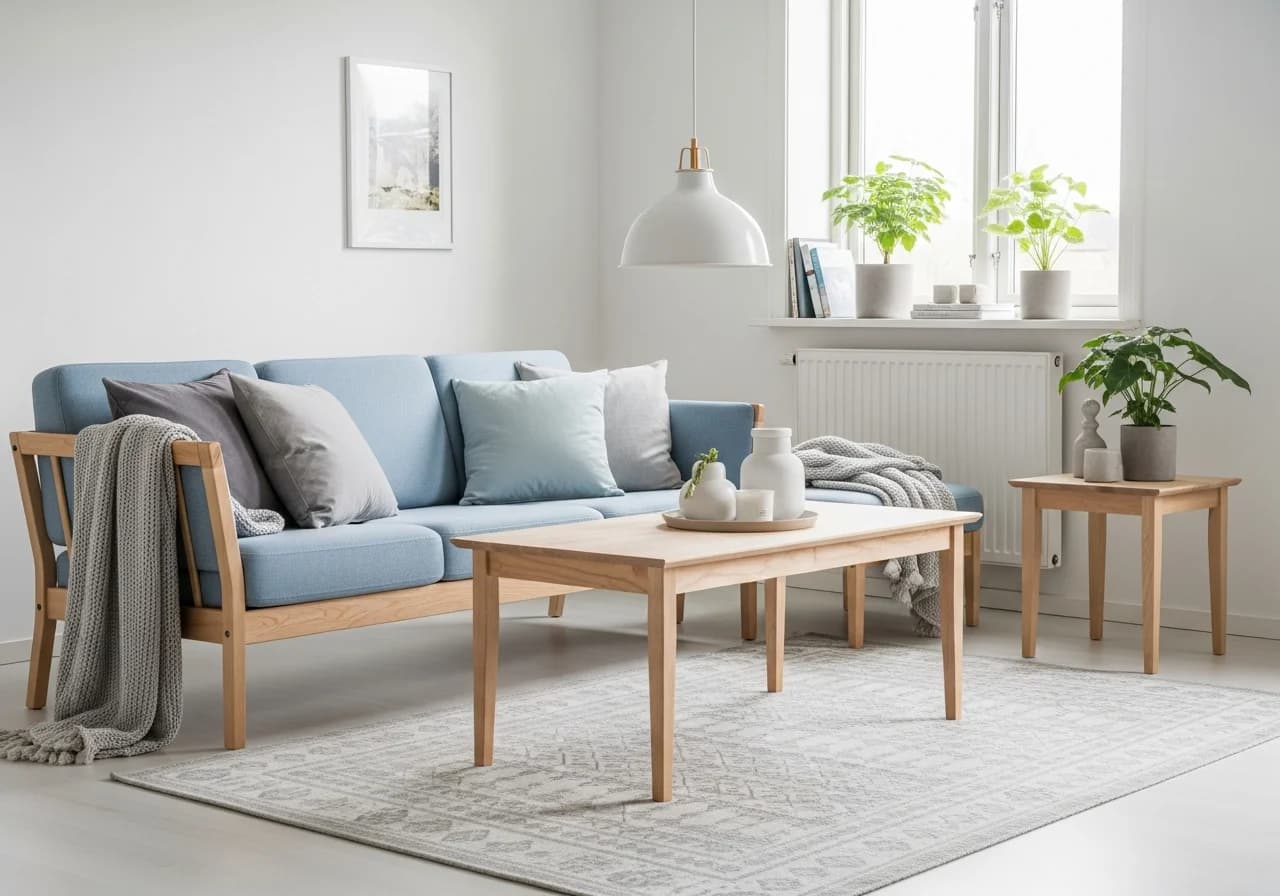
Scandinavian
White, light birch, pale blue — minimalist warmth with functional beauty
Trusted by Homeowners, Designers, and Professionals
"I spent months agonizing over paint colors from fan decks. HanoDecor's palette generator showed me 5 cohesive combinations on my actual living room photo in under 2 minutes. We went with the earth tone palette and it's exactly what I wanted."
Amanda S.
Homeowner · Portland, OR
Chose whole-house palette in one session
"My clients used to struggle understanding color palettes from swatches alone. Now I generate AI visualizations of 3-4 palette options directly on their room photos. Approval meetings dropped from three rounds to one."
Carlos R.
Interior Designer · Miami, FL
Cut client revision cycles by 65%
"I use the palette generator before staging listings. Finding the right color scheme for each property's style and architecture used to take days. Now I generate palettes from the listing photos and my stager executes perfectly."
Michelle T.
Real Estate Agent · Charlotte, NC
Staged 20+ listings with AI palettes
"We have an open-concept home and every paint color I tried made the rooms feel disconnected. The palette generator created a whole-house palette with a neutral through-line and room-specific accents. It all flows beautifully now."
Derek W.
Homeowner · Minneapolis, MN
Painted 7 rooms with cohesive palette
"I needed a palette that worked across our office interiors and brand materials. The generator extracted our brand hex codes and suggested complementary interior colors. Our workspace now feels like a physical extension of our brand."
Priya M.
Brand Designer · San Jose, CA
Aligned office and brand colors
"Planning our wedding color palette was stressful until I uploaded inspiration photos and the generator extracted exact colors with hex codes. I shared those codes with our florist, baker, and stationer — everything coordinated perfectly."
Susan K.
Homeowner · Nashville, TN
Coordinated wedding colors from photos
"Clients used to hand me vague Pinterest boards and say 'I want this vibe.' Now they give me palette generator outputs with exact color names. No more guessing — my repainting jobs are faster and clients are happier from day one."
Nathan G.
Painting Contractor · Phoenix, AZ
Eliminated color guesswork on projects
"I uploaded a photo of my grandmother's quilt — it had the most beautiful color combination. The generator extracted 6 colors and I used them for my nursery palette. It's sentimental and gorgeous."
Laura B.
Homeowner · Atlanta, GA
Created nursery palette from family heirloom
Why Designers Choose HanoDecor for Color Palettes
Trusted by 5 million designers, homeowners, and professionals in 150+ countries
Photo Color Extraction
Upload any photo — room interiors, nature, artwork — and extract dominant colors into a harmonious palette instantly.
AI Palette Generation
Describe a mood or style and AI creates palettes using color theory, trend data, and machine learning.
Hex Code Expansion
Enter any hex code and generate complementary, analogous, triadic, and monochromatic variations automatically.
Room Visualization
Preview generated palettes directly on your room photos — see how colors actually look in your space before painting.
Color Harmony Rules
Complementary, analogous, triadic, split-complementary, tetradic — choose any harmony rule or let AI decide.
Export Anywhere
Download palettes as hex codes, RGB values, CSS variables, or shareable images for your team or contractor.
5M+
Palettes Generated
50+
Palette Styles
150+
Countries
4.9★
User Rating
Built for Everyone Who Works with Color
Whether you're choosing paint colors for your living room or building a brand identity, AI palette generation saves hours
Homeowners
Find Your Perfect Room Colors
- Generate palettes from photos, hex codes, or inspiration images
- Preview color combinations on your actual room before buying paint
- Create whole-house palettes with room-to-room color flow
Interior Designers
Streamline Client Color Consultations
- Extract palettes from inspiration photos in seconds
- Generate multiple color scheme options for client presentations
- Ensure accessibility and undertone harmony across spaces
Real Estate Professionals
Stage Properties with Ideal Palettes
- Find trending palettes that appeal to buyers in your market
- Visualize paint updates that maximize listing appeal
- Create cost-effective color refresh plans for flip projects
Brand & Web Designers
Build Cohesive Visual Identities
- Generate accessible color palettes for websites and apps
- Ensure WCAG contrast compliance across all color pairings
- Export palettes as hex, RGB, or CSS variables for development
Color Palette Articles and Guides
Expert guides to help you choose, generate, and apply color palettes for any project
Color Palette Tips from Design Professionals
Practical advice from our color theory experts to help you create palettes that work beautifully in real spaces
Use the 60-30-10 rule for balanced rooms
Allocate 60% to your dominant color (walls, large furniture), 30% to a secondary color (upholstery, curtains), and 10% to an accent (pillows, art, accessories). This ratio creates visual harmony that feels intentional without being overwhelming.
Read our room-by-room palette guideStart with your fixed elements when choosing colors
Flooring, countertops, and large furniture pieces you're keeping are your 'anchor' colors. Build your palette around these fixed elements rather than trying to match new paint to an existing room. Tools that extract colors from photos make this process effortless.
Read our paint and furniture coordination guideTest undertones before committing to a palette
Every color has a warm or cool undertone that can clash with your room's lighting. Cool blue-gray walls can look purple under warm incandescent light. Always test palette colors in your actual space with peel-and-stick samples or an AI visualizer.
Read our whole-house palette flow guideLimit your whole-house palette to 5-7 colors
Choose 2-3 neutral through-line colors for walls and trim, then 2-4 accent colors that rotate by room. This creates cohesive flow while allowing each space its own personality. The best palettes feel unified without being monotonous.
Read our how many colors guideRelated Visualization Tools
Explore other AI-powered tools for your design project
Overall Design Quality Rating
Rate your experience:
Color Palette Generator FAQs
Answers to the most common questions about color palette generation, color theory, and visualization tools
Start Generating Color Palettes Today
Join 5 million designers who've created perfect color palettes with HanoDecor. Upload a photo, choose your method, and see results in seconds — completely free.
Free Trial 7 days, cancel anytime. Design results in 30 seconds
Need help? Support center · View pricing