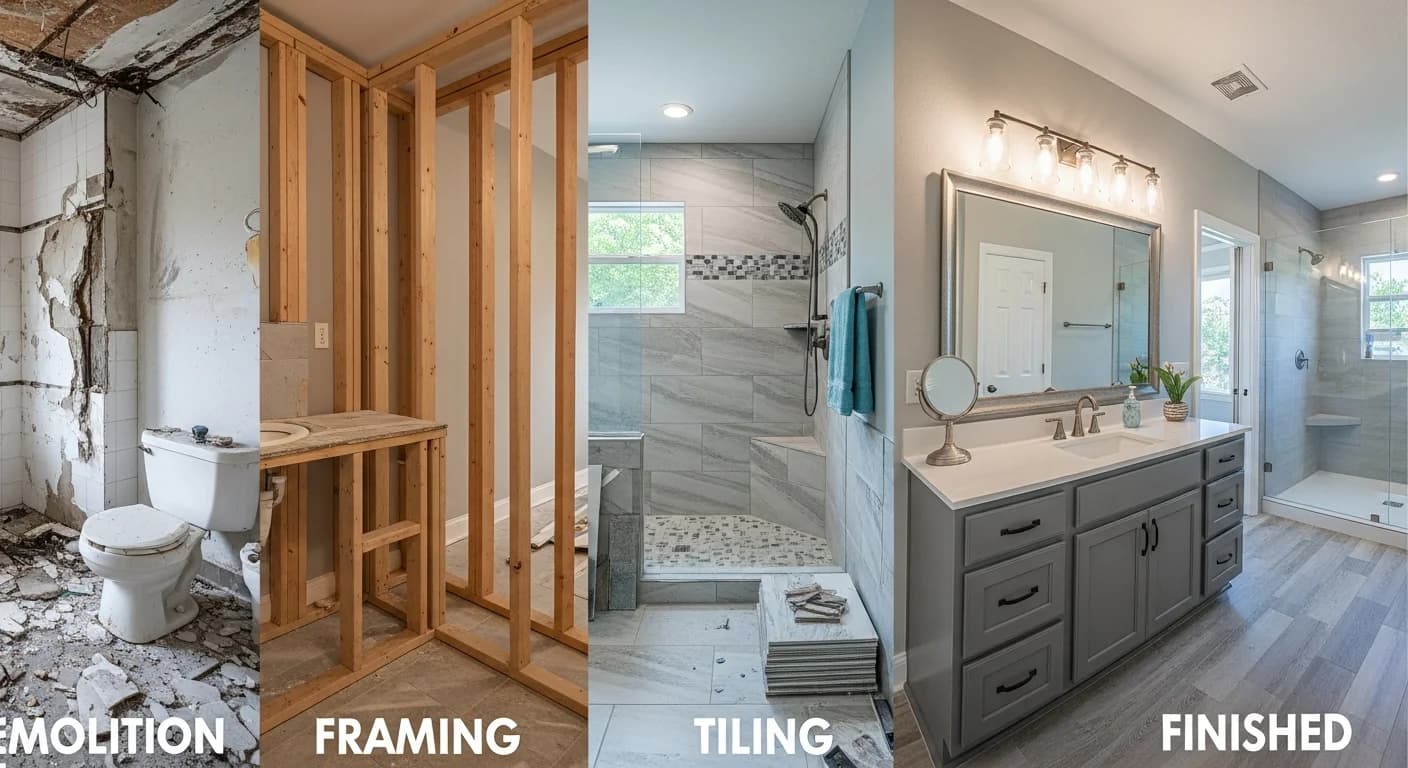
The Complete Guide to Getting Started with HanoDecor
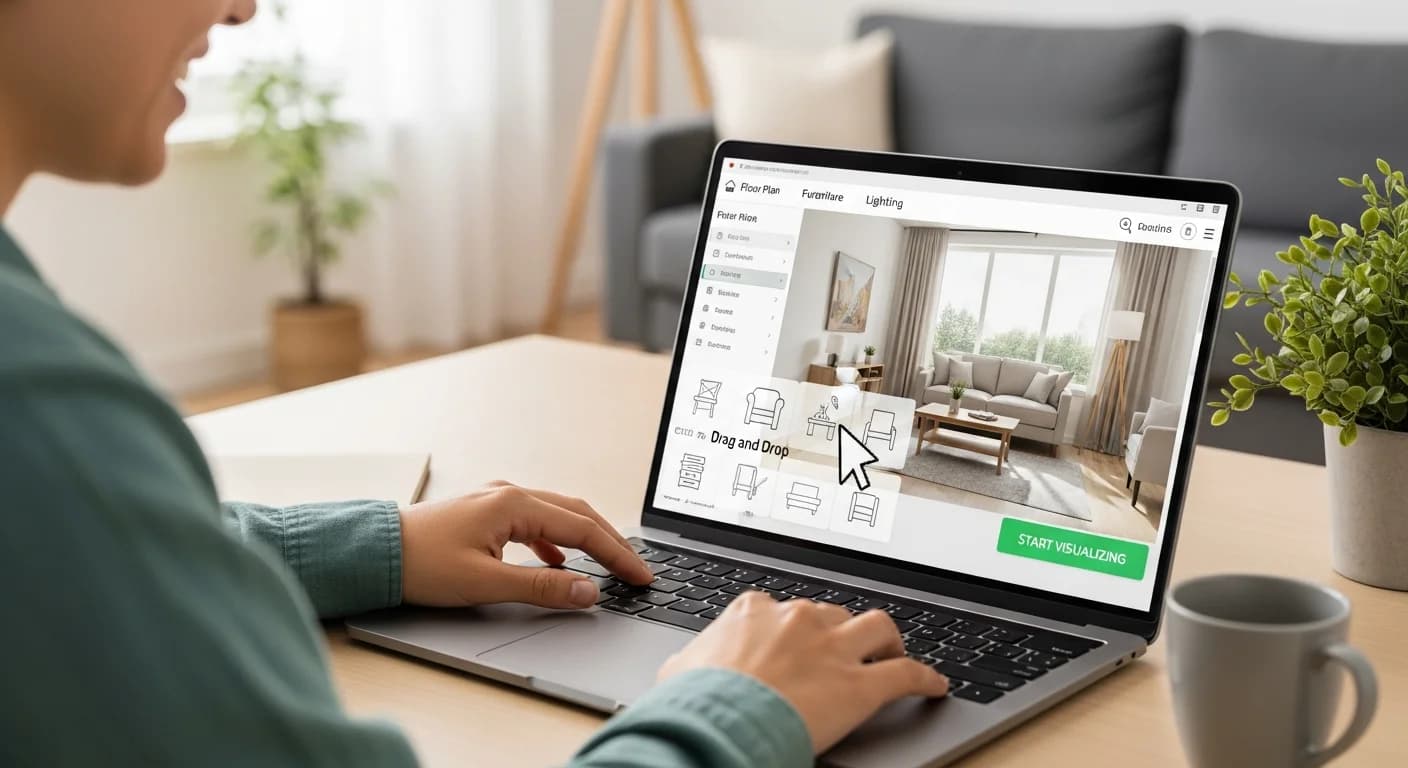
Starting with any new tool can feel overwhelming, but HanoDecor is designed for simplicity. Whether you're planning a complete room makeover or just testing paint colors, this guide walks you through everything you need to know to get professional-quality design visualizations.
Creating Your Account
Getting started takes just minutes with multiple convenient options.
Sign-up options: Create an account using Google, GitHub, Apple, or email. Choose whichever method feels most convenient—all provide the same full access to HanoDecor's features.
Free credits: New accounts receive 2 free visualization credits to explore the platform risk-free. No credit card required to start. Experience the full capability before deciding if HanoDecor works for you.
Profile setup: Add basic information to personalize your experience. Your profile stores your visualizations, making it easy to compare options and track projects.
Privacy commitment: Your photos and designs remain private. We don't share your images or personal information. Your home visualization stays yours.

Taking Great Photos
Visualization quality depends significantly on photo quality. A few simple techniques dramatically improve results.
Lighting matters: Natural daylight produces best results. Open curtains and blinds. Avoid harsh shadows from direct sunlight. Overcast days often provide ideal, even lighting.
Angle considerations: Capture rooms from corners to show two walls for context. Stand at typical eye height rather than shooting up or down. Include key features you want to transform.
Stability counts: Blurry photos produce blurry visualizations. Hold your phone steady or prop it against something stable. Consider using your phone's timer to eliminate camera shake.
Clean your space: Temporary clutter can confuse AI visualization. A quick tidy-up before photographing improves results. Move items that would obscure walls or key features.
Resolution requirements: Modern smartphone cameras provide sufficient resolution. Avoid heavily compressed or very old photos. Larger, clearer images enable more detailed visualizations.
Using Visualization Tools
HanoDecor offers multiple visualization tools for different needs.
Paint visualization: Test any paint color on your actual walls. See how colors look in your specific lighting conditions. Compare multiple options side by side before purchasing.
Room remodeling: Visualize complete room transformations. See how different styles would look in your space. Experiment with layouts, colors, and design approaches.
Kitchen and bathroom tools: Specialized tools understand the unique requirements of these spaces. Visualize cabinet colors, countertop materials, and fixture updates.
Exterior visualization: See how paint colors, siding, and landscaping changes would transform your home's curb appeal before any exterior work.
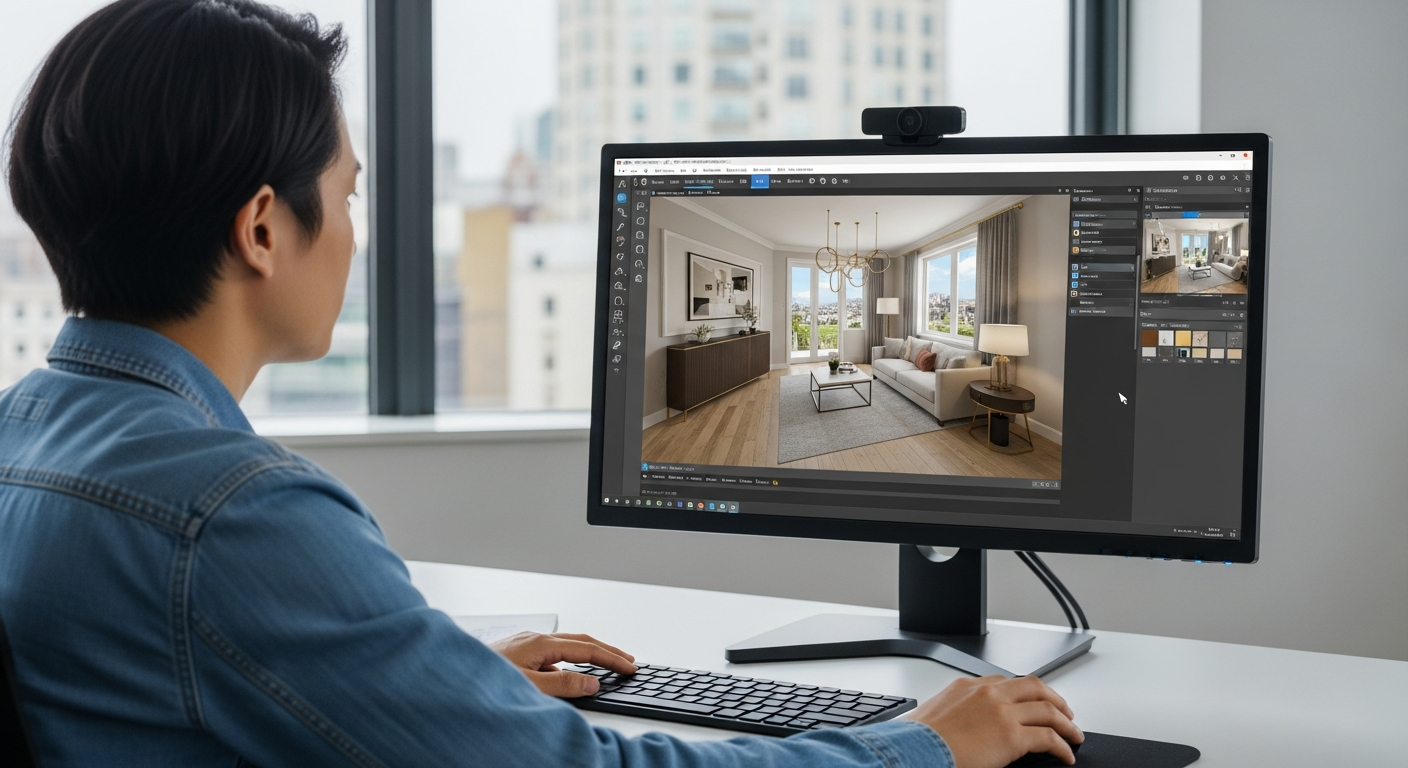
Understanding Your Results
Getting the most from visualizations requires understanding what you're seeing.
Lighting interpretation: Visualizations show colors as they'd appear in your photo's lighting. Remember that lighting changes throughout the day—consider how colors might shift.
Multiple angles: For important decisions, visualize the same room from different angles. What works from one view should work from all angles.
Comparison mode: Use HanoDecor's comparison features to see before and after side by side. This helps evaluate the impact of changes.
Saving favorites: Save visualizations you like to your profile. Building a collection of options makes final decisions easier.
Making the Most of Credits
Strategic credit use maximizes your HanoDecor experience.
Start with exploration: Use free credits to understand the tool before committing to specific projects.
Prioritize key decisions: Apply credits to decisions with highest stakes—major purchases or difficult-to-reverse changes like paint colors.
Credit packages: When you need more visualizations, credit packages offer better per-visualization pricing than individual purchases.
Subscription value: Regular users benefit from monthly subscriptions providing consistent credit allocation for ongoing projects.
Getting Help
Support resources ensure you never get stuck.
FAQ section: Common questions answered in our comprehensive FAQ at /support.
Contact support: Questions not covered by FAQ can be directed to our support team through the contact form.
Community tips: Browse our blog for inspiration and advanced techniques from other users.
Start Your First Project
The best way to learn HanoDecor is to use it. Your free credits await—no risk, no commitment, just the opportunity to see how AI-powered design visualization can transform your approach to home improvement.
Launch the studio and create your first visualization today. In minutes, you'll understand why thousands of homeowners trust HanoDecor for their most important design decisions.
The Complete Guide to Getting Started with HanoDecor FAQs
Written by
Alex Chen
Alex combines a background in architectural journalism with deep SEO expertise. He leads our content team in creating educational resources that help homeowners make informed design decisions.