Accessible Color Palette Generator: Color-Blind Friendly Design Guide
Quick Summary
A comprehensive guide to using accessible color palette generators for inclusive design. Covers why accessible palettes matter, the four main types of color blindness (deuteranopia, protanopia, tritanopia, achromatopsia), WCAG 2.1 AA and AAA contrast ratio requirements, top tools for generating accessible palettes, color blindness simulation testing, and alternative design strategies using pattern, shape, and label differentiation.
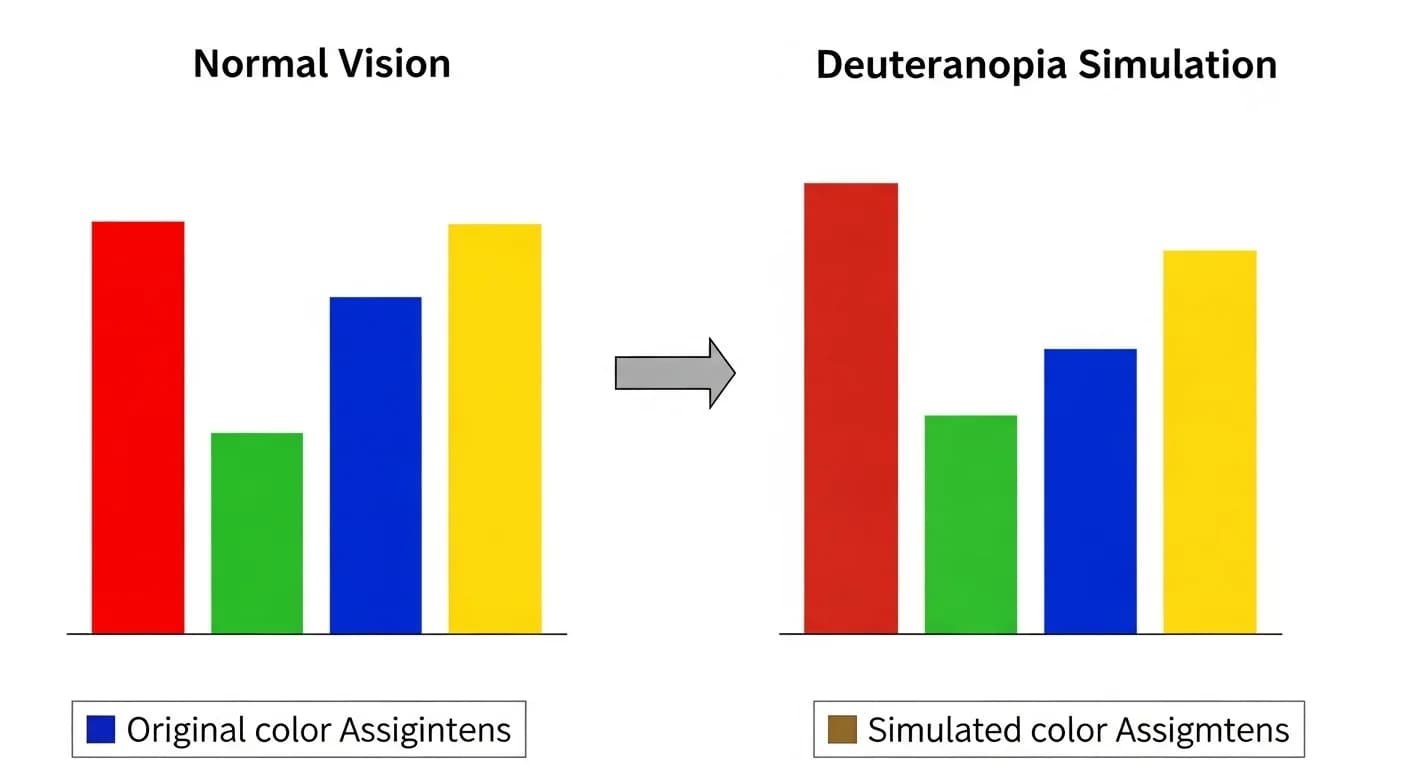
An accessible color palette generator is an essential tool for any designer, developer, or content creator who wants their work to reach the widest possible audience. Approximately 300 million people worldwide live with some form of color vision deficiency, including 8 percent of men and 0.5 percent of women of Northern European descent. When your color palette fails these users, your design fails — no matter how visually stunning it appears to typical vision.
Accessible design is not just an ethical consideration — it is increasingly a legal requirement. The Americans with Disabilities Act, Section 508 of the Rehabilitation Act, and the European Accessibility Act all mandate that digital content be perceivable by users with disabilities, including color vision deficiencies. Modern accessible color palette generators automate compliance by testing every color combination against WCAG contrast standards and simulating how palettes appear to users with different types of color blindness.
Why Accessible Color Palettes Matter
Color is one of the most powerful communication tools in design, but relying on color alone to convey meaning excludes millions of users. Think about a form where required fields are marked only with red text, a chart where data series are distinguished only by color, or a traffic-light status indicator without labels. For users with color blindness, these design patterns create barriers ranging from confusion to complete information loss. Understanding how many colors belong in a palette is especially important when every color must remain distinguishable.
Beyond disability, accessible color palettes benefit everyone. High-contrast text is easier to read in bright sunlight. Colorblind-safe charts are clearer when printed in grayscale. Pattern-differentiated data is more understandable at a glance. Designing for accessibility improves usability for all users, a principle known as the curb-cut effect — features designed for disability access that end up benefiting the entire population.
Interior design accessibility matters too. Homeowners with color vision deficiencies need palettes where adjacent surfaces maintain enough contrast for safe navigation — distinguishing between floor and wall colors, identifying step edges, and reading thermostat displays. Our color palette generator includes accessibility checks to ensure your interior palettes work for everyone in your household.
Understanding Color Blindness Types and Prevalence
Color blindness is not a single condition but a spectrum of color vision deficiencies caused by absent or malfunctioning cone cells in the retina. The three types of cone cells are sensitive to red (long wavelength), green (medium wavelength), and blue (short wavelength) light. Deficiencies in one or more cone types produce distinct patterns of color confusion that accessible palette generators must account for.
Deuteranopia, the most common form, affects the green cone cells and occurs in approximately 6 percent of males. People with deuteranopia struggle to distinguish between red and green, seeing both as muddy yellow-brown shades. Protanopia affects the red cone cells in roughly 2 percent of males, causing similar red-green confusion but with reduced sensitivity to red, making red appear darker. Together, red-green color blindness accounts for over 99 percent of all color vision deficiency cases.
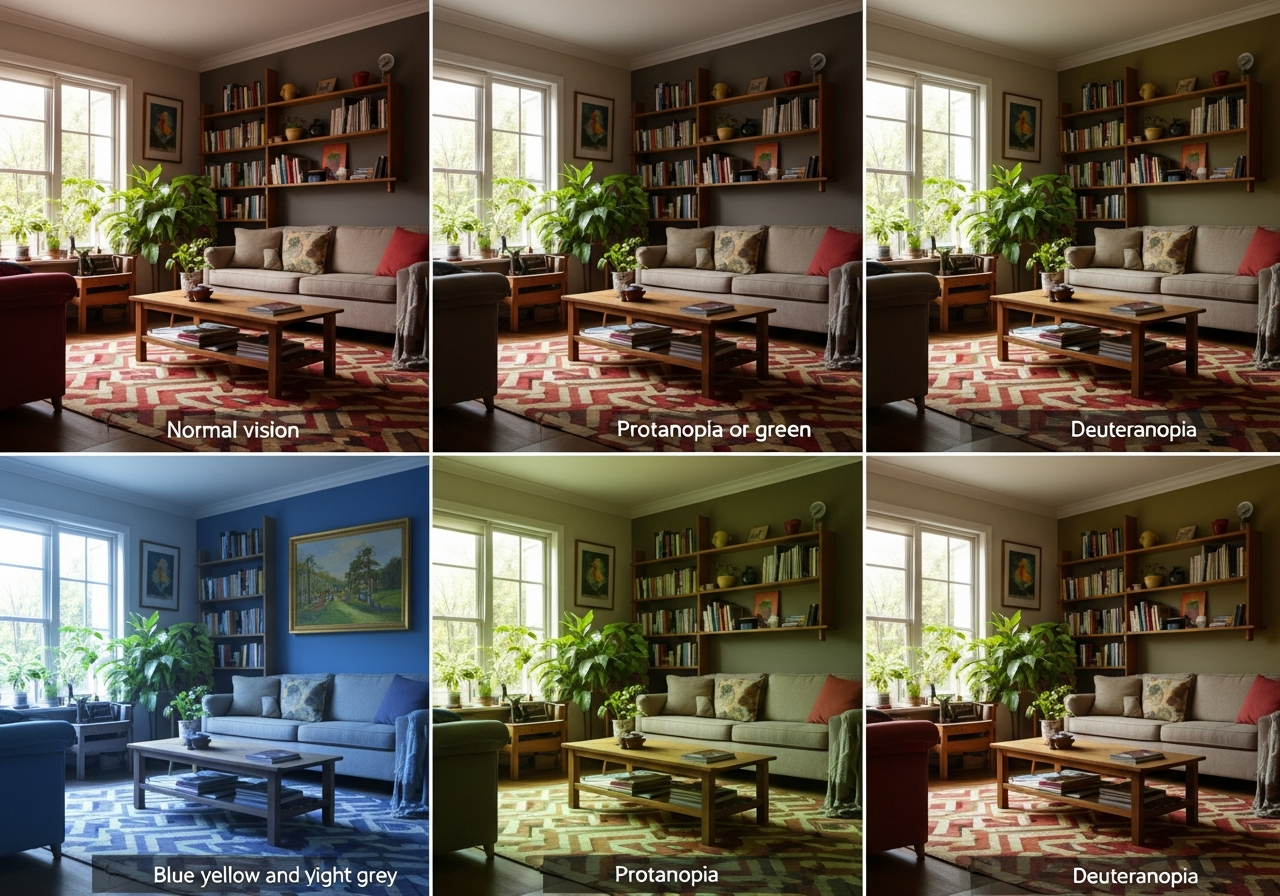
Tritanopia is rare, affecting blue cone cells in less than 0.01 percent of the population. People with tritanopia confuse blue and yellow, seeing blue as green and yellow as violet. Achromatopsia, or total color blindness, is extremely rare at roughly 0.003 percent prevalence. People with achromatopsia see only in shades of gray. When designing for maximum accessibility, test palettes against deuteranopia and protanopia as the primary targets, with tritanopia as a secondary consideration.
WCAG Color Contrast Requirements Explained
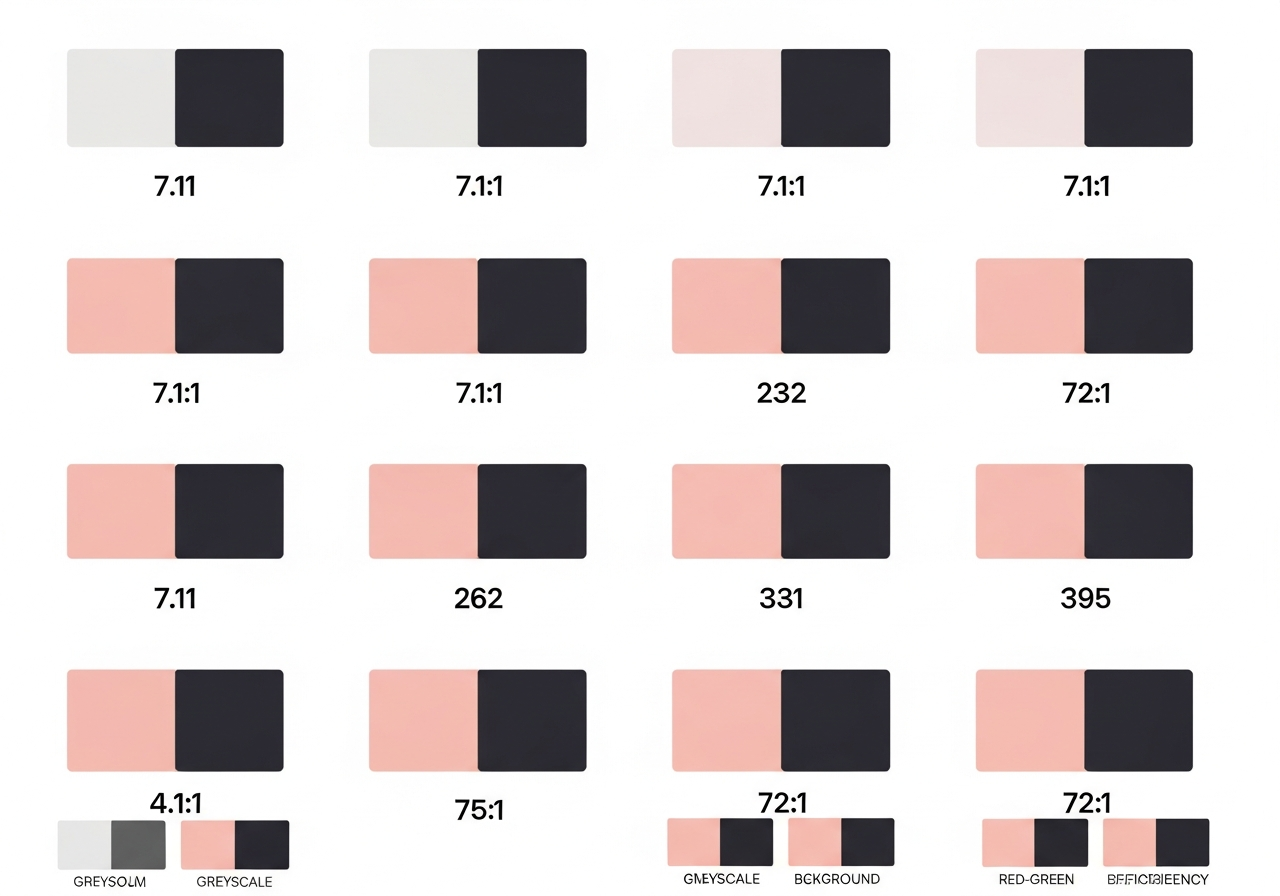
The Web Content Accessibility Guidelines (WCAG) 2.1 establish specific contrast ratio requirements that accessible color palette generators use as their compliance benchmark. The contrast ratio is calculated by comparing the relative luminance of two colors, producing a value between 1:1 (identical colors) and 21:1 (black on white). Higher ratios indicate greater visual distinction between foreground and background colors.
WCAG Level AA requires a minimum contrast ratio of 4.5:1 for normal text (under 18pt or 14pt bold) and 3:1 for large text (18pt and above or 14pt bold and above). Level AAA raises these thresholds to 7:1 for normal text and 4.5:1 for large text. For non-text elements like icons, chart elements, and form controls, WCAG 2.1 requires a minimum 3:1 contrast ratio against adjacent colors.
When building a palette, test every possible foreground-background combination. A five-color palette produces 20 possible text-on-background combinations, and each must be checked individually. Most accessible palette generators automate this by displaying a contrast matrix showing which combinations pass AA, pass AAA, or fail. For understanding how hex values relate to contrast, see our hex code palette guide.
Tools for Generating Accessible Color Palettes
Several specialized tools focus exclusively on generating accessible color palettes. ColorSafe generates text colors that meet WCAG contrast requirements against any background color you specify. Stark, available as a Figma and Sketch plugin, integrates accessibility checking directly into your design workflow, testing contrast ratios and simulating color blindness in real time as you design.
Coolors includes a built-in color blindness simulator that shows how your entire palette appears under all major types of color vision deficiency. Adobe Color's accessibility tools test contrast ratios and flag non-compliant combinations with specific suggestions for adjustment. The HanoDecor color palette generator combines palette creation with accessibility validation, ensuring generated palettes meet WCAG standards for both digital and interior design applications.
For a comprehensive comparison of palette generation tools with accessibility features, explore our best free color palette generators roundup. Each tool review includes an assessment of its accessibility testing capabilities and WCAG compliance reporting features.
Color-Blind Simulation: Test Before You Commit
Color-blind simulation is the most critical step in accessible palette creation. Even palettes that pass WCAG contrast ratio checks can fail color-blind users if the differentiating element between two interface states relies solely on hue shift without sufficient luminance difference. Simulation tools reveal these hidden failures by rendering your design exactly as a color-blind user would perceive it. For interior design applications, explore how accessible palettes translate to room settings in our color palette for home decor guide.
Browser extensions like ChromeLens and NoCoffee simulate color blindness directly on live web pages, allowing you to navigate your actual product as a color-blind user would experience it. Operating system-level filters in Windows, macOS, iOS, and Android also provide color blindness simulation without any extension installation. For the most rigorous testing, combine automated contrast checking with manual simulation review across all major color vision deficiency types.
When testing interior design palettes, simulation becomes particularly important for adjacent surfaces. A green accent wall next to a red brick fireplace may look dramatic to typical vision but appear as two nearly identical muddy brown surfaces to someone with deuteranopia. Test room palettes by photographing your space and running the image through a color blindness simulator before committing to paint or tile purchases.
Beyond Color: Pattern, Shape, and Label Alternatives
The gold standard of accessible design is never using color as the sole means of conveying information — known as the color alone rule in WCAG Success Criterion 1.4.1. This means supplementing color coding with patterns, shapes, labels, or icons. A chart that uses both color and pattern fills remains readable in grayscale, in color-blind simulation, and even on a monochrome printout.
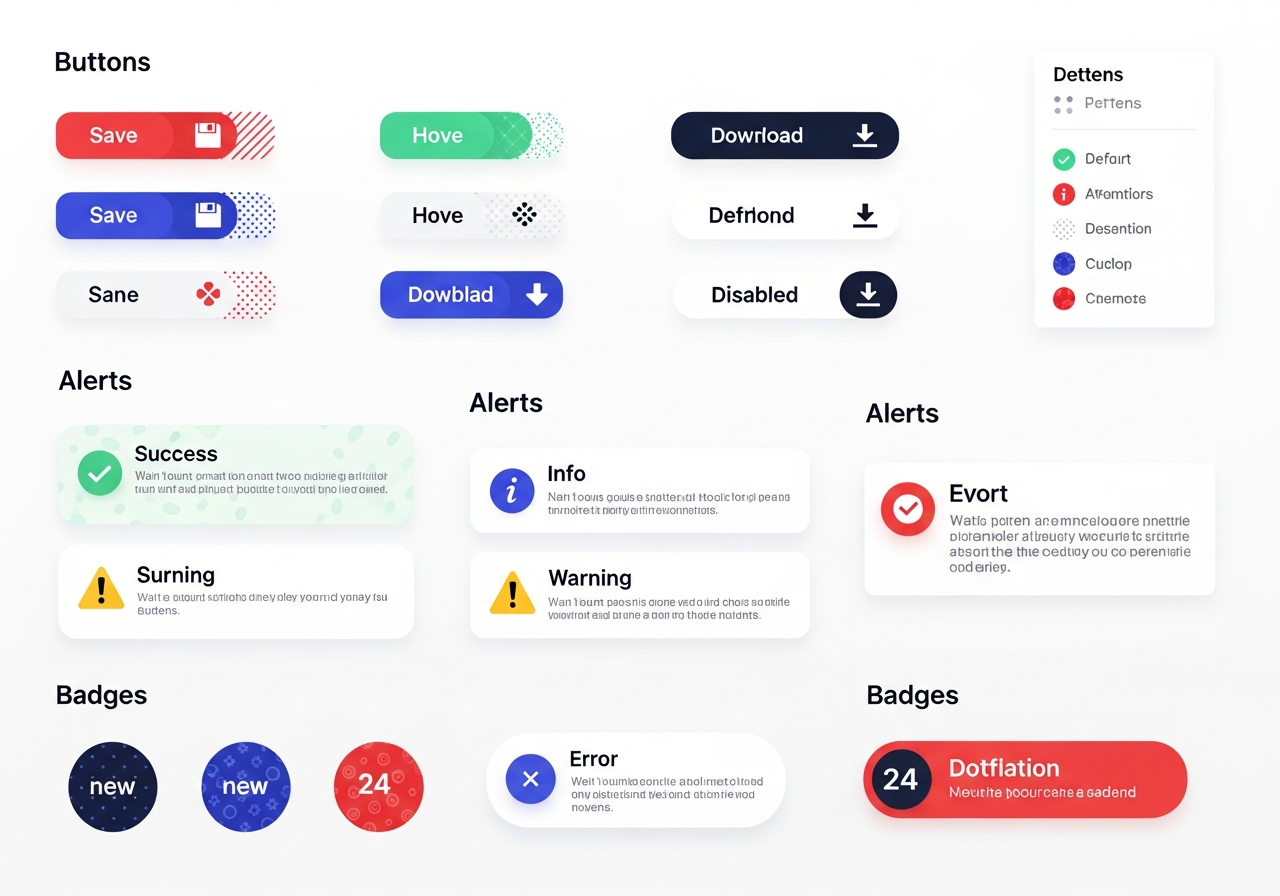
In data visualization, use distinct shapes for data points (circles, squares, triangles) in addition to color. For status indicators, combine color with icons — a green checkmark for success, a red X for error, a yellow triangle for warning. In forms, supplement red error highlighting with error messages, icons, and border changes that do not rely on color perception alone.
In interior design, texture and material differentiation serve a similar accessibility function. Contrasting textures between floor surfaces (carpet to tile transitions) help visually impaired individuals navigate spaces. Edge highlighting on stair treads, contrasting door frames against walls, and tactile indicators at level changes all improve home accessibility beyond color alone. For guidance on palette sizes that maintain accessibility, see our color palette sizing guide.
Frequently Asked Questions
What contrast ratio do I need for WCAG AA compliance?
WCAG Level AA requires a minimum contrast ratio of 4.5:1 for normal-sized text (under 18pt regular or 14pt bold) and 3:1 for large text (18pt and above or 14pt bold and above). Non-text elements like icons, borders, and form controls require at least 3:1 contrast against adjacent colors. These ratios ensure readability for users with low vision and users viewing screens in bright ambient light conditions.
Can I use red and green together in an accessible palette?
Yes, but with careful consideration. Red and green can coexist in an accessible palette if they differ significantly in luminance (lightness value) — a dark red with a light green or vice versa. The key is ensuring the two colors remain distinguishable when perceived as the same hue, which happens under deuteranopia and protanopia. Always supplement red-green distinctions with a secondary differentiator like pattern, icon, or label.
How do I test my color palette for accessibility?
Use a three-step testing process: first, run an automated contrast ratio check using tools like WebAIM's Contrast Checker or Stark to verify WCAG compliance. Second, simulate your palette under deuteranopia, protanopia, and tritanopia using browser extensions or OS-level filters. Third, verify that no information in your design relies on color alone — ensure every color-coded element has a secondary indicator like text, icons, or patterns.
Is accessible design only about digital interfaces?
No. Accessible color palette principles apply to interior design, product packaging, wayfinding signage, educational materials, and any context where color communicates information. In home design, accessible palettes ensure safe navigation for residents and guests with color vision deficiencies — distinguishable step edges, readable thermostat displays, and identifiable control markings all benefit from accessible color choices.
What are the safest colors for colorblind-friendly design?
Blue and orange is widely considered the most colorblind-safe high-contrast pair because it remains distinguishable across all common types of color vision deficiency. Blue and yellow also works well. For multi-color palettes, focus on varying lightness values significantly between adjacent colors rather than relying solely on hue differences. A palette with clear light-to-dark progression remains readable even in full grayscale.
Related Articles
Continue exploring accessible and technical color palette topics: Website and UI Color Palette Generator covers accessible web design implementation. Build a Palette from a Hex Code explains the color math behind contrast calculations. Best Free Color Palette Generators reviews tools with accessibility testing features. Browse our design ideas for visually accessible interior design inspiration.
Create Accessible Color Palettes with HanoDecor AI
Our AI-powered color palette generator includes built-in accessibility validation to ensure every palette you create meets WCAG contrast standards and remains distinguishable for users with color vision deficiencies. Generate palettes that are beautiful and inclusive — accessible design should never mean compromising on aesthetics.
Visualize accessible palettes in real-world interiors using the HanoDecor Studio. Upload a photo of your room and test color combinations that maintain contrast for all household members. Explore our design gallery for thousands of examples demonstrating how accessible color choices create stunning, inclusive spaces.
Accessible Color Palette Generator FAQs
Written by
Lisa Wang
Sustainable Design Writer focused on eco-friendly materials, energy efficiency, and budget-conscious home improvement. LEED Green Associate with expertise in low-impact renovation strategies.