10 Best Free Color Palette Generators in 2027 (Tested & Compared)
Quick Summary
A comprehensive comparison of 10 best free color palette generators for 2027, covering Coolors, Adobe Color, Canva, Figma, Khroma, Colormind, Paletton, Color Hunt, Muzli Colors, and HanoDecor AI. Each tool is evaluated on ease of use, color harmony algorithms, export options, and suitability for interior design, branding, and web design projects.
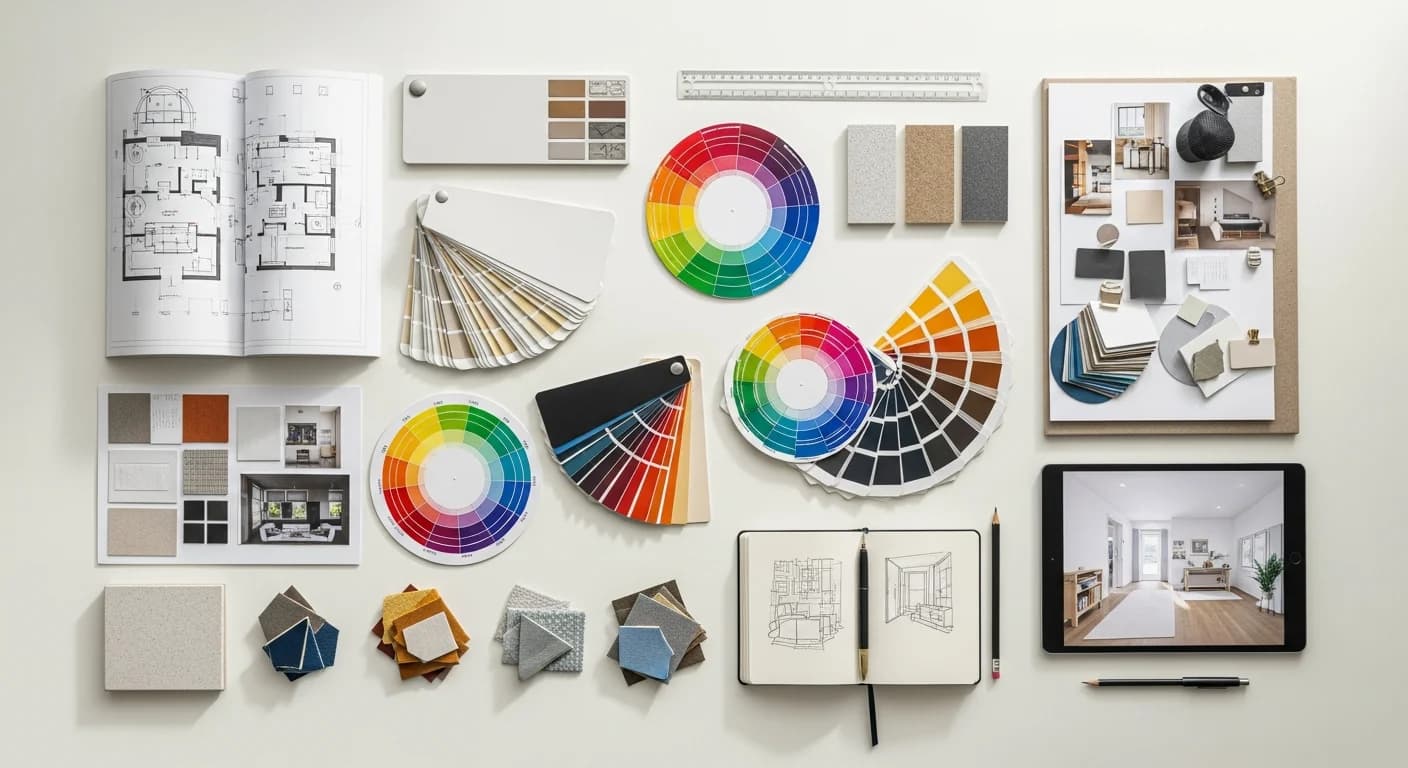
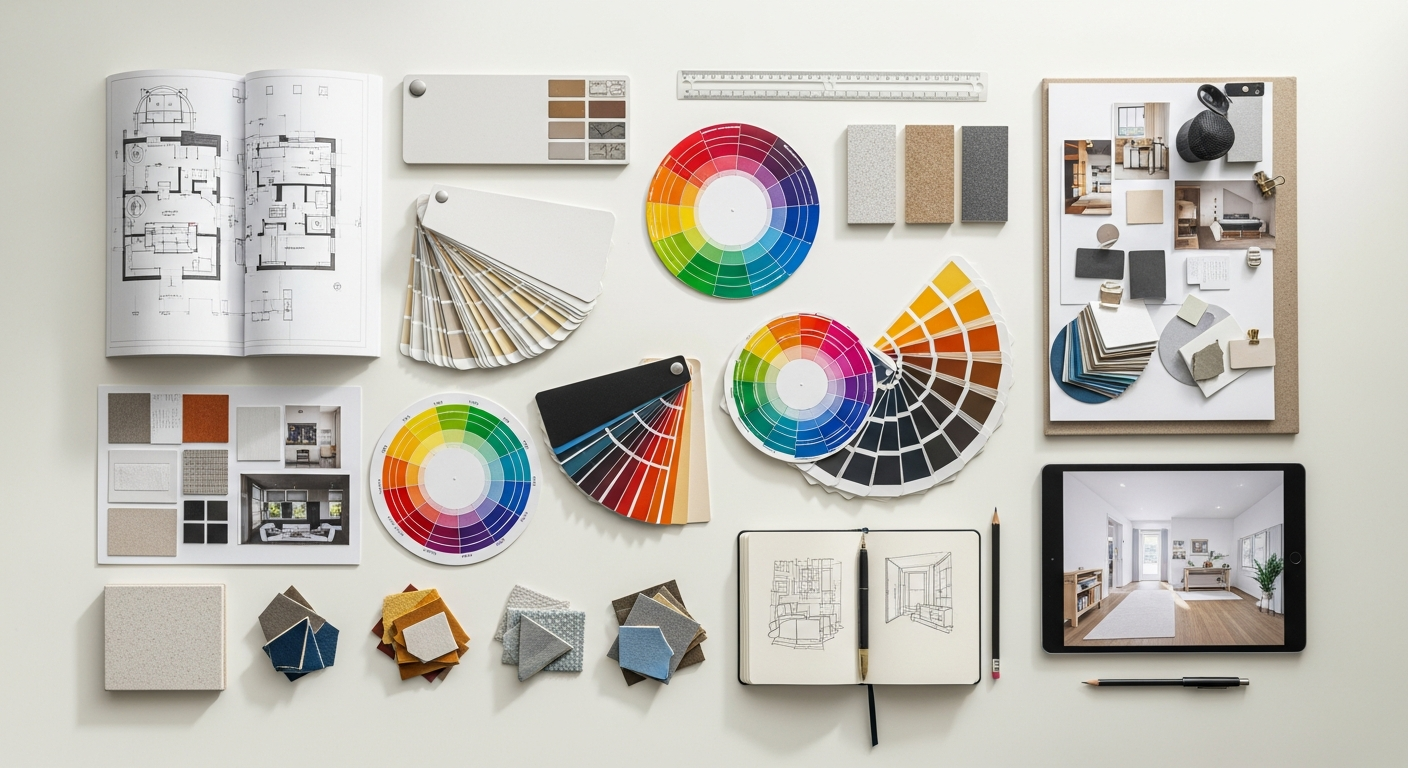
Choosing the right free color palette generator can transform how you approach any design project — from repainting your living room to building a brand identity from scratch. With dozens of palette tools available online, finding the one that matches your workflow and design goals requires hands-on testing rather than guesswork. We spent over 40 hours evaluating the most popular color palette generators to bring you this definitive comparison.
Whether you need a random color palette generator for quick inspiration, a tool that extracts colors from photographs, or an AI-powered engine that learns your preferences, this guide covers every major option. Each tool is scored on ease of use, color harmony quality, export formats, and suitability for interior design, branding, and digital projects. By the end, you will know exactly which free color palette generator fits your creative needs.
Why You Need a Dedicated Color Palette Generator
Color is the single most influential element in any design. Research from the Institute for Color Research shows that people make subconscious judgments about an environment or product within 90 seconds, and up to 90 percent of that assessment is based on color alone. A dedicated color palette generator eliminates the guesswork by applying color theory algorithms — complementary colors, triadic schemes, split-complementary arrangements, and analogous palettes — to produce harmonious combinations automatically.
Manual color selection often leads to palettes that feel disconnected or visually jarring. Even experienced designers use palette generators as starting points because these tools explore combinations faster than any human can. For homeowners planning a room makeover, a generator provides professional-quality palettes without requiring formal design training. For a deeper dive into choosing palettes for home projects, see our home decor color palette guide.
How We Tested These Color Palette Generators
We evaluated each tool across five categories: speed of palette generation, quality of color harmony algorithms, range of export formats (HEX, RGB, CSS, image swatches), integration options (Figma plugins, browser extensions, API access), and suitability for three use cases — interior design, brand identity, and web or UI design. Each generator was tested with identical starting colors to ensure fair comparison.
Free tiers were tested exclusively. Several tools offer premium upgrades, but our focus is what you get at zero cost. Tools that gate essential features behind paywalls were noted accordingly. We also checked mobile responsiveness since many homeowners browse on phones while standing in paint aisles or furniture showrooms.
Coolors — Best for Speed and Exploration
Coolors remains the fastest way to generate random color palettes in 2027. Press the spacebar and a new five-color palette appears instantly. Each color can be locked while you regenerate the rest, making it easy to build around a specific hue. The drag-and-drop interface lets you reorder colors, and the palette lock feature ensures your favorite shade stays put while you explore complementary options.
Coolors exports palettes as HEX codes, RGB values, CSS code, SVG files, and shareable URLs. The browser extension lets you generate palettes while browsing design inspiration sites. The free tier allows unlimited palette generation with ads, while the Pro tier removes ads and adds advanced features like palette collections and PDF export. For interior design, Coolors excels at rapid exploration but lacks room visualization capabilities.
Adobe Color — Best for Advanced Color Theory
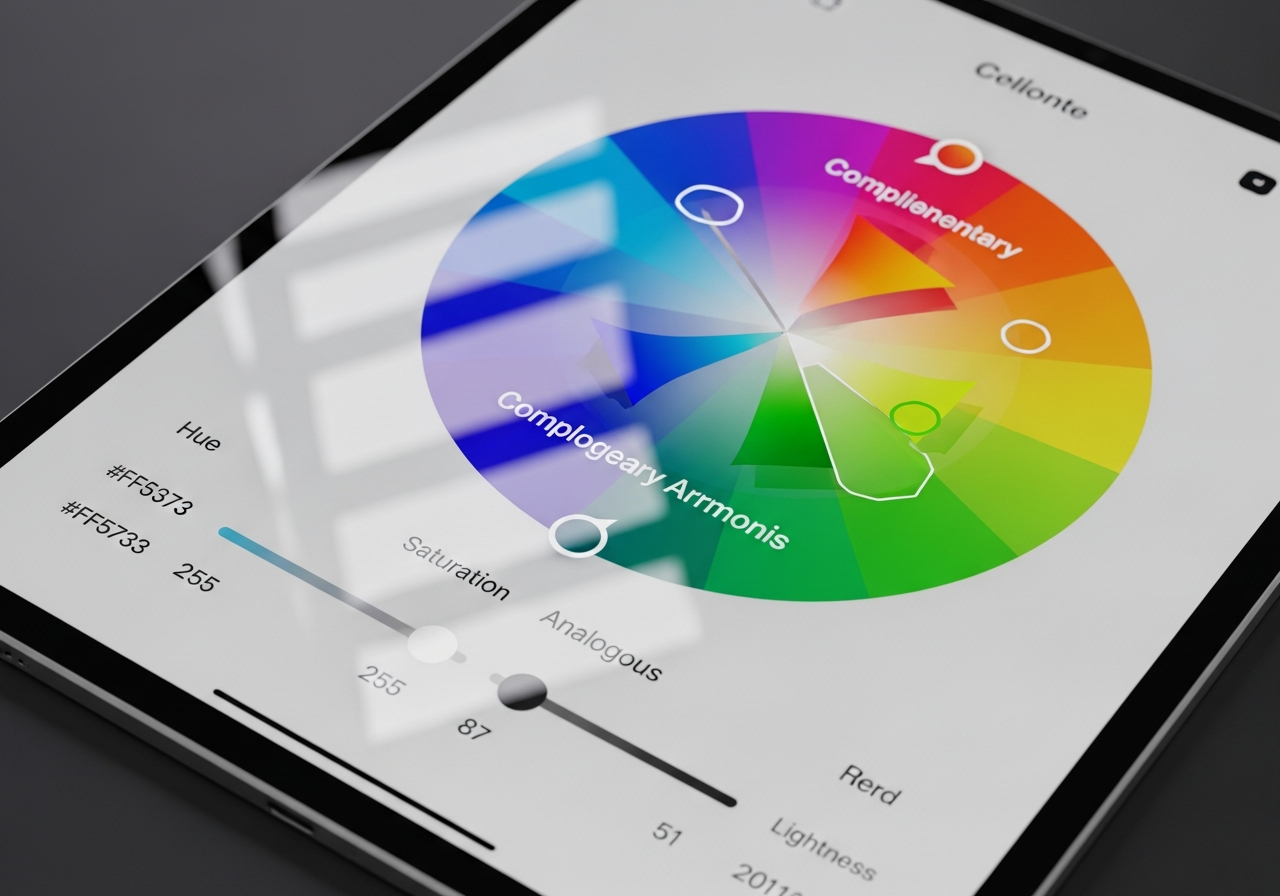
Adobe Color (formerly Adobe Kuler) is the most technically sophisticated free color palette generator available. Its interactive color wheel lets you select from six harmony rules — analogous, monochromatic, triad, complementary, split-complementary, and double split-complementary — and see the mathematical relationships between colors in real time. The accessibility checker evaluates contrast ratios against WCAG 2.1 standards directly within the tool.
The Explore tab houses thousands of community-created palettes searchable by mood, theme, or keyword. Adobe Color integrates directly with Photoshop, Illustrator, and InDesign through Creative Cloud Libraries, making it the natural choice for designers already in the Adobe ecosystem. The image extraction feature pulls dominant colors from uploaded photos — a feature we cover in detail in our color palette from photo guide.
Canva Color Palette Generator — Best for Non-Designers
Canva's color palette generator is purpose-built for people without design training. Upload any image and Canva extracts a four-color palette automatically. The interface is clean, the results are immediately usable, and the extracted colors can be applied directly to Canva design projects — social media posts, presentations, invitations, and marketing materials.
The limitation is simplicity. Canva does not offer color harmony rules, manual color wheel adjustments, or advanced export formats. You get four colors from a photo and that is it. For homeowners who want a quick palette from a Pinterest inspiration image or a photo of their favorite throw pillow, Canva delivers. For deeper color exploration, pair it with a more advanced tool.
Figma Color Palette Generator — Best for UI/UX Teams
Figma does not ship a built-in palette generator, but its plugin ecosystem includes several excellent options. The Figma Color Palette Generator plugin creates tint and shade scales from a base color, while the Palette plugin generates harmonious multi-color schemes. These palettes integrate directly into your Figma design system as reusable color styles, ensuring consistency across an entire product interface.
For UI and UX designers, Figma-native palette generation eliminates the friction of switching between tools. The design token export capabilities — CSS variables, JSON tokens, and Tailwind configuration — make Figma the workflow hub for digital design teams. Learn more about applying palettes to web projects in our website and UI color palette guide.
4 More Free Color Palette Generators Worth Trying
Khroma uses machine learning to learn your color preferences. After you select 50 colors you like, the AI generates infinite palettes tailored to your taste. It is the most personalized option on this list and excels at discovering unexpected but harmonious combinations. For more on how AI powers palette creation, see our AI color palette generator guide.
Colormind generates palettes using a deep learning model trained on photographs, movies, and art. Each palette feels organic and grounded in real-world aesthetics rather than pure mathematical harmony. Paletton is a veteran color wheel tool that provides fine-grained control over saturation and brightness across complementary, triadic, and tetradic schemes. Color Hunt curates thousands of hand-picked four-color palettes organized by trending, popular, and random categories.
Muzli Colors by InVision lets you search palettes by color, generate from a single starting hue, and preview combinations on realistic UI mockups. Its search-by-color feature is especially useful for designers who have one brand color locked and need complementary options. All four of these tools are completely free with no sign-up required.
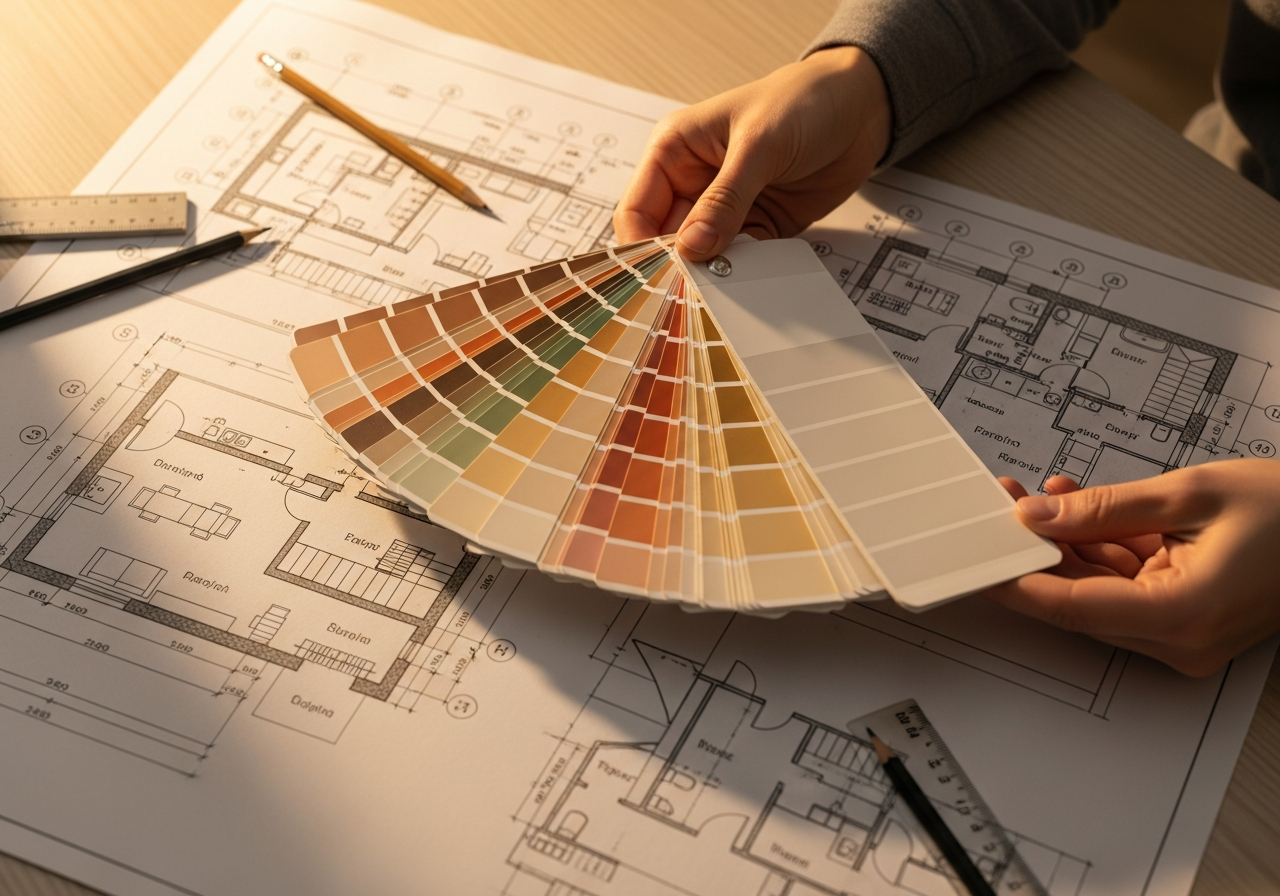
Feature Comparison Table: All 10 Tools Side by Side
| Tool | Best For | Color Harmony | Photo Extraction | Export Formats |
|---|---|---|---|---|
| Coolors | Speed exploration | Auto + manual | Yes | HEX, RGB, CSS, SVG, URL |
| Adobe Color | Color theory | 6 harmony rules | Yes | ASE, HEX, CC Libraries |
| Canva | Non-designers | Auto only | Yes | HEX, in-app use |
| Figma Plugins | UI/UX teams | Plugin-dependent | Via plugins | CSS, JSON, Tailwind |
| Khroma | Personalized AI | ML-based | No | HEX, RGB |
| Colormind | Organic palettes | Deep learning | Yes | HEX |
| Paletton | Precision control | Full wheel | No | HEX, RGB, CSS, XML |
| Color Hunt | Curated inspiration | Community-curated | No | HEX, CSS |
| Muzli Colors | UI previews | Auto | No | HEX, CSS |
| HanoDecor AI | Interior design | AI + room context | Yes | HEX, room preview |
The table above highlights a clear pattern: general-purpose tools like Coolors and Adobe Color offer the broadest feature sets, while specialized tools like Khroma and Figma plugins excel within their specific domains. For interior design projects, tools that combine palette generation with room visualization — like HanoDecor AI — provide the most actionable results because you can see how colors interact on actual walls, furniture, and textiles.
Choosing the Right Generator for Your Project Type
For interior design and home renovation projects, prioritize tools that let you extract colors from room photos, preview palettes on realistic surfaces, and coordinate colors across multiple rooms. Adobe Color and Coolors both handle extraction well, but neither shows you how a palette looks on your actual walls. The HanoDecor Color Palette Generator bridges this gap by combining extraction, harmony algorithms, and room visualization in one workflow.
For branding projects, Coolors and Adobe Color offer the best export flexibility — HEX codes for web, CMYK for print, and style guide documentation. For web and UI design, Figma plugins and Muzli Colors provide the closest integration with your design workflow. For pure exploration and inspiration, Color Hunt and Khroma deliver fresh combinations you might never discover through manual selection.
If you are building a palette from a single starting color, the hex code palette building guide walks through complementary, analogous, and monochromatic expansion techniques that work with any of these tools.
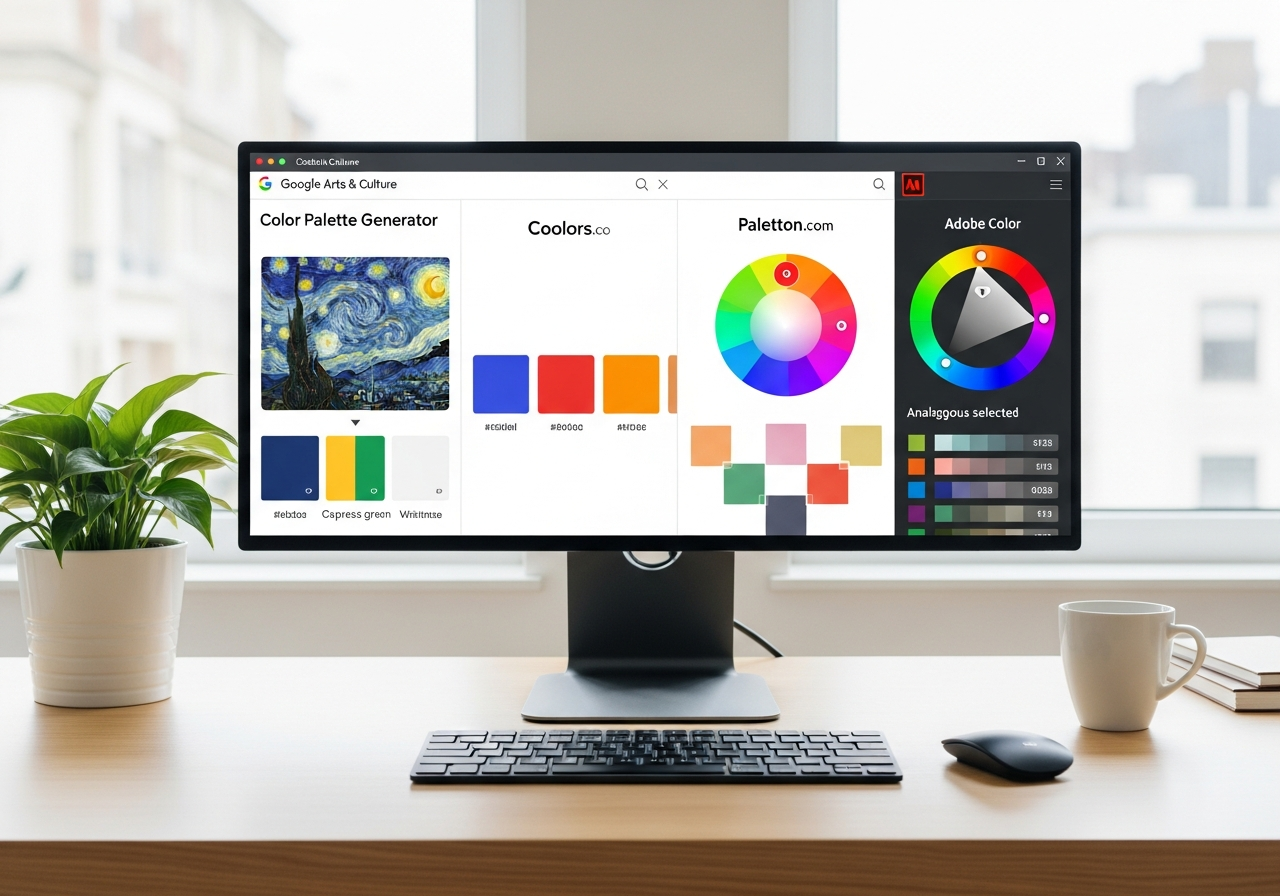
Tips for Getting the Most from Free Palette Generators
Start with one anchor color rather than generating entirely random palettes. Your anchor might be the color of your existing sofa, a favorite piece of art, or a brand color you cannot change. Lock that anchor and let the generator fill in harmonious companions. This approach produces more cohesive results than pure randomization.
Always test generated palettes under the lighting conditions where they will be used. Colors look different under warm incandescent light, cool fluorescent light, and natural daylight. The HanoDecor Room Designer simulates different lighting scenarios so you can evaluate palettes before purchasing paint samples. For deeper guidance on room-specific palettes, explore our design ideas hub.
Export your palette in multiple formats. Even if you are painting a bedroom, having the HEX values lets you match throw pillows, curtains, and accessories online. Copy the CSS export if you are also working on a personal website or blog. Save palette URLs to revisit and refine your choices over time.
Related Articles
Continue exploring color palette tools and techniques with these guides: How to Generate a Color Palette from a Photo covers five methods for extracting colors from images. AI Color Palette Generators explains how machine learning creates perfect palettes. How to Choose a Color Palette for Home Decor provides room-by-room styling advice. Browse the design gallery for real-world palette inspiration.
Frequently Asked Questions
What is the best free color palette generator overall?
Coolors is the best all-around free color palette generator for most users. Its spacebar-driven interface generates palettes instantly, the lock feature lets you build around anchor colors, and export options cover HEX, RGB, CSS, and SVG formats. Adobe Color is the best choice for users who need advanced color theory tools and Creative Cloud integration.
Can I use these generators for interior design projects?
Yes, all 10 generators produce palettes suitable for interior design. However, most general-purpose generators show colors as flat swatches without room context. For the best interior design results, pair a generator like Coolors or Adobe Color with a room visualization tool like the HanoDecor Color Palette Generator that shows how palettes look on actual walls and furnishings.
How many colors should a good palette have?
Most effective palettes contain three to five colors. The 60-30-10 rule — 60 percent dominant color, 30 percent secondary, 10 percent accent — is the most widely used framework in both interior design and graphic design. Extended palettes of six to twelve colors work for large-scale branding or whole-house color coordination but require more skill to balance.
Are AI-powered palette generators more accurate than traditional color wheels?
AI palette generators like Khroma and Colormind produce palettes trained on millions of real-world examples — photographs, artwork, fashion, and interior design. This gives them an advantage in creating palettes that feel natural and emotionally resonant. Traditional color wheel tools like Paletton and Adobe Color apply mathematical harmony rules that guarantee technical correctness. The best approach combines both: use AI for initial inspiration and color wheel tools for fine-tuning.
Do I need to create an account to use these free generators?
Most free palette generators work without an account. Coolors, Paletton, Color Hunt, and Colormind require no sign-up at all. Adobe Color requires a free Adobe account. Canva requires a free Canva account. Khroma requires completing its 50-color training set but no account creation. Figma plugins require a free Figma account. HanoDecor's tools are accessible with a free account for basic palette generation.
Generate Your Perfect Color Palette with HanoDecor AI
Ready to go beyond flat swatches and see your palette in a real room? The HanoDecor Color Palette Generator combines AI-powered color harmony with photorealistic room visualization. Upload a photo of your space, select or generate a palette, and see exactly how those colors look on your walls, furniture, and decor — all before buying a single paint sample.
Explore the full HanoDecor Studio for additional AI-powered design tools including the Room Designer and AI House Painter. Whether you are refreshing a single room or coordinating colors across your entire home, HanoDecor gives you professional-quality results in minutes.
10 Best Free Color Palette Generators in 2027 (Tested & Compared) FAQs
Written by
Lisa Wang
Sustainable Design Writer focused on eco-friendly materials, energy efficiency, and budget-conscious home improvement. LEED Green Associate with expertise in low-impact renovation strategies.