Website and UI Color Palette Generator: Accessible Design Guide
Quick Summary
A comprehensive guide to generating accessible website and UI color palettes that meet WCAG accessibility standards. Covers how web palettes differ from print and interior palettes, WCAG contrast ratio requirements for AA and AAA compliance, building UI color systems with primary, semantic, and neutral tokens, dark mode and light mode palette pairing, tools for generating accessible web palettes, and CSS variable management with design tokens.
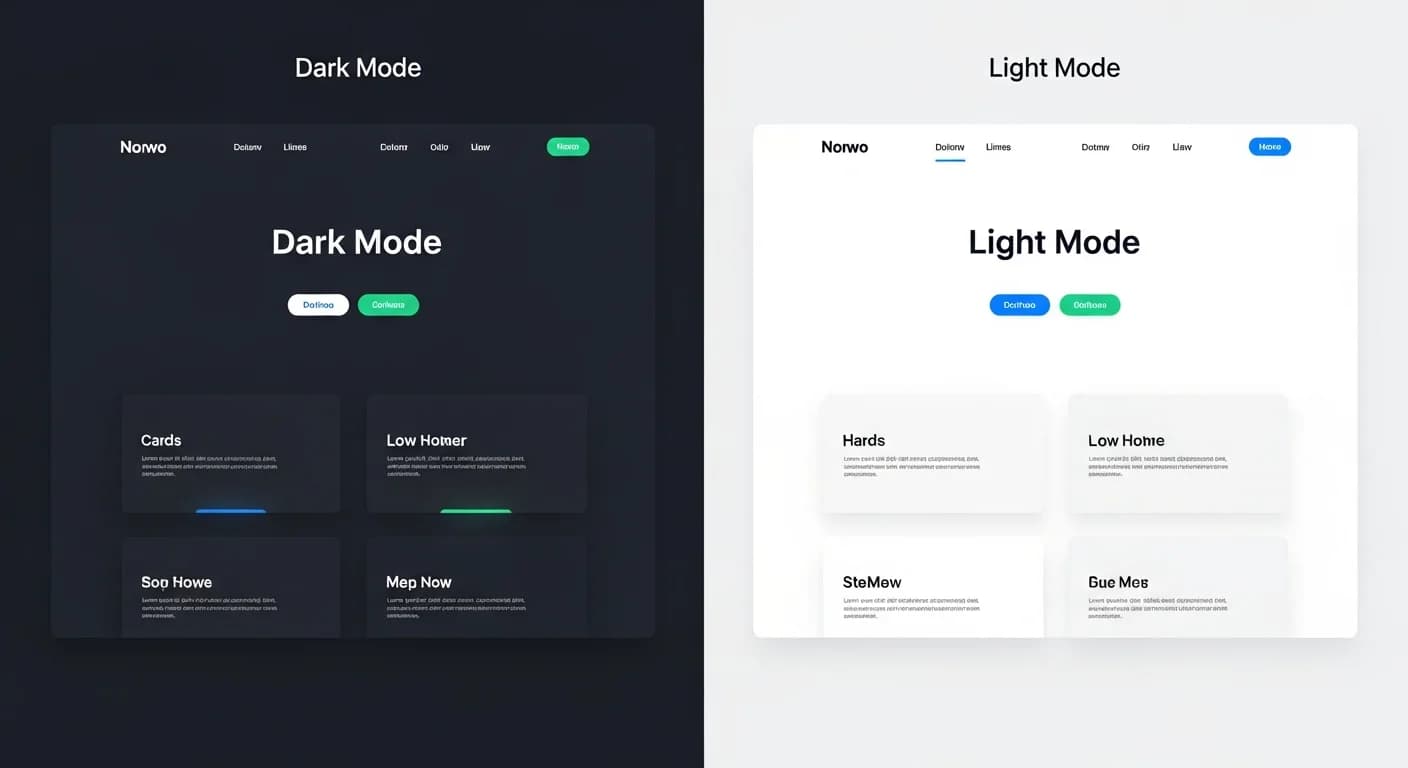
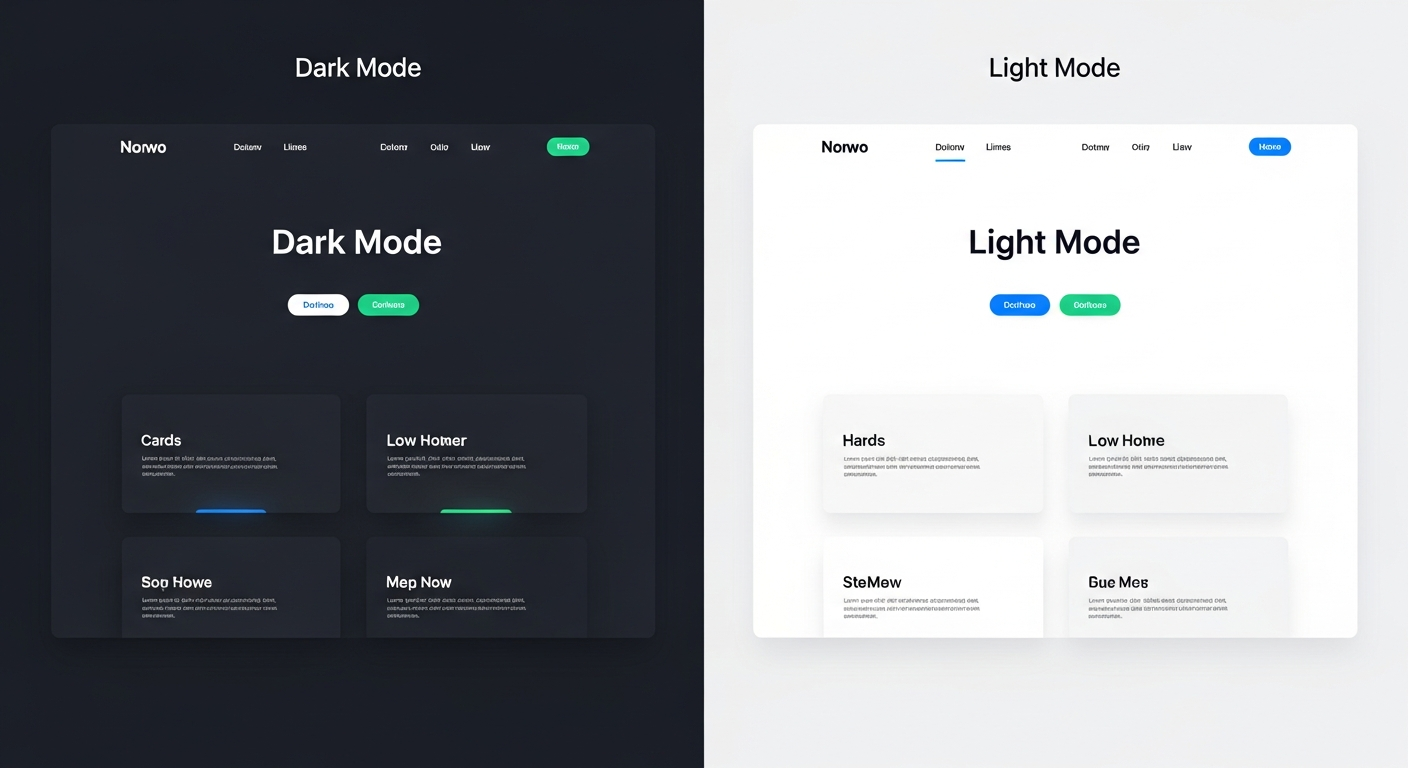
A website color palette generator faces unique constraints that interior and print palette tools do not. Every color combination in a UI color palette must pass accessibility contrast ratios, render consistently across thousands of display configurations, support both light and dark mode preferences, and scale through a systematic design token architecture. Building an accessible web palette is not just a design exercise — it is a technical and legal requirement that affects how millions of users experience your product.
The Web Content Accessibility Guidelines (WCAG) establish minimum contrast ratios between text and background colors to ensure readability for users with visual impairments, including the roughly 300 million people worldwide with color vision deficiency. This guide covers WCAG compliance requirements, the structure of a professional UI color system, tools that generate accessible palettes automatically, and the CSS architecture that makes palette management maintainable at scale.
Why Website Color Palettes Differ from Print or Interior Design
Print designers control the exact paper stock, ink density, and viewing conditions for their work. Interior designers account for specific lighting fixtures and natural light patterns. Web designers control almost none of these variables. Your color palette must look acceptable on a calibrated 5K Retina display, a budget Android phone in bright sunlight, a hospital monitor under fluorescent lights, and a dark-mode tablet at midnight. This extreme variability demands a more systematic approach to color selection.
Web palettes also carry functional meaning that decorative palettes do not. A red in interior design is just a warm color choice. A red in a web interface typically signals an error state, a destructive action, or critical information. Green means success, yellow means warning, and blue means informational or navigational. These semantic color associations are so deeply ingrained in digital literacy that violating them — using red for success, for example — creates genuine usability problems.
Legal requirements add another dimension. The Americans with Disabilities Act (ADA) and Section 508 of the Rehabilitation Act require accessible digital experiences for federal agencies and many private businesses. The European Accessibility Act extends similar requirements across the EU. Non-compliant color choices are not just design flaws — they can result in lawsuits and regulatory penalties. A proper web palette generator builds compliance into every color combination it produces.
WCAG Accessibility Standards for Web Color Palettes
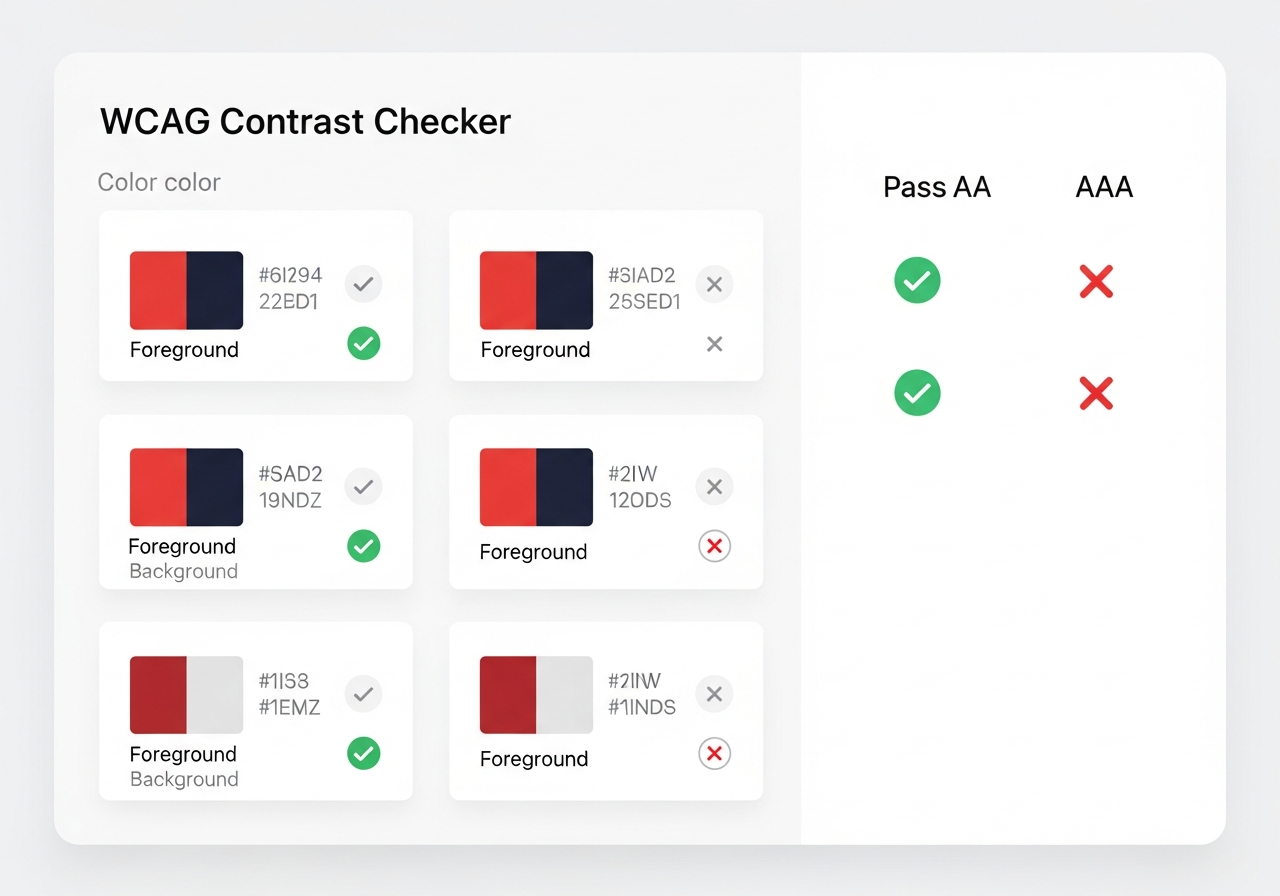
WCAG 2.1 defines two levels of contrast compliance: AA and AAA. Level AA requires a minimum contrast ratio of 4.5:1 for normal text (under 18px or 14px bold) and 3:1 for large text (18px and above or 14px bold and above). Level AAA — the gold standard — requires 7:1 for normal text and 4.5:1 for large text. Most organizations target AA compliance as the baseline, with AAA as an aspirational goal for critical content.
Contrast ratio is calculated as the relative luminance of the lighter color divided by the relative luminance of the darker color. Pure white on pure black yields the maximum ratio of 21:1. Common failures include light gray text on white backgrounds, medium blue links on dark blue backgrounds, and placeholder text in form fields that fails to reach even the 3:1 minimum for non-text elements. A good palette generator flags these failures automatically and suggests alternatives.
Beyond text contrast, WCAG 2.1 Success Criterion 1.4.11 requires that UI components and graphical objects have at least a 3:1 contrast ratio against adjacent colors. This means your button borders, form field outlines, chart segments, and icon shapes must all meet contrast requirements — not just your text. A comprehensive palette generator tests these non-text elements alongside text to ensure full compliance across your entire interface.
Building a UI Color System: Primary, Semantic, and Neutral
A professional UI color system is organized into three functional groups: brand colors, semantic colors, and neutrals. Brand colors include your primary color (the dominant hue that represents your brand), a secondary color for supporting elements, and optionally a tertiary color for additional variety. Each brand color should be generated as a full scale — from very light tints to very dark shades — creating 8 to 12 steps that provide flexibility across backgrounds, hover states, borders, and text.
Semantic colors communicate meaning independent of brand identity. Every UI needs at minimum four semantic colors: success (typically green), error or destructive (typically red), warning (typically amber or orange), and informational (typically blue). Like brand colors, each semantic color requires a full tint-shade scale because you need light backgrounds for alert banners, medium tones for icons and badges, and dark tones for text labels — all within each semantic category.
Neutral colors form the foundation of your UI — backgrounds, text, borders, dividers, and disabled states. A neutral scale typically includes 10 to 14 steps from near-white to near-black, with optional warm or cool tinting to align with your brand character. Gray neutrals with a slight blue tint feel more modern and tech-forward. Gray neutrals with a slight warm tint feel friendlier and more approachable. The neutral scale is the most-used part of any UI palette. For foundational palette principles, see our free palette generators comparison.
Dark Mode and Light Mode Palette Pairing
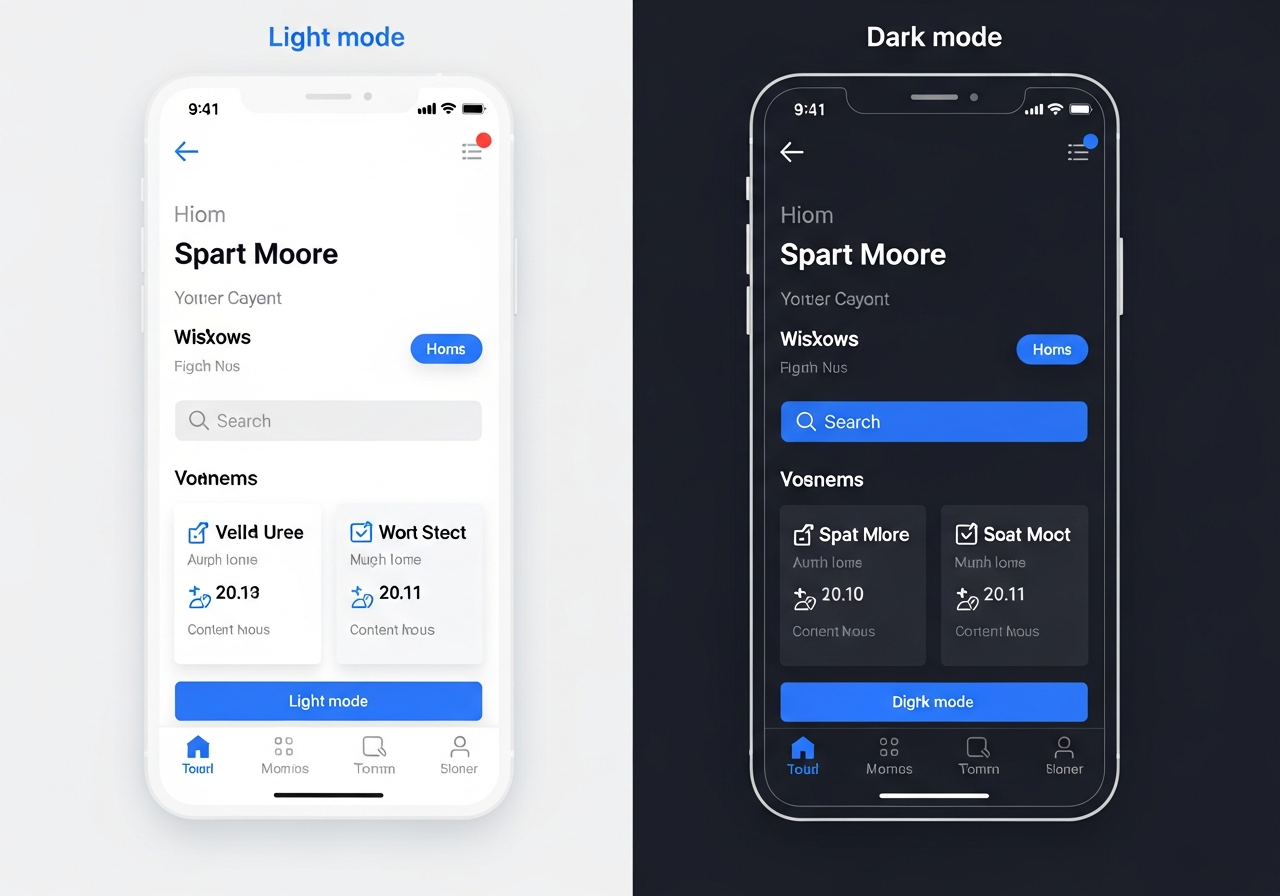
Dark mode is no longer optional for modern web applications. Users increasingly expect dark mode support, and operating systems provide automatic dark mode switching based on time of day or user preference. Your palette must define both a light mode and a dark mode variant, with each combination meeting WCAG contrast requirements independently. This effectively doubles your palette engineering effort because every color relationship must be validated in both modes.
The simplest dark mode approach inverts your neutral scale — your lightest background becomes your text color and vice versa. However, naive inversion often produces results that feel harsh or unnatural. Best practices include using a dark gray (not pure black) as the base dark mode background, reducing the saturation of brand and semantic colors slightly for dark mode to prevent visual vibration against dark backgrounds, and maintaining the same relative contrast ratios rather than the same absolute color values.
Elevation in dark mode deserves special attention. In light mode, elevation is communicated through shadows — higher elements cast larger shadows. In dark mode, shadows are invisible against dark backgrounds, so elevation is communicated through surface lightness — higher elements have lighter backgrounds. This means your dark mode palette needs more granular neutral steps to differentiate between base surfaces, elevated cards, modals, and tooltips. Google's Material Design documentation provides excellent reference for dark mode elevation patterns.
Tools for Generating Accessible Web Color Palettes
Several specialized tools generate web-accessible palettes with built-in WCAG compliance checking. Realtime Colors lets you apply generated palettes to a live website mockup, seeing how your colors work in context rather than as abstract swatches. Leonardo by Adobe generates perceptually uniform color scales using the CIELAB color space and automatically flags contrast failures. Coolors includes an accessibility checker that tests every foreground-background combination in your palette against WCAG AA and AAA thresholds.
For Tailwind CSS users, palette generators that output Tailwind-compatible color configurations save significant setup time. Tools like Tailwind Shades and UI Colors generate the 50-through-950 shade scales that Tailwind expects, calibrated for accessible contrast across the scale. Some generators accept a single hex value as input and produce the full shade scale, ensuring every step maintains usable contrast against both white and dark backgrounds.
Color blindness simulation is a critical testing step that many generators include. Tools like the Stark plugin for Figma and the built-in Chrome DevTools color vision simulation let you preview your palette as users with deuteranopia, protanopia, and tritanopia would see it. If your palette relies on red-green differentiation for status indicators, approximately eight percent of male users will not perceive that distinction. Always pair color with shape, icon, or label alternatives. Our accessible palette guide covers color blindness accommodation in depth.
CSS Variables and Design Tokens for Palette Management
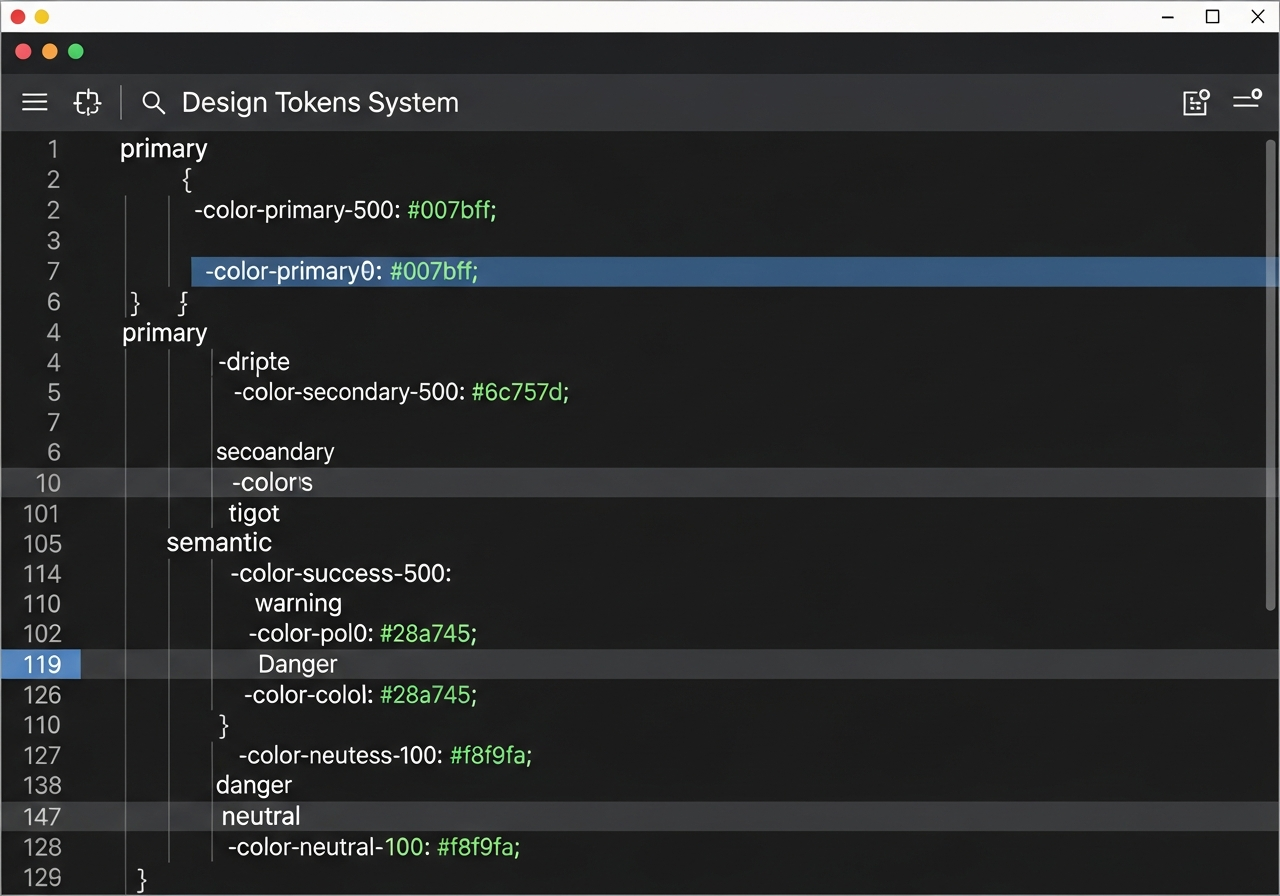
Design tokens are the most maintainable way to implement a color palette across a web application. Rather than hardcoding hex values throughout your CSS, define your palette as CSS custom properties (variables) in a central stylesheet and reference those variables everywhere. When your brand color changes from one shade to another, you update a single variable definition and the entire application updates simultaneously. This architecture transforms palette changes from multi-day refactoring efforts into single-line edits.
Structure your tokens in two layers: primitive tokens and semantic tokens. Primitive tokens define your raw color values — blue-500, gray-100, red-600 — without implying how they are used. Semantic tokens reference primitive tokens with usage-based names — primary-action, surface-default, text-muted, border-error. Components consume semantic tokens exclusively, which means you can completely retheming your application by remapping semantic tokens to different primitive values without touching component code.
Dark mode implementation becomes elegant with this two-layer token architecture. Your semantic tokens simply point to different primitive values based on the active theme. In light mode, surface-default might resolve to gray-50. In dark mode, it resolves to gray-900. Components do not need to know which mode is active because they reference only semantic tokens that automatically resolve to the correct primitive for the current theme context. This pattern is used by major design systems including Material Design, Atlassian Design System, and Shopify Polaris.
Frequently Asked Questions
What is the minimum contrast ratio for web text?
WCAG 2.1 Level AA requires a minimum contrast ratio of 4.5:1 for normal text (under 18px or 14px bold) and 3:1 for large text (18px and above or 14px bold and above). Level AAA requires 7:1 for normal text and 4.5:1 for large text. For non-text UI elements like buttons and form fields, the minimum is 3:1 against adjacent colors. Most professional teams target AA compliance as the minimum standard for all production applications.
How many colors does a website palette need?
A professional website palette typically includes 40 to 60 individual color values when you account for full shade scales. This breaks down to one to three brand color scales (8-12 steps each), four semantic color scales (success, error, warning, info at 5-8 steps each), and one neutral scale (10-14 steps). Each scale provides the range needed for backgrounds, borders, icons, text, and interactive states within that color family.
Do I need a separate dark mode palette?
You do not need entirely separate colors, but you need a separate mapping of semantic tokens to primitive values. Your brand blue-500 might serve as the primary button background in light mode, while blue-400 serves the same role in dark mode because lighter values maintain better contrast on dark backgrounds. The design token architecture enables this mode switching without duplicating your entire color system.
Can I use my brand colors on the web if they fail contrast?
You can use any brand color decoratively — as a background fill, a gradient element, or a large graphic — without contrast requirements. However, when your brand color is used as a text color or a functional UI element, it must meet contrast standards. If your brand color fails against white, use it as a background with white text instead, or adjust the shade slightly for text use. Many brands maintain a slightly darker web variant of their primary color specifically for accessible text rendering.
What are design tokens and do I need them?
Design tokens are named variables that store design decisions — colors, spacing, typography, and more — in a format consumable by code. For color palettes, tokens replace hardcoded hex values with meaningful names like primary-action or surface-elevated. You need them if your application is larger than a single landing page, if multiple developers work on it, or if you anticipate theme changes or dark mode support. They are the industry standard for scalable palette management.
Related Articles
Deepen your palette knowledge with these guides: Best Free Color Palette Generators compares 10 tools including web-focused options. How to Build a Palette from a Hex Code covers expanding brand colors into full systems. Brand Color Palette Generator helps establish the brand identity that feeds your web palette. Gradient Color Palette Generator covers smooth color transitions for modern interfaces.
Explore Color Palette Generation with HanoDecor AI
While HanoDecor's color palette generator is designed primarily for interior design and home visualization, the color theory principles it applies — harmony, contrast, and complementary relationships — are directly transferable to web and UI design. Generate palettes from photos, moods, or single colors and adapt the results to your digital projects with confidence in the underlying color relationships.
Explore the HanoDecor Studio to see how color palettes transform physical spaces — then apply those same principles to your digital spaces. The connection between interior design color and digital design color is closer than most people realize. Browse our design ideas gallery and our project gallery for inspiration that bridges the physical and digital design worlds.
Website and UI Color Palette Generator FAQs
Written by
Lisa Wang
Sustainable Design Writer focused on eco-friendly materials, energy efficiency, and budget-conscious home improvement. LEED Green Associate with expertise in low-impact renovation strategies.