Gradient Color Palette Generator: Smooth Transitions for Design
Quick Summary
A comprehensive guide to gradient color palette generators covering what makes a great gradient, the four gradient types (linear, radial, conic, mesh), how generators create smooth multi-stop transitions, the best free tools for gradient palette creation, techniques for avoiding muddy middle transitions, and practical applications of gradient-inspired palettes in interior design including ombre walls, tonal layering, and graduated textile selections.
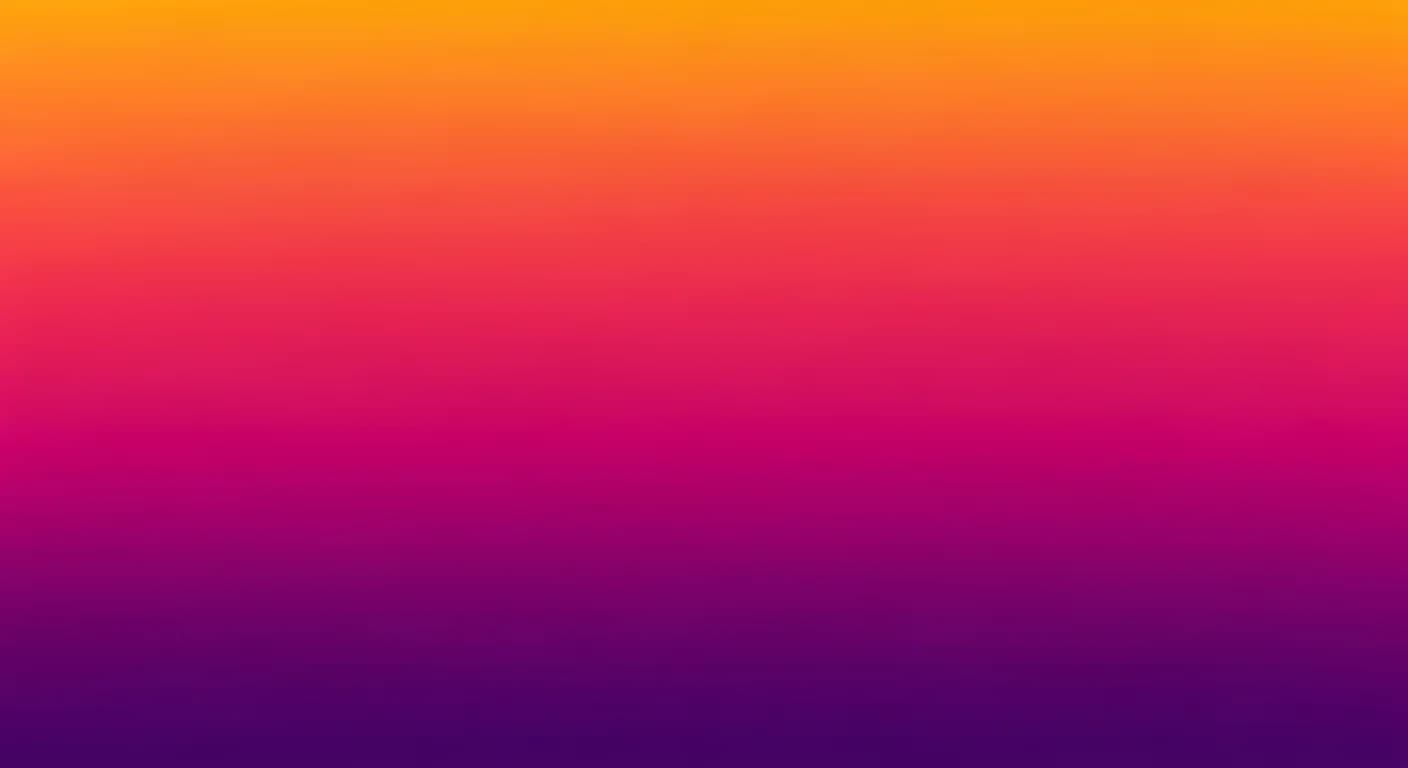
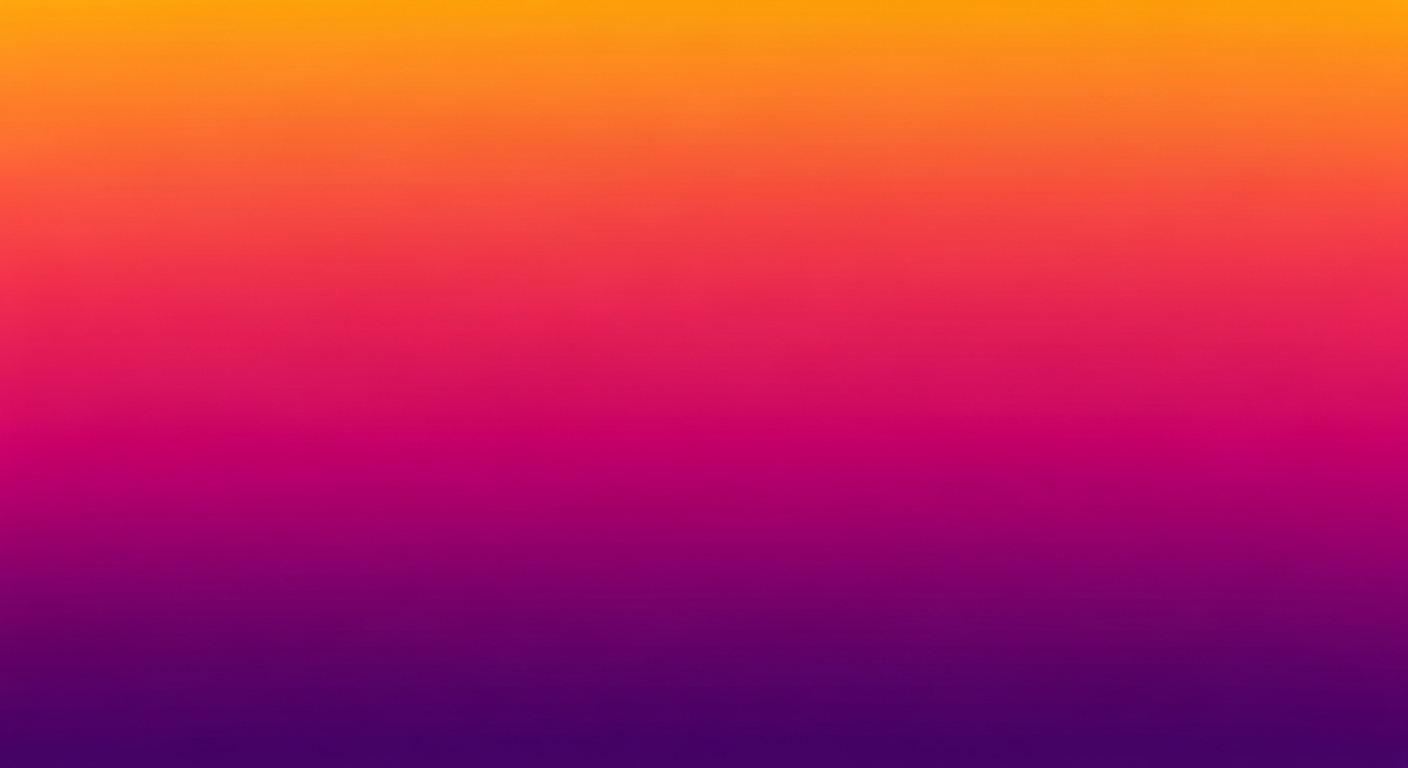
A gradient color palette generator creates smooth, seamless transitions between two or more colors — producing the kind of flowing color movement that flat palette swatches simply cannot capture. Gradients have evolved from a simple design trend into a fundamental technique used across digital interfaces, brand identities, packaging, social media graphics, and even interior wall treatments. The key challenge with gradients is achieving transitions that feel natural without the muddy, grayish middle zones that plague poorly constructed blends.
Modern gradient palette generators solve this problem by interpolating colors through perceptually uniform color spaces like LCH or OKLCH rather than the traditional RGB model that produces those unwanted gray bands. Whether you need a subtle two-color fade, a vibrant multi-stop sunset, or a complex mesh gradient for a poster design, understanding how gradient generators work helps you create smoother, more professional results every time.
What Makes a Great Gradient Color Palette
A great gradient palette achieves three things simultaneously: smooth perceptual transitions without banding, intentional color relationships that evoke a mood or direction, and sufficient contrast between the endpoints to create visual movement. The best gradients feel inevitable — as if the transition from one color to the next follows a natural progression found in sunsets, ocean depths, or the slow shift from dawn to daylight. For accessible gradient design, verify your color stops maintain WCAG-compliant contrast ratios.
The enemy of great gradients is the muddy middle — that grayish, desaturated zone that appears when two complementary or near-complementary colors blend through RGB space. A gradient from blue to orange, for example, passes through an unappealing brownish gray at the midpoint in RGB interpolation. LCH interpolation avoids this by maintaining saturation throughout the transition, producing a rich purple-magenta middle zone instead.
When evaluating gradient palettes, extract 5 to 7 evenly spaced color stops and examine each one individually. If any stop looks muddy, desaturated, or out of place as a standalone swatch, the gradient needs adjustment. Great gradient palettes produce beautiful discrete colors at every point along the transition — each stop should work as a usable palette color on its own.
Types of Gradients: Linear, Radial, Conic, and Mesh
Linear gradients transition color along a straight axis — horizontal, vertical, or at any specified angle. This is the most common gradient type, used for backgrounds, buttons, text overlays, and ombre wall effects. A horizontal linear gradient from deep navy to soft sky blue mimics the natural horizon line, making it popular for headers and hero sections. CSS syntax is straightforward: linear-gradient(to right, navy, skyblue).
Radial gradients emanate from a center point outward in a circular or elliptical pattern. They create depth effects, spotlight illumination, and focal-point emphasis. A radial gradient from white to dark gray behind a product photo simulates studio lighting. Conic gradients sweep color around a center point like a color wheel, creating pie-chart effects, clock faces, and decorative rosettes. Both radial and conic gradients produce more complex visual effects than linear gradients.
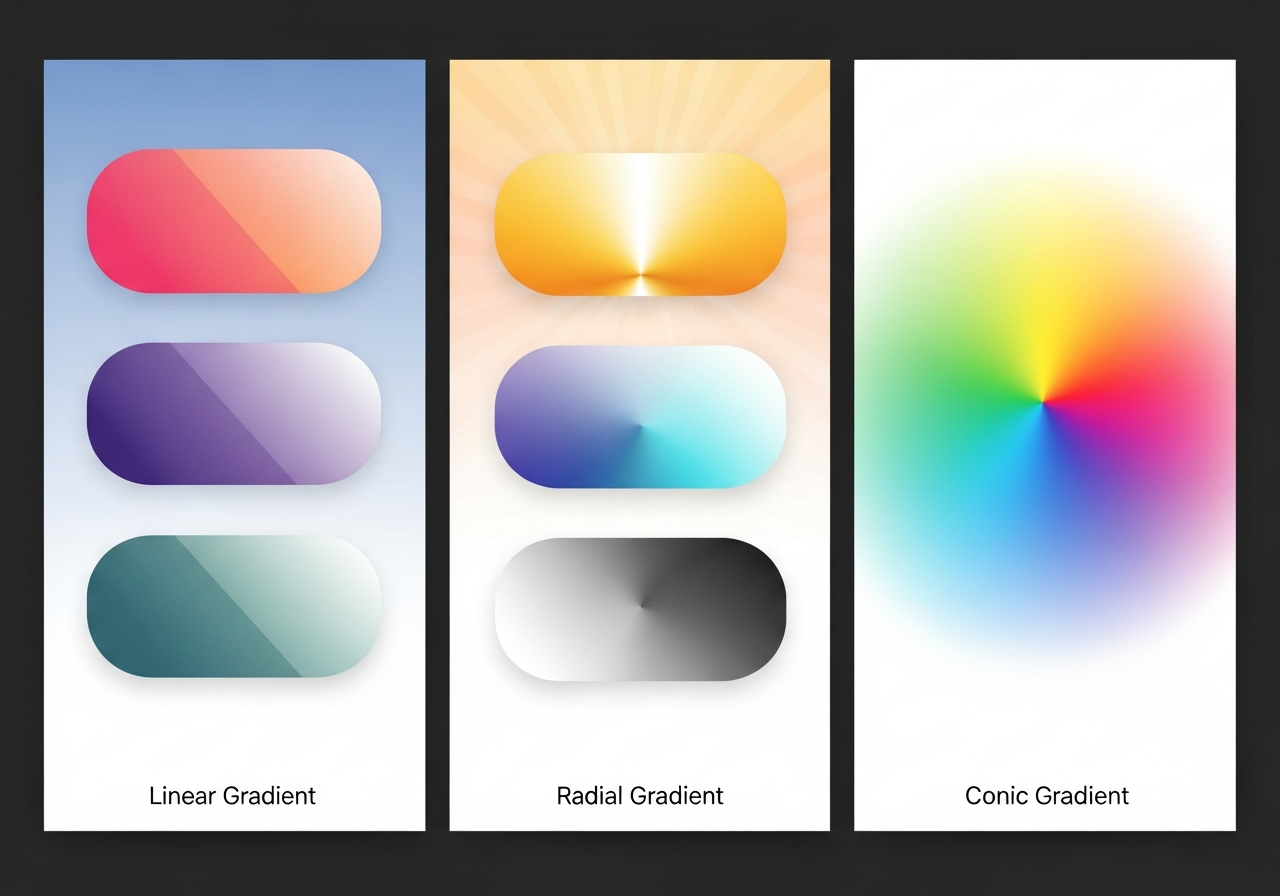
Mesh gradients are the most complex type, using multiple color points positioned freely across a surface with smooth blending between all of them simultaneously. Unlike linear or radial gradients that follow a single axis or center, mesh gradients create organic, flowing color fields that mimic natural phenomena like aurora borealis, oil slicks, or watercolor washes. Tools like Figma, Adobe Illustrator, and specialized generators like Mesh Gradient by CSS Hero enable mesh gradient creation.
How Gradient Palette Generators Work
Gradient palette generators operate by interpolating between user-selected color stops using a chosen color space algorithm. The simplest generators interpolate linearly in RGB space — calculating the mathematical average of red, green, and blue channel values between each stop pair. While computationally simple, RGB interpolation often produces perceptually uneven transitions where some portions appear to change faster than others.
Advanced generators use perceptually uniform color spaces like CIE LAB, LCH, or the newer OKLCH. In these spaces, equal mathematical distances correspond to equal perceived color differences, producing transitions that look smooth to the human eye regardless of the hue, saturation, or lightness of the endpoints. OKLCH has emerged as the preferred interpolation space in modern CSS, with the color-mix() function and gradient interpolation in CSS Color Level 4 supporting it natively.
Multi-stop gradients add intermediate color points between the endpoints, giving you precise control over the transition path. Adding a warm coral stop between a pink starting point and an orange endpoint, for example, ensures the gradient passes through coral rather than the desaturated peach that RGB interpolation might produce. Most generators let you add, remove, and reposition stops along the gradient axis for fine-tuned control over the transition shape.
Best Free Gradient Palette Generators
Several excellent free tools specialize in gradient palette generation. WebGradients offers a curated collection of 180 ready-made linear gradients with one-click CSS export. Grabient provides an interactive gradient builder with customizable angle, color stops, and real-time CSS output. UI Gradients features community-contributed gradient palettes searchable by mood, color family, and popularity, making it ideal for quick design inspiration.
For advanced gradient work, Easing Gradients generates mathematically smooth transitions using cubic-bezier easing curves that eliminate the hard color bands visible in standard CSS gradients. Mesh Gradient by CSS Hero creates freeform mesh gradients exportable as CSS or SVG. The HanoDecor color palette generator allows you to create gradient-inspired discrete palettes by extracting evenly spaced color stops from any gradient, giving you a usable set of harmonious swatches.
For a broader comparison of color palette tools beyond gradients, see our best free color palette generators guide. Many general-purpose generators include gradient generation modes alongside their traditional discrete palette features.
Creating Gradients That Avoid Muddy Transitions
The most common gradient failure is the muddy middle — that desaturated, brownish-gray zone that appears when complementary colors blend through RGB space. Three techniques prevent this problem. First, switch your interpolation to LCH or OKLCH color space, which maintains saturation throughout the transition. In CSS, specify this with background: linear-gradient(in oklch, blue, orange) to see dramatically improved results compared to the default sRGB interpolation.
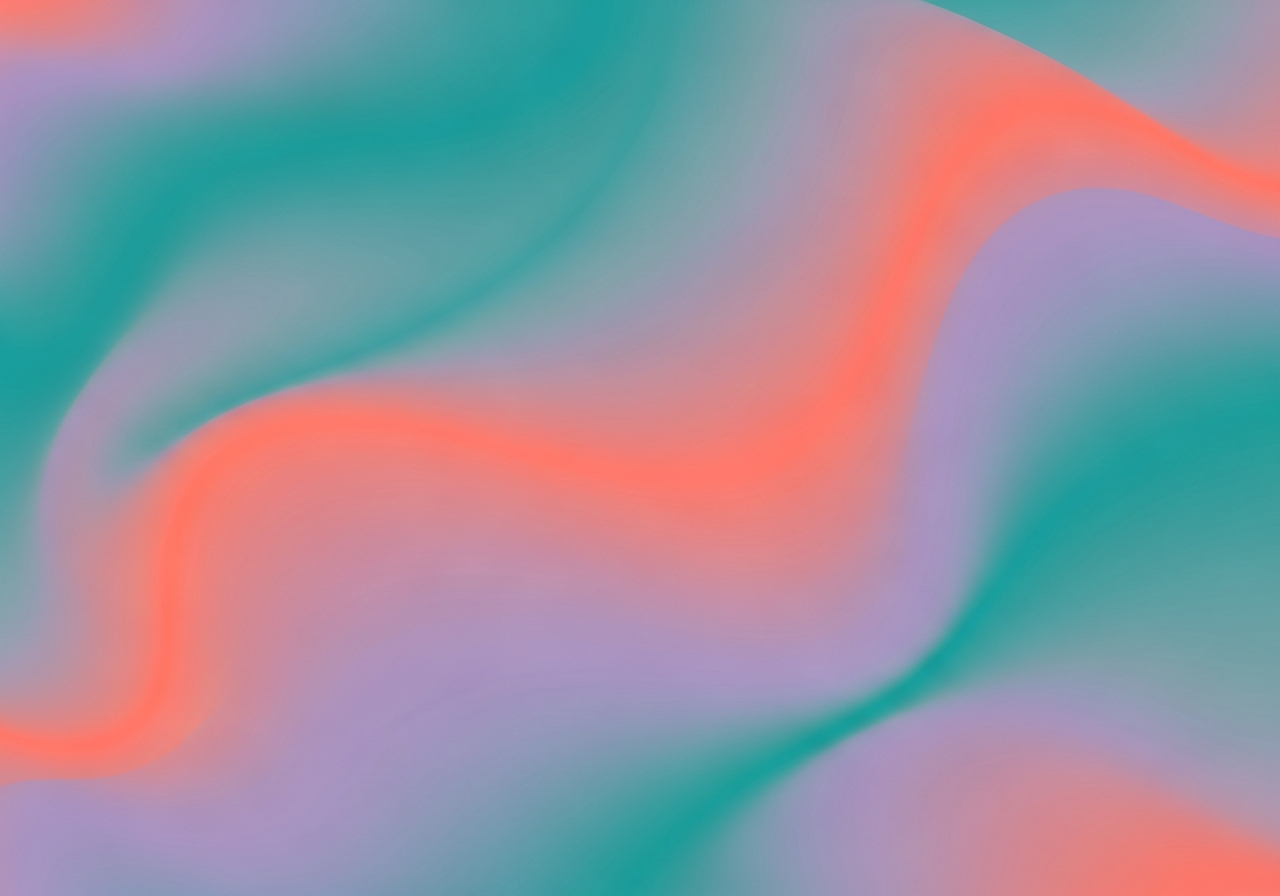
Second, add a midpoint stop that pushes the transition through a vibrant hue rather than allowing the algorithm to choose. Between blue and orange, add a magenta or hot pink stop at the 50 percent position. This manual intervention routes the gradient through saturated territory regardless of the interpolation method. Third, keep your gradient endpoints within a 180-degree hue arc — transitions that span more than half the color wheel are more likely to produce muddy results.
For hex-based color manipulation behind gradient stops, our hex code palette guide explains how to calculate complementary, analogous, and monochromatic variations that make excellent gradient endpoints.
Applying Gradient Palettes to Interior Design
Gradient-inspired palettes translate beautifully into interior design through a technique called tonal layering. Rather than painting an actual gradient on a wall, extract 4 to 6 discrete color stops from your gradient and assign them to different surfaces and objects in the room. The lightest stop becomes the ceiling color, the midpoint stops become wall and furniture tones, and the darkest stop appears in accent accessories like pillows, vases, and artwork. For room-specific palette applications, see our interior design palette guide.
Ombre wall treatments bring literal gradients into interior spaces. This technique involves blending three to four paint shades on a single wall, transitioning from dark at the bottom to light at the top (or vice versa). The effect creates visual height, adds depth to small rooms, and serves as a dramatic focal point. Professional painters achieve seamless ombre effects by working wet-on-wet with overlapping brush strokes between adjacent color bands.
Textile gradients offer another interior application. Arrange throw pillows in a gradient sequence from light to dark across a sofa, or select curtain panels that deepen in tone from top to bottom. Art collections can be curated as gradient sequences — a series of photographs or abstract prints that progress through a color transition when arranged side by side. Use the room designer to visualize gradient-inspired palettes in your actual space before making purchases. For more palette applications in interiors, explore our color palette for home decor guide.
Frequently Asked Questions
What causes muddy or gray gradients?
Muddy gradients occur when complementary or near-complementary colors are interpolated through RGB color space. The mathematical midpoint between two complementary hues in RGB passes through a desaturated, grayish zone. The solution is to use LCH or OKLCH interpolation instead, which maintains saturation throughout the transition, or to add a vibrant midpoint stop that routes the gradient through saturated territory.
How many color stops should a gradient have?
A two-stop gradient is sufficient for simple, clean transitions between related colors. Complex gradients typically use 3 to 5 stops for controlled multi-hue transitions. Beyond 7 stops, gradients risk looking noisy or rainbow-like unless carefully curated. For discrete palette extraction from gradients, 5 to 7 evenly spaced stops produce the most versatile set of usable colors.
Can I use CSS to create gradient backgrounds on websites?
Yes. CSS natively supports linear-gradient(), radial-gradient(), conic-gradient(), and repeating variations of each. Modern CSS Color Level 4 adds color space interpolation with the in keyword — for example, background: linear-gradient(in oklch, var(--color-start), var(--color-end)). This produces perceptually smooth gradients directly in the browser without image assets. For web-specific palette guidance, see our website UI palette guide.
Are gradient palettes suitable for interior design?
Absolutely. Gradient palettes translate to interior design through tonal layering (extracting discrete color stops and assigning them to different surfaces), ombre wall treatments (blending paint shades on a single surface), and textile gradients (arranging fabrics in a progressive color sequence). The technique creates sophisticated, cohesive room designs with natural color flow.
What is a mesh gradient and when should I use one?
A mesh gradient uses multiple color control points distributed freely across a surface, with smooth blending between all points simultaneously. Unlike linear or radial gradients that follow a single axis, mesh gradients create organic, flowing color fields. Use mesh gradients for hero backgrounds, poster artwork, abstract brand graphics, and any application where you want complex, multi-directional color movement.
Related Articles
Explore more color palette techniques with these guides: Build a Color Palette from a Hex Code covers the color math behind gradient stop calculations. Pastel Color Palette Generator explores soft-toned gradients perfect for gentle, calming transitions. Website UI Color Palette Generator includes CSS gradient implementation details. Browse our design ideas gallery for gradient-inspired interior design examples.
Explore Gradient-Inspired Design with HanoDecor AI
Transform gradient inspiration into usable design palettes with our AI-powered color palette generator. Create gradient-based palettes, extract discrete color stops for interior design applications, and test tonal layering concepts — all with intelligent color harmony validation.
Visualize gradient-inspired interiors using the HanoDecor Studio. Upload a room photo and apply tonal layering palettes to see how gradient-extracted colors look on your walls, furniture, and accessories. Browse our design gallery for real-world examples of gradient-inspired interior design from subtle ombre walls to dramatically toned room compositions.
Gradient Color Palette Generator FAQs
Written by
Lisa Wang
Sustainable Design Writer focused on eco-friendly materials, energy efficiency, and budget-conscious home improvement. LEED Green Associate with expertise in low-impact renovation strategies.