How to Build a Color Palette from a Hex Code: Complete Guide
Quick Summary
A complete guide to building full color palettes from a single hex code, covering hex value fundamentals, RGB and HSL conversion, complementary palette expansion, analogous palette creation, monochromatic tint and shade generation, split-complementary techniques, and practical tools for designers and homeowners working with brand colors, paint matches, and web design.
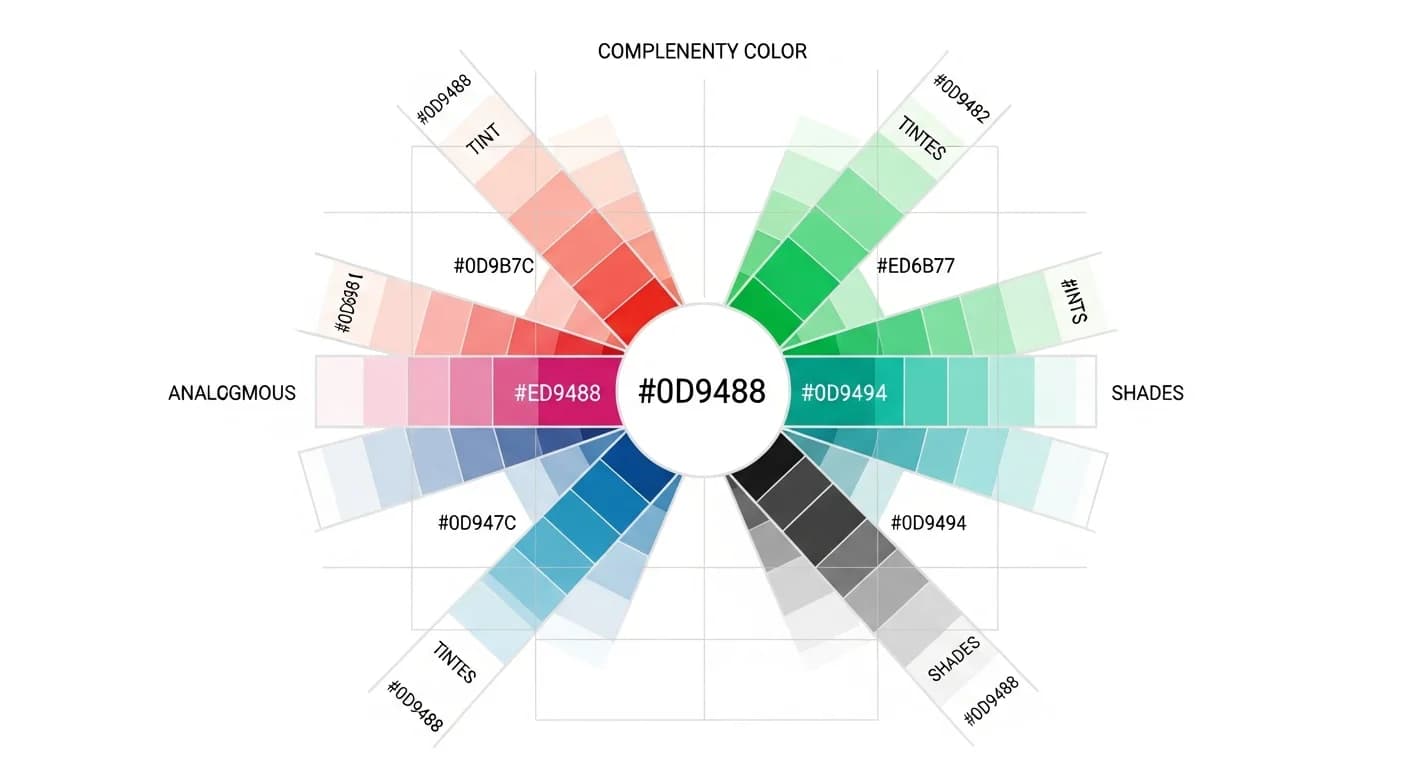
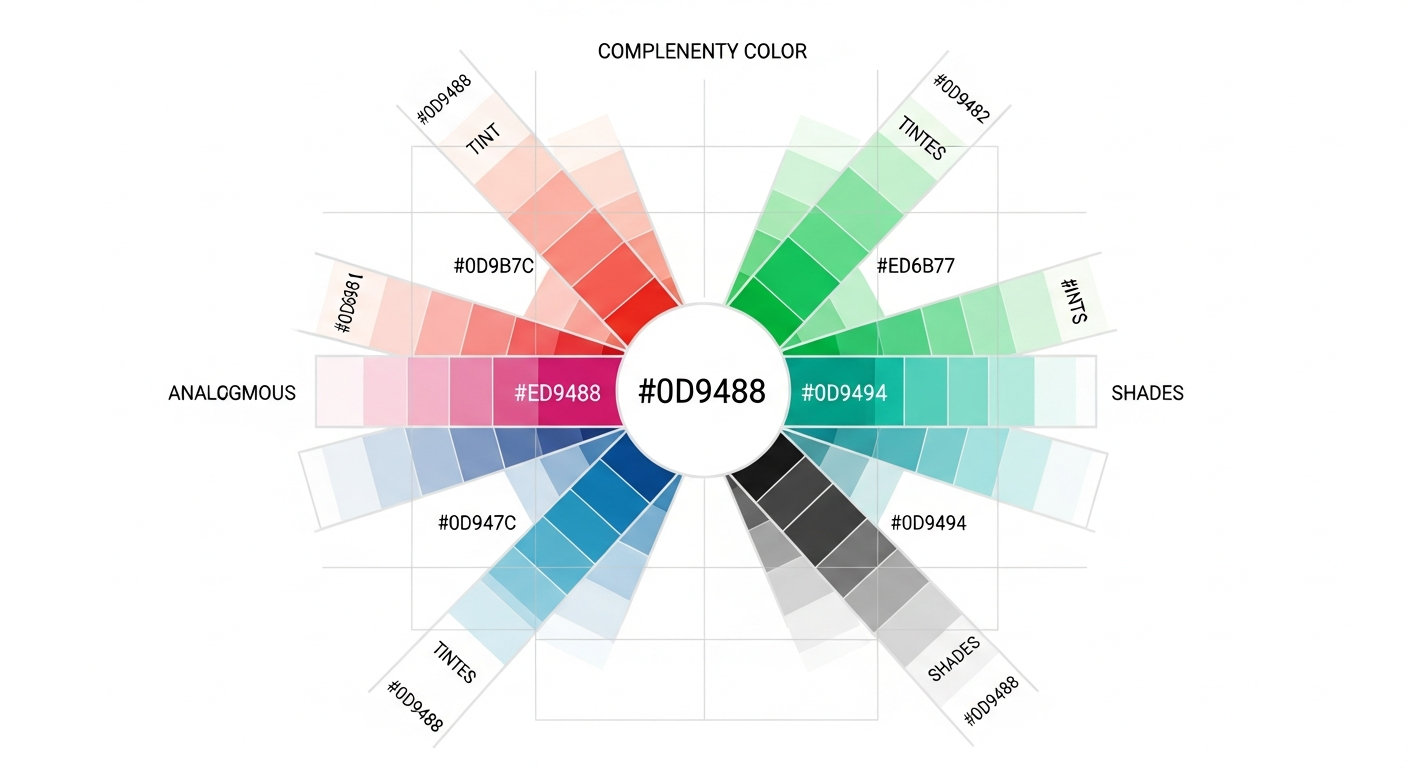
Every great color palette can start with a single hex code. Whether you have a brand color you need to build around, a paint swatch you want to coordinate with, or a favorite hue from a website you admire, knowing how to expand one hexadecimal color value into a full, harmonious palette is one of the most practical design skills you can develop. A hex color palette generator automates this process, but understanding the principles behind it gives you creative control that no tool can replace.
This guide walks through the complete process of building palettes from hex codes — starting with how hex values work, moving through complementary, analogous, and monochromatic expansion techniques, and finishing with the best free tools and practical interior design applications. By the end, you will be able to take any six-character hex code and confidently generate a five-color palette suitable for any project.
Understanding Hex Codes and Color Systems
A hex code is a six-character alphanumeric string that represents a specific color using the hexadecimal (base-16) number system. The format is #RRGGBB, where RR represents the red channel (00 to FF), GG the green channel, and BB the blue channel. Each pair translates to a value from 0 to 255 in the RGB color model. For example, #2E86AB breaks down to 46 red, 134 green, 171 blue — a medium teal-blue.
For palette building, converting hex to HSL (Hue, Saturation, Lightness) is more useful than RGB because HSL directly maps to the color wheel. Hue is the angle on the wheel (0 to 360 degrees), saturation is the color intensity (0 to 100 percent), and lightness is how light or dark the color appears (0 to 100 percent). When you understand HSL, you can mathematically calculate complementary colors (hue plus 180 degrees), analogous colors (hue plus or minus 30 degrees), and monochromatic variations (same hue, different lightness).
Most online tools display hex codes by default because they are compact and universally recognized across web browsers, design software, and paint matching systems. If you have a hex code from a CSS file, a brand guidelines document, or a color picker tool, you have everything you need to build a complete palette.
How to Expand One Hex Code into a Full Palette
The expansion process follows a simple framework: start with your anchor hex code, determine its position on the color wheel using HSL conversion, then apply harmony rules to generate four to six companion colors. The most reliable approach generates one complementary color, two analogous colors, and one or two monochromatic variations (a lighter tint and a darker shade of your anchor).
For a practical example, start with #4A7C59 (a mid-tone sage green with HSL values of approximately 140 degrees hue, 27 percent saturation, 39 percent lightness). The complementary color at 320 degrees produces a muted mauve (#7C4A6D). Analogous colors at 110 degrees and 170 degrees produce olive (#6D7C4A) and teal (#4A7C6D). A lighter tint at 65 percent lightness produces #8FB89E, and a darker shade at 20 percent lightness produces #263D2E. These six colors form a cohesive, nature-inspired palette.
Complementary and Analogous Palettes from Hex
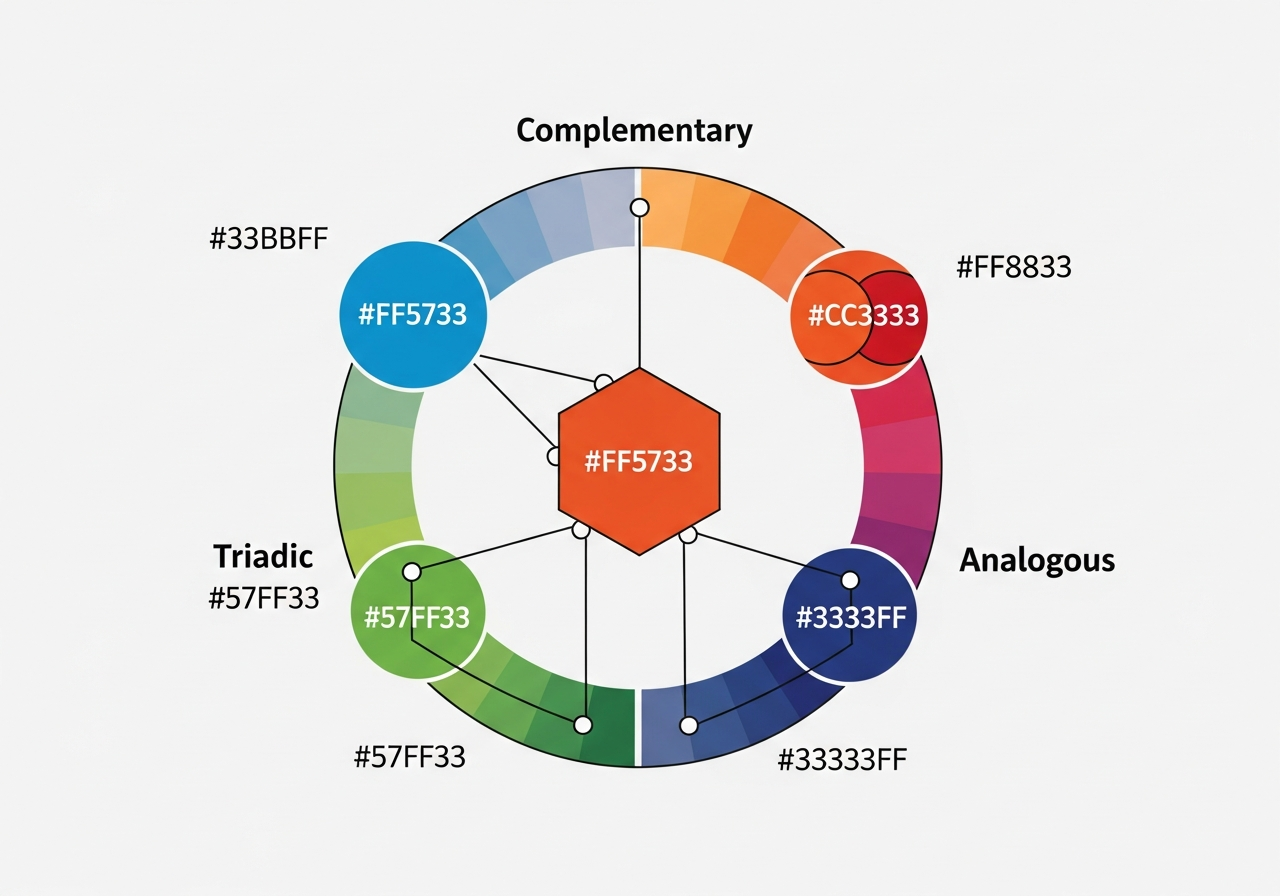
Complementary palettes use colors from opposite sides of the color wheel — 180 degrees apart in HSL. These palettes create maximum contrast and visual energy. A blue hex code (#2563EB) generates an orange complement (#EB8225). Complementary pairs are bold and attention-grabbing, making them ideal for accent walls paired with their opposite, brand logos, and feature elements in room design.
Analogous palettes use colors adjacent on the wheel — typically 30 degrees apart. These palettes feel calm and cohesive because the colors share underlying hue relationships. A teal anchor generates blue-teal and green-teal companions. Analogous palettes are the most popular choice for interior design because they create visual harmony without the dramatic tension of complementary schemes. Most well-decorated rooms use an analogous base with one complementary accent.
Split-complementary palettes offer a middle ground — instead of the direct complement, use the two colors flanking it (complement plus or minus 30 degrees). This creates strong contrast with less visual tension than a pure complementary scheme. For deeper guidance on choosing between these harmony types, see our home decor color palette guide.
Monochromatic Tints and Shades from a Single Hex
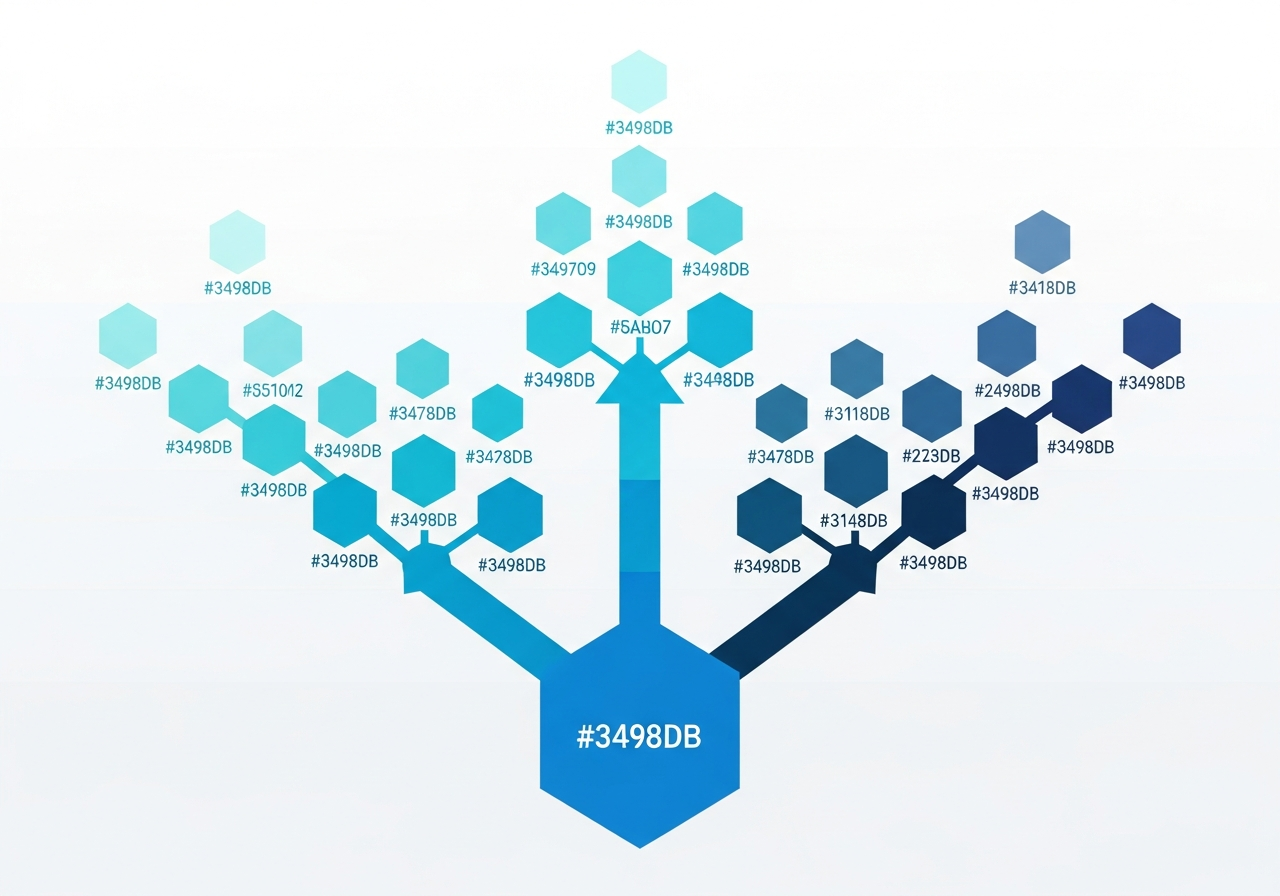
Monochromatic palettes are built from a single hue by varying only the lightness and saturation. Starting from your anchor hex, create tints by increasing lightness (adding white) and shades by decreasing lightness (adding black). A five-step monochromatic scale from a medium blue (#3B82F6) might include: very light (#DBEAFE), light (#93C5FD), medium (#3B82F6), dark (#1D4ED8), and very dark (#1E3A8A).
Monochromatic palettes are the safest choice for beginners because they eliminate the risk of clashing colors — every shade shares the same underlying hue. In interior design, monochromatic schemes create sophisticated, layered spaces when combined with varied textures. A monochromatic blue bedroom with navy velvet pillows, sky blue walls, medium blue curtains, and pale blue bedding looks cohesive and intentional. The texture differences — velvet, matte paint, linen, cotton — prevent the single-color approach from feeling flat.
To generate monochromatic palettes mathematically, keep the hue constant, maintain or slightly reduce saturation as you move toward lighter tints, and adjust lightness in even increments. A lightness spread of 15 to 20 percentage points between each step produces distinct but harmonious variations that work well in both digital and physical applications.
Tools That Build Palettes from Hex Codes
Several free tools specialize in hex-to-palette expansion. Coolors lets you paste a hex code, lock it, and generate complementary colors with a single keypress. Adobe Color accepts hex input on its color wheel and instantly shows complementary, analogous, triadic, and split-complementary companions. Paletton provides the most granular control, letting you adjust saturation and brightness independently for each generated color.
The HanoDecor Color Palette Generator accepts hex codes and generates palettes specifically optimized for interior design. Unlike general-purpose tools, it accounts for how colors look on physical surfaces — walls, wood floors, fabric textures — under residential lighting conditions. Enter your starting hex and the tool generates a room-ready palette with wall, furniture, and accent assignments.
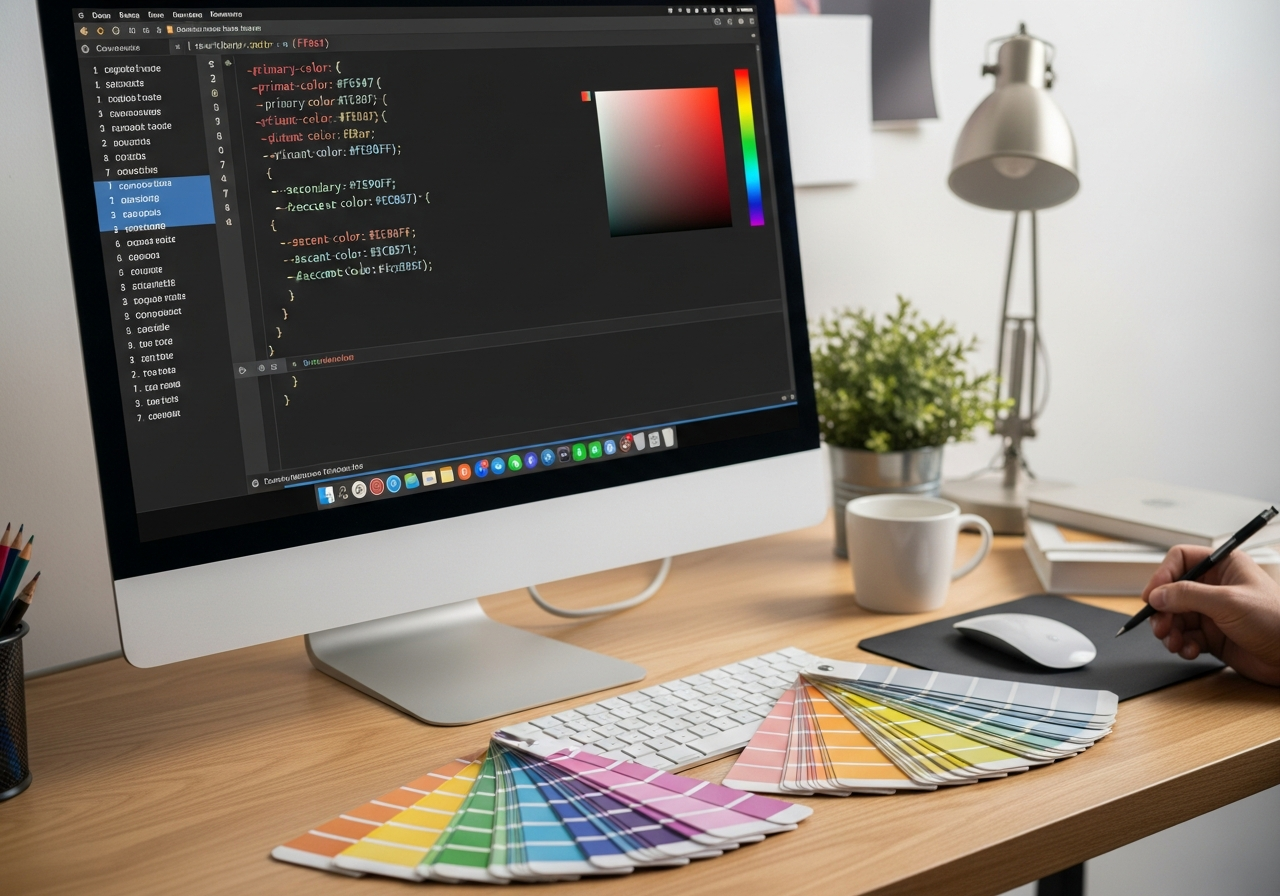
For web developers, CSS custom properties make hex palette implementation straightforward. Define your palette as CSS variables and reference them throughout your stylesheet for consistent, maintainable color management. For website-specific palette guidance, see our UI color palette guide. For a full tool comparison, visit our free palette generator comparison.
Applying Hex-Based Palettes to Interior Design
Translating hex codes to interior design requires bridging the gap between screen colors and physical materials. Start by entering your generated hex values into paint brand matching tools — Benjamin Moore, Sherwin-Williams, and Behr all offer hex-to-paint-color converters. Order physical samples of the closest matches because screen calibration differences mean a hex value that looks perfect on your monitor may appear slightly different in person.
When applying your hex-based palette to a room, assign colors using the 60-30-10 rule: 60 percent for the dominant wall color (typically the lightest tint from your palette), 30 percent for secondary elements like large furniture and curtains (a mid-tone from your palette), and 10 percent for accents like pillows, artwork, and decorative objects (the most saturated or contrasting color). This distribution ensures balance regardless of which specific colors you chose.
Test your palette with the HanoDecor AI House Painter to see how the colors look on your actual walls before committing. Upload a photo of your room, enter your hex values, and get a photorealistic preview in seconds. Browse our design ideas hub for inspiration across every room type and style.
WCAG Contrast Considerations for Hex Palettes
If you are building a hex palette for web or digital design, verify that your color combinations meet WCAG 2.1 accessibility standards. Text must have a contrast ratio of at least 4.5:1 against its background for normal text and 3:1 for large text. Tools like WebAIM's Contrast Checker let you input two hex values and instantly see whether they pass AA or AAA compliance levels.
For interior design, contrast is equally important but measured visually rather than mathematically. Ensure your palette has sufficient light-dark range that text on signs, labels, or screens within the room remains readable. Rooms with very low contrast between wall and furniture colors can feel flat and undefined, while excessive contrast creates visual fatigue. For accessible digital palettes, see our accessible palette guide.
Related Articles
Explore more palette building techniques: Best Free Color Palette Generators compares 10 tools including hex-based options. Gradient Color Palette Generator covers smooth hex-to-hex transitions. How to Choose a Color Palette for Home Decor applies palette theory to room design. Visit the design gallery for completed project inspiration.
Frequently Asked Questions
What is a hex code and how does it represent color?
A hex code is a six-character string preceded by a hash symbol (#) that represents a color in the RGB color model. The first two characters define the red channel (00 to FF), the middle two define green, and the last two define blue. Each pair translates to a decimal value from 0 to 255. For example, #FF0000 is pure red (255 red, 0 green, 0 blue) and #000000 is black (all channels at zero).
How many colors can I generate from one hex code?
You can generate an unlimited number of colors from a single hex code using various harmony rules. A standard five-color palette (anchor, complement, two analogous, one tint or shade) is the most practical starting point. For larger projects, you can expand to 12 or more colors by combining monochromatic scales, split-complementary pairs, and triadic extensions. Most interior design projects work best with five to seven distinct colors.
Can I convert hex codes to paint colors?
Yes. Major paint brands offer hex-to-paint matching tools on their websites. Enter your hex value and the tool returns the closest available paint color with its brand-specific name and code. Keep in mind that paint colors are formulated from physical pigments, so the match may not be exact. Always order sample pots and test under your room's lighting conditions before committing to full gallons.
What is the difference between tints, shades, and tones?
A tint is a color mixed with white, increasing its lightness. A shade is a color mixed with black, decreasing its lightness. A tone is a color mixed with gray, reducing its saturation while maintaining approximate lightness. In HSL terms, tints increase the L value, shades decrease it, and tones decrease the S value. All three techniques expand a single hex code into a monochromatic range useful for creating depth and hierarchy in design.
Is HSL or RGB better for building palettes?
HSL is better for building palettes because it maps directly to the color wheel. Hue rotation for harmony rules, saturation adjustments for intensity, and lightness changes for tints and shades are all intuitive in HSL. RGB is better for implementation — CSS, digital displays, and print production use RGB-based values. The best workflow uses HSL for palette design and converts to hex (which is RGB-based) for final implementation.
Generate Palettes from Any Color with HanoDecor AI
Have a hex code and need a complete palette? The HanoDecor Color Palette Generator accepts any hex value and generates complementary, analogous, and monochromatic companions optimized for interior design. See your palette on your actual room walls, test different harmony types, and download the complete palette with HEX, RGB, and HSL values for every color.
Explore the full HanoDecor Studio for AI-powered design tools including the AI House Painter and Room Designer. Visit our design ideas hub and check pricing plans for premium features.
How to Build a Color Palette from a Hex Code FAQs
Written by
Lisa Wang
Sustainable Design Writer focused on eco-friendly materials, energy efficiency, and budget-conscious home improvement. LEED Green Associate with expertise in low-impact renovation strategies.