Benjamin Moore Color Palette Generator: Digital Tools for Paint Selection
Quick Summary
A comprehensive guide to using Benjamin Moore's digital color tools and third-party AI palette generators for paint selection. Covers the Color Portfolio app, building room palettes with Benjamin Moore colors, the most popular BM colors for 2027, comparing BM's tools with AI generators, and the steps from digital palette to actual paint application.
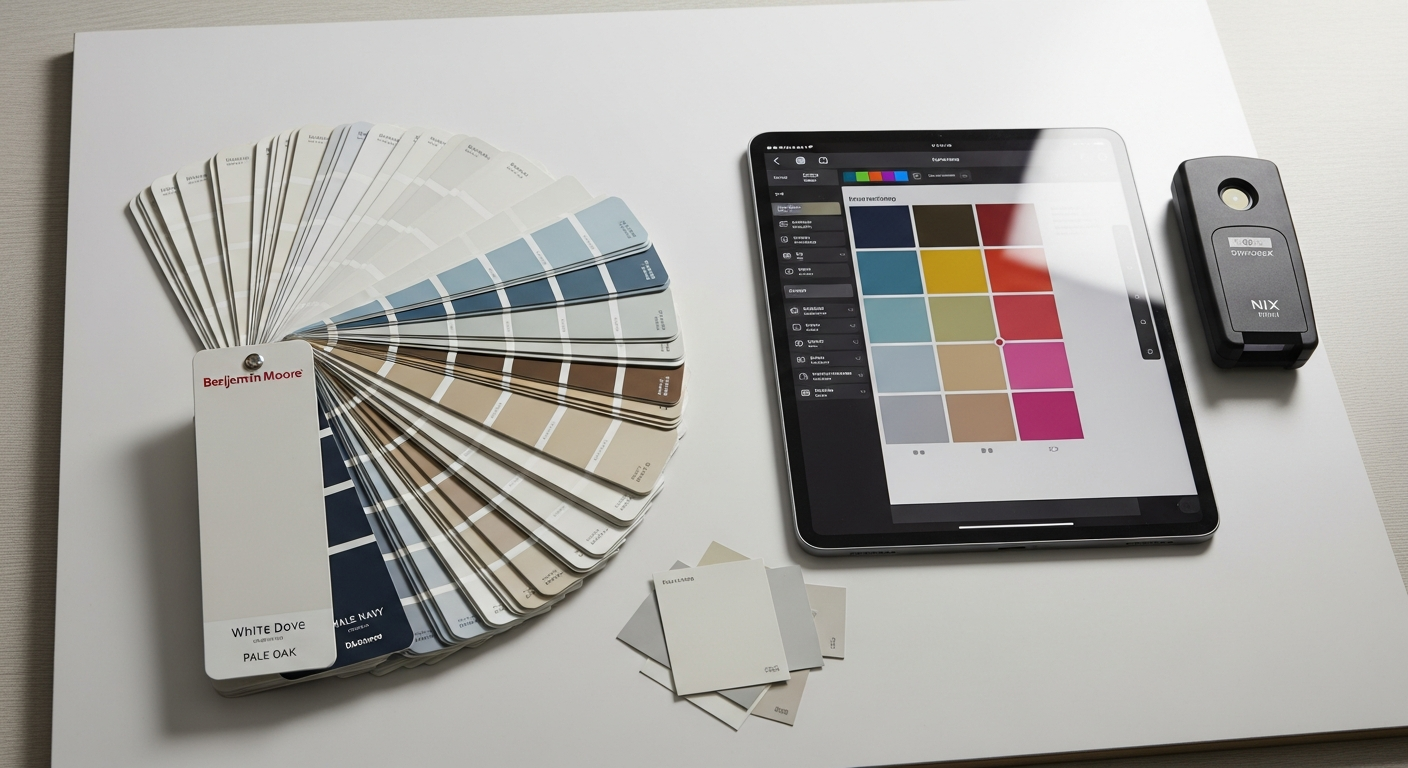
The Benjamin Moore color palette generator has become an essential tool for homeowners and designers who want to explore, compare, and visualize paint colors before committing to gallons. Benjamin Moore offers over 3,500 colors across its portfolio, and navigating that many options without digital assistance leads to decision paralysis, wasted sample pots, and costly repaints. Digital palette tools transform this overwhelming catalog into a streamlined selection process that saves time, money, and the frustration of choosing the wrong shade.
This guide covers Benjamin Moore's own digital color tools including the Color Portfolio app and fan deck system, shows you how to build room-specific palettes using Benjamin Moore colors, highlights the most popular BM colors trending for 2027, compares Benjamin Moore's native tools with AI-powered palette generators that offer more advanced visualization capabilities, and walks you through the steps from digital palette selection to actual paint on your walls.
Benjamin Moore's Digital Color Tools Overview
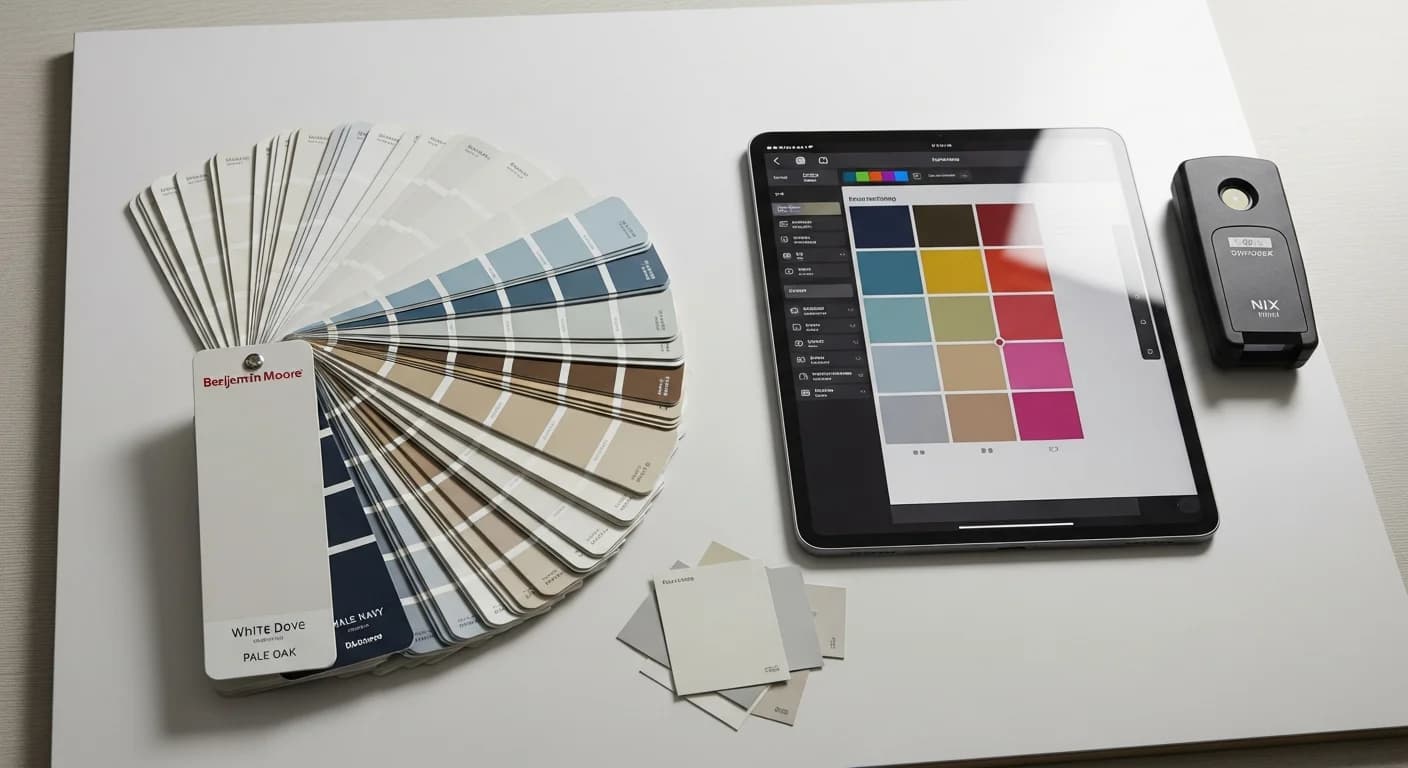
Benjamin Moore provides several digital tools for color exploration and selection. The Color Portfolio app is their primary mobile tool, allowing users to browse the full color catalog, save favorites, and visualize colors in room photos. The online Color Gallery lets you filter colors by hue family, undertone, and light reflectance value. The Color Pairs tool suggests complementary two-color combinations from their catalog. And the physical fan deck, available at authorized retailers, remains the most accurate way to evaluate actual paint pigments under your home's specific lighting.
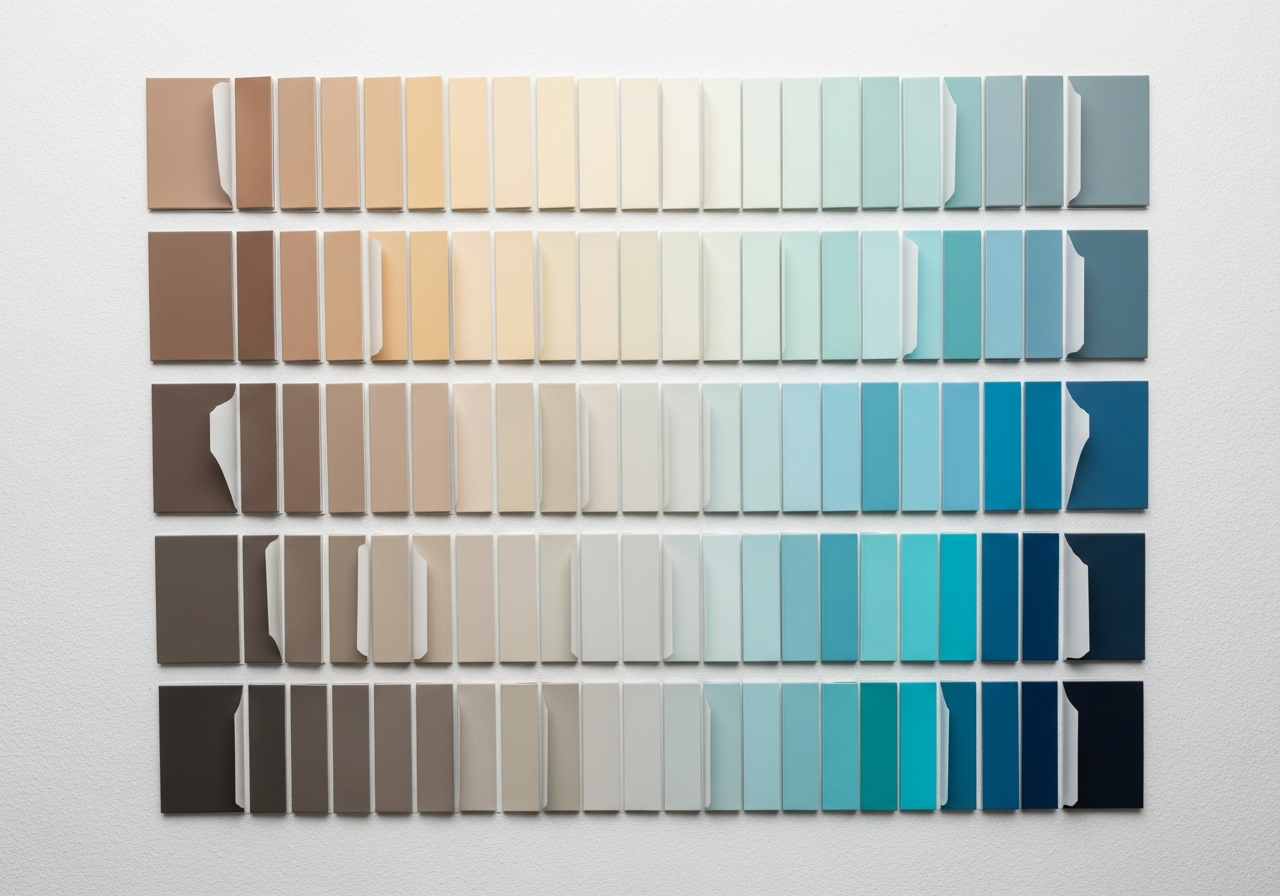
Benjamin Moore also offers peel-and-stick color samples that provide a larger and more accurate color representation than traditional paint chips. These adhesive samples can be applied directly to your wall, moved between rooms, and viewed under different lighting conditions throughout the day. At approximately $5 per sample versus $8 to $15 per sample pot, they offer a more affordable way to test multiple colors before committing.
While Benjamin Moore's tools excel at browsing and comparing colors within their own catalog, they have limitations when it comes to generating harmonious multi-color palettes from scratch or visualizing those palettes in photorealistic room renderings. This is where third-party AI palette generators complement Benjamin Moore's native tools, as we will explore later in this guide.
How to Use the Color Portfolio App
The Benjamin Moore Color Portfolio app is available for iOS and Android and provides the most comprehensive mobile experience for exploring their catalog. Start by browsing the color wall, which displays the full range organized by hue family. Tap any color to see its name, code, light reflectance value, and available sheen options. The app also shows coordinating colors that Benjamin Moore's designers have pre-selected as harmonious companions.
The app's photo visualization feature lets you take a photo of your room and apply Benjamin Moore colors to walls, trim, and accent surfaces. While the visualization quality is basic compared to dedicated AI tools, it provides a quick approximation that helps narrow your shortlist. Save your favorite colors to custom boards organized by room or project. You can share these boards with family members, interior designers, or your painting contractor for collaborative decision-making.
One underutilized feature is the color match scanner. Point your phone camera at any color — a fabric swatch, a flower, a piece of art — and the app identifies the closest Benjamin Moore match. This bridges the gap between inspiration and paint selection, letting you capture colors from the real world and translate them directly into Benjamin Moore product codes.
Building a Room Palette with Benjamin Moore Colors
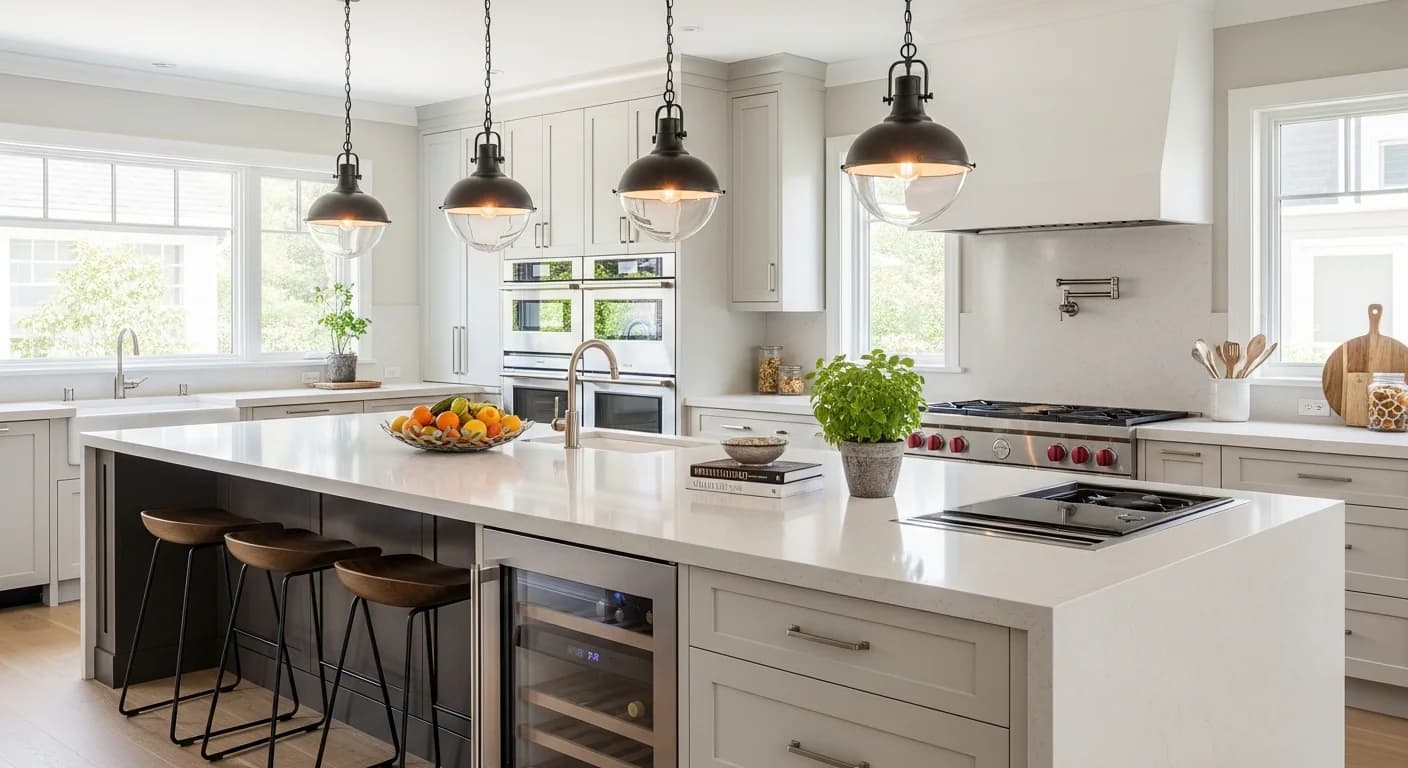
Building a cohesive room palette with Benjamin Moore colors starts with identifying your room's fixed elements. What color is the flooring? What finish are the cabinets or built-ins? What metal tone dominates the hardware and fixtures? These unchangeable elements establish constraints that your paint palette must work around. Enter these fixed colors into a palette generator to receive Benjamin Moore recommendations that complement your existing surfaces.
Apply the 60-30-10 rule to your Benjamin Moore selections. Your dominant wall color should be a neutral from their extensive whites and neutrals collection — this is where BM truly excels with hundreds of nuanced whites, grays, greiges, and taupes. Your secondary color for accent walls, furniture paint, or cabinet color can come from their more saturated mid-tone range. Your accent color for the front door, decorative accessories, or a statement piece uses their boldest pigments.
Benjamin Moore groups their colors into curated collections like Color Trends, Classics, and Historic Colors that make palette building easier. The Color Trends collection is updated annually and reflects current design directions. The Classics collection includes their all-time bestsellers. The Historic Colors collection draws from period-appropriate palettes for traditional and colonial homes. For room-by-room palette strategies, see our interior design color palette guide.
Most Popular Benjamin Moore Colors for 2027
Benjamin Moore's bestselling colors consistently include timeless neutrals that work across architectural styles and design aesthetics. Simply White (OC-117) remains the most popular white, offering a warm, clean white without yellow undertones. Chantilly Lace (OC-65) provides a crisper, cooler white for modern and contemporary spaces. White Dove (OC-17) splits the difference with a soft, slightly warm white that flatters north-facing rooms.
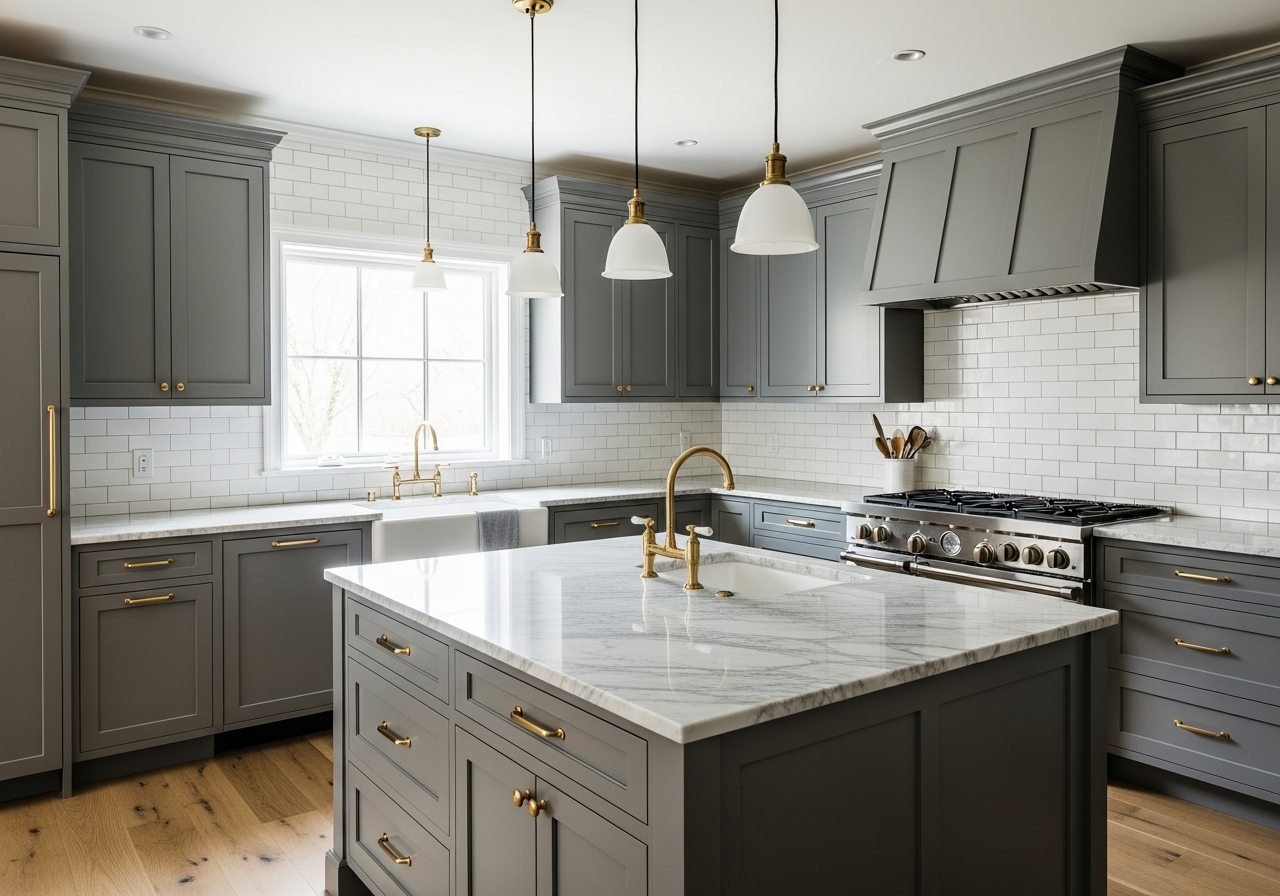
In the gray and greige family, Revere Pewter (HC-172) continues as the most specified greige in residential design, offering a warm gray with beige undertones that adapts to virtually any lighting condition. Edgecomb Gray (HC-173) provides a lighter, airier alternative. Chelsea Gray (HC-168) delivers a sophisticated medium-dark gray for accent walls, cabinets, and exterior trim. For navy lovers, Hale Navy (HC-154) is the top choice for statement walls, front doors, and exterior accents.
Trending colors for 2027 include warm earth tones inspired by nature — terracotta, olive, clay, and warm sand — reflecting the broader design movement toward organic, grounding interiors. Benjamin Moore's Color of the Year, announced each October, sets the design direction for the coming year and influences palette trends across the industry. Pair trending accent colors with proven neutrals like Revere Pewter or Simply White for palettes that feel current without being risky.
Comparing Benjamin Moore's Tool with AI Palette Generators
Benjamin Moore's native tools excel at browsing and comparing colors within their catalog but lack the advanced AI capabilities that third-party palette generators offer. BM's tools suggest coordinating colors but do not generate complete multi-room palettes optimized for specific design styles, undertone consistency, or lighting conditions. Their visualization feature applies flat color overlays to room photos rather than photorealistic renderings that show how paint interacts with light, shadow, and texture.
AI palette generators like HanoDecor's Color Palette Generator analyze your room photo, identify fixed elements, assess lighting conditions, and generate complete palettes with role assignments and hex codes. You can then cross-reference the generated hex codes with Benjamin Moore's catalog to find the closest BM product match. This hybrid workflow combines the intelligence of AI palette generation with the quality and availability of Benjamin Moore paint products.
The biggest advantage of AI generators is photorealistic visualization. Upload a photo of your actual room and see how Benjamin Moore Revere Pewter, Hale Navy, or Simply White look on your specific walls with your specific lighting, furniture, and flooring visible in the rendering. This level of visualization accuracy far exceeds the flat color overlay approach of BM's native app and dramatically reduces the risk of choosing the wrong color.
From Digital Palette to Real Paint: Next Steps
Once your digital palette is finalized, the next step is physical validation. Order peel-and-stick samples or small sample pots for your top two to three color choices for each surface. Apply large test swatches — at least 12 by 12 inches — on the actual walls where the paint will go. View the samples under both natural daylight and evening artificial lighting over a minimum of 48 hours. Colors shift dramatically between morning, midday, and evening light, and a 48-hour observation period catches these variations.
When ordering paint, choose the right Benjamin Moore product line for each surface. Regal Select is their premium interior line offering excellent coverage and durability. Ben is a more affordable option for bedrooms and low-traffic areas. Aura is the top-tier choice for high-traffic spaces, kitchens, and bathrooms, offering superior washability and color richness. For exteriors, Aura Exterior and Regal Select Exterior provide the best UV resistance and weather durability.
Paint sheen affects how colors appear on walls. Flat and matte finishes absorb light and make colors appear slightly darker and more muted. Eggshell and satin finishes reflect some light, making colors appear truer to the swatch. Semi-gloss and high-gloss finishes reflect significant light and make colors appear lighter and more vibrant. For most wall applications, eggshell or satin provides the best balance of accurate color representation and practical durability. For exterior palettes, see our exterior house color palette guide.
Related Articles
Continue your color selection journey with these related guides: Interior Design Color Palette Generator covers room-by-room palette strategies. Exterior House Color Palette Generator provides curb appeal combinations. Pantone Color Palette Generator covers professional color matching across brands. How to Choose a Color Palette for Home Decor bridges color selection and styling.
Frequently Asked Questions
Is the Benjamin Moore Color Portfolio app free?
Yes, the Benjamin Moore Color Portfolio app is free to download and use on both iOS and Android. It provides access to the full color catalog, coordinating color suggestions, a room photo visualizer, and the color match camera scanner. There are no in-app purchases required to access any color browsing or palette building features.
What is the most popular Benjamin Moore white?
Simply White (OC-117) is the most popular Benjamin Moore white overall, offering a warm, clean white that works in virtually any room and lighting condition. For cooler, crisper whites, Chantilly Lace (OC-65) is the top choice. White Dove (OC-17) provides a soft, slightly warm alternative that flatters north-facing rooms and traditional interiors. The right white depends on your room's light exposure and the undertones of your surrounding decor and flooring.
Can I match Benjamin Moore colors to other paint brands?
Most paint retailers can color-match Benjamin Moore formulas, but the results vary depending on the base paint quality and pigment system used. Benjamin Moore's proprietary Gennex colorant system produces richer, more accurate colors than generic colorant systems. For the most accurate color reproduction, purchase Benjamin Moore paint from an authorized retailer. If you must use another brand, bring a large BM color sample for matching rather than relying on a color code cross-reference.
How many paint samples should I test before choosing?
Test three to five paint samples per surface to find the right color. Start with AI visualization to narrow your options from hundreds to a shortlist of five to eight colors, then order physical samples for your top three to five choices. Apply large swatches on the actual walls and observe them under different lighting conditions over 48 hours. This process typically costs $15 to $50 in samples but prevents the $200 to $500 cost of repainting an entire room in the wrong color.
What Benjamin Moore sheen should I use for walls?
Eggshell is the most popular sheen for interior walls because it provides a subtle soft sheen that is easy to clean while hiding minor wall imperfections. Satin offers slightly more sheen and durability, making it ideal for kitchens, bathrooms, and high-traffic hallways. Flat or matte finishes work best in bedrooms and formal living rooms where a velvety, non-reflective surface is desired. Semi-gloss is reserved for trim, doors, and cabinets where durability and a polished finish are priorities.
Preview Benjamin Moore Colors in Your Room with HanoDecor AI
See exactly how Benjamin Moore colors look on your walls before buying a single sample. Upload a photo of your room to the HanoDecor AI House Painter and preview any Benjamin Moore color in a photorealistic rendering that accounts for your room's lighting, furnishings, and fixed surfaces. Compare Simply White against White Dove, test Hale Navy on your accent wall, or see how Revere Pewter flows across your open floor plan.
Need a complete palette, not just a single color? The Color Palette Generator creates full room and whole-house palettes that you can cross-reference with Benjamin Moore's catalog for exact product matches. Explore the full HanoDecor Studio for all your color visualization needs, or browse our design gallery for inspiration from thousands of professionally designed rooms featuring popular Benjamin Moore colors. Check our pricing page for premium features.
Benjamin Moore Color Palette Generator FAQs
Written by
Emily Rodriguez
Interior Design Editor covering living spaces, styling trends, and room makeovers. Former Architectural Digest contributor with a focus on accessible, budget-conscious design.